
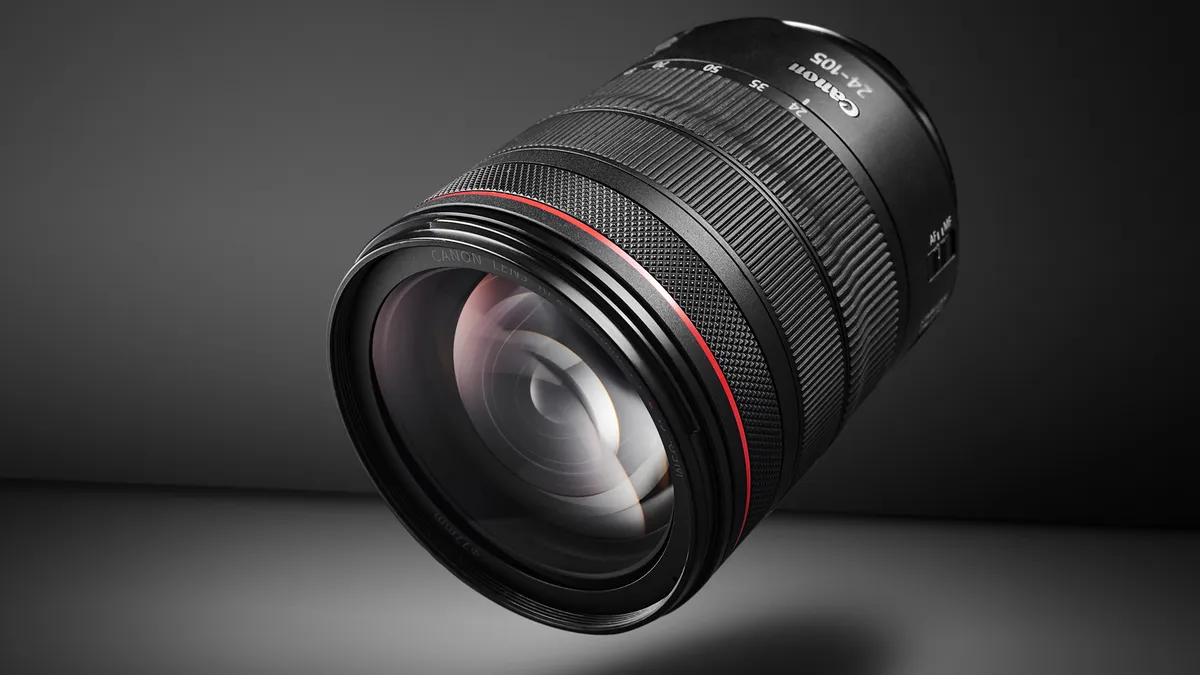
Canon has released a new firmware update for a popular zoom RF lens – the Canon RF 24-105mm f/4L IS USM. The latest update adds features that go beyond minor fixes, introducing new levels of control and usability when paired with EOS R bodies.
So, unlike other firmware updates, this one unlocks genuinely useful new functionality that changes how the lens behaves in day-to-day shooting.
Firmware Version 2.0.7 brings full-time manual focus support in both One-Shot and Servo AF modes, alongside the ability to repurpose the focus ring as a control ring – a major win for video shooters and hybrid creators looking for silent aperture control.
Availability: Ver. 2.0.7
Canon Europe
- Windows and macOS versions
Canon USA
- Windows and macOS versions
Canon Australia
- Windows version
- macOS version
As always, I recommend holding off on updating for a week or two just to ensure that everything runs smoothly and community feedback is positive.
Firmware
RF 24-105mm F4L IS USM – What's new
Firmware Version 2.0.7 incorporates the following enhancements:
1. Adds full-time manual focus, which enables constant manual focus adjustment in both One-Shot and Servo AF modes.*
*This function is enabled when used with compatible cameras.
2. Adds the ability to use the focus ring as a control ring.
Example: By assigning the control ring the ability to change the aperture, you can adjust the aperture without click sounds being recorded by the microphone.*
*This function is enabled when used with compatible cameras.
3. Improves other system stability.
If the lens' firmware is already Version 2.0.7, it is not necessary to update the firmware.
You can check the firmware version of the lens from the camera menu. Refer to the camera instruction manual for how to check the current firmware version. Perform the firmware update with only the firmware file to be updated stored on the memory card.
Preparations for a firmware update:
After the downloaded compressed file (.zip) is extracted, a firmware folder is created.
*Extracting the downloaded file:
Right-click the zip file, and then select Extract All to extract the file.
In the folder you downloaded are the firmware (001207.afu / file size: 2,883,636 bytes) and instructions on the firmware update procedures (a PDF file in five languages: Japanese, English, French, Spanish, and Simplified Chinese).
Before starting the firmware update operations, please be sure to carefully review the instructions to confirm your understanding of the firmware update procedures.
Expert Advice
If you caught Episode 4 of Bokeh Face: Digital Camera World podcast, we discussed the best time to install firmware updates, why they matter, but also what issues they can cause. It's a helpful listen if you're unsure when – or whether – you should update.
You can check out the episode for more insights, potential risks, and expert advice on our YouTube channel,Spotify, Apple Podcasts and all your favorite podcast services.

You might like...
Browse the best Canon cameras, the best Canon RF lenses, and Canon's 10 most popular RF lenses.

