




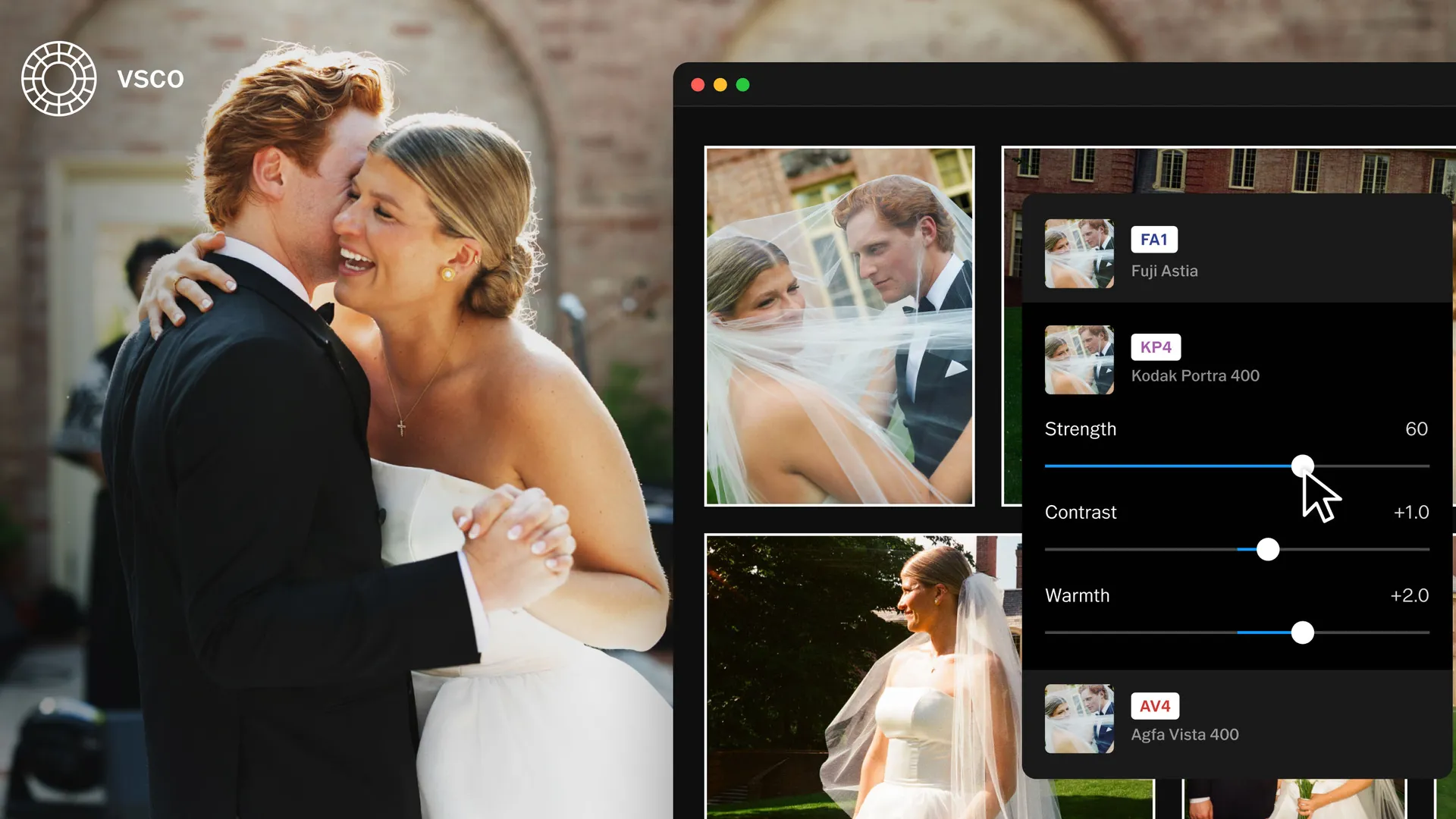
VSCO got its start with its popular mobile app and film-inspired presets, but now VSCO is all grown up and launching a full desktop photo editor. VSCO Studio Pro Desktop is a macOS photo editor built specifically for working with high-volume batch editing.
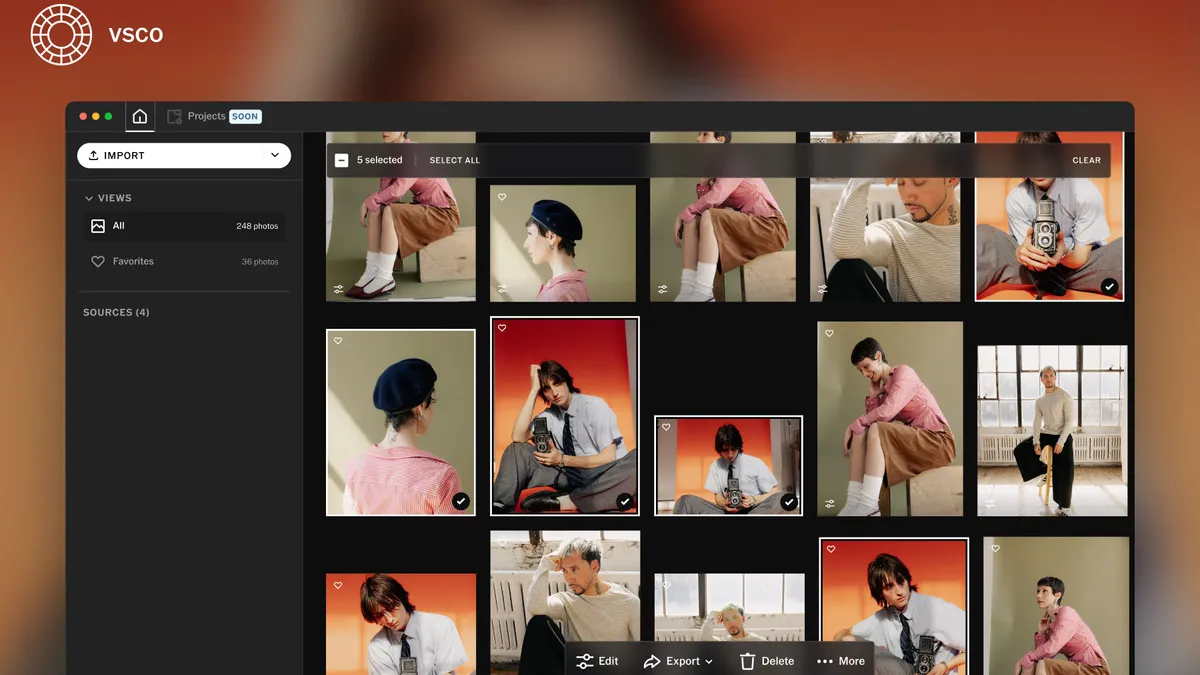
VSCO says that Studio Pro Desktop is built to be a faster, more affordable photo editing experience designed to keep the editing workflow in a single app. Batch editing is a key focus for the app, which allows photographers to edit as many as 500 photos at one time.
At import, VSCO Studio Pro Desktop supports RAW, JPEG, and HEIC files, with more than 800 cameras from 20 different brands supported at launch. Those files can be imported from the computer, external hard drive, memory cards, or the macOS Photos app. Once inside the app, VSCO says creators can quickly mark their favorites.
While VSCO has built the new desktop app from the ground up, the presets that sparked VSCO’s rise to fame remain part of the new app. The desktop version launches with more than 200 presets, including looks inspired by Kodak Portra, Kodachrome, Fujifilm Velvia, and Kodak Tri-X. The desktop app also launches with a new exclusive preset from photographer Joe Greer.
The new desktop app is a non-destructive photo editor that, like longstanding options such as Adobe Lightroom and Capture One, writes adjustments in the metadata to give creators the option to undo or further tweak those adjustments later.
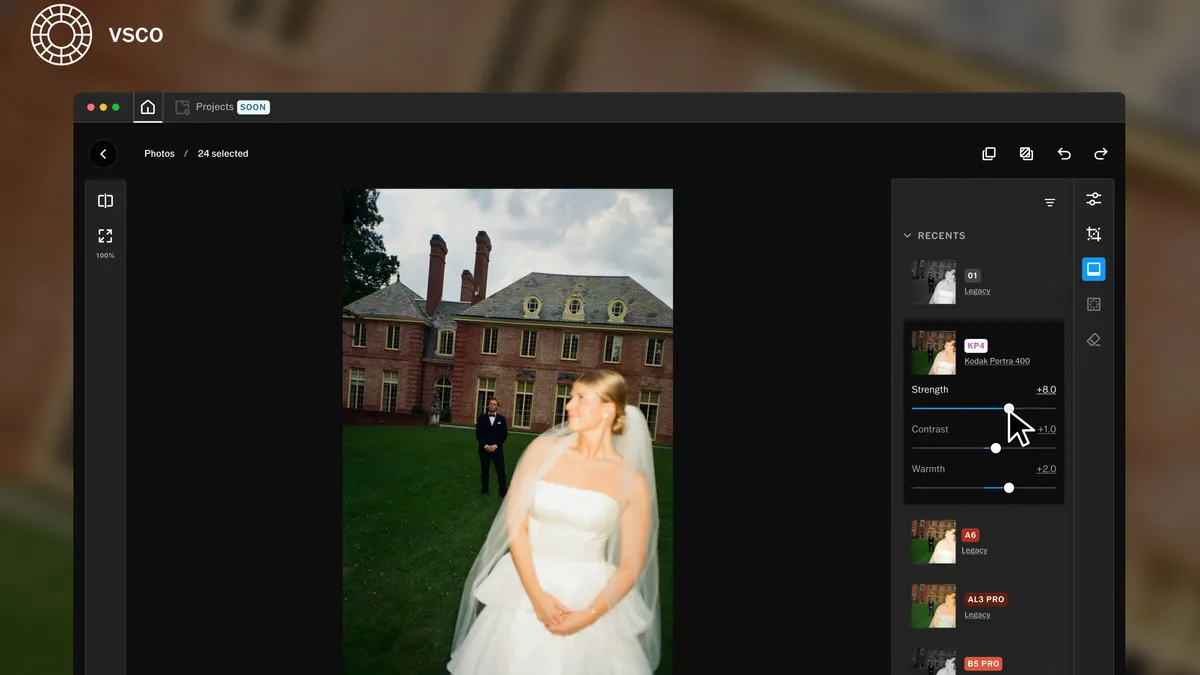
At launch, VSCO Studio Pro’s list of editing tools includes:
- Exposure
- Contrast
- Sharpening
- Saturation
- Highlights and shadows
- White point and black point
- Clarity
- White balance
- HSL (Hue, saturation, luminance)
- Skin tone
- Vignette
- Grain
- Fade
- Crop
Creators will also have access to before-and-after comparisons, zooming to check focus, undo/redo options, and keyboard shortcuts. Once edited, images can be exported with a range of options, including adjusting resolution and quality.
VSCO is launching Studio Pro Desktop after launching Studio Pro for iOS earlier this year. VSCO is looking for feedback to shape the next features. VSCO anticipates rolling out additional tools including project organization, manual culling, a remove tool, masking, curves, bloom and halation, and publishing multiple images to a VSCO profile.
While VSCO is best known for its mobile photo editor, the desktop editor continues the company’s push into serving pro photographers after acquiring the studio management software Tave and education platform The Freelance Photographer. Studio Pro Desktop will allow for publishing to VSCO Galleries for delivery to clients, all without leaving the editing app.
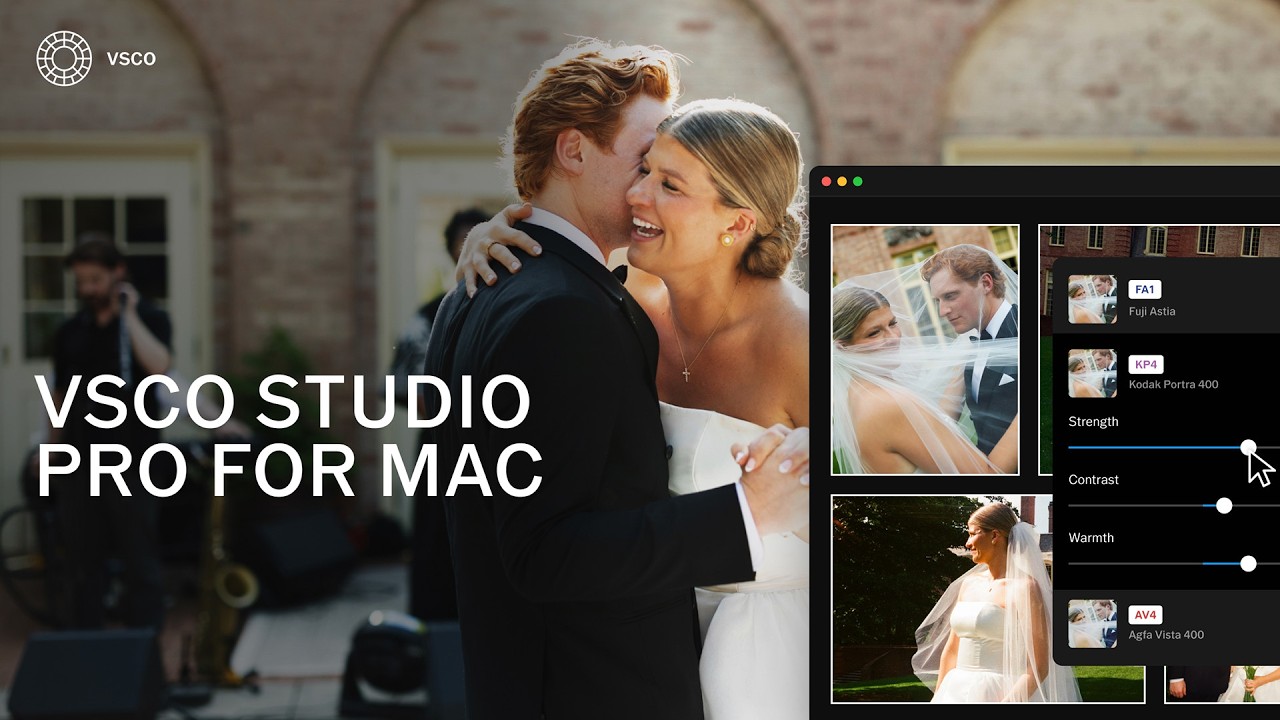
VSCO does have a web-browser-based photo editor that also works on desktops and VSCO Galleries for delivering images to clients already on desktop, but outside of those programs, Studio Pro is the first VSCO app built for photo editing on a desktop rather than a mobile device.
The launch pushes VSCO further into offering a single platform to serve pro photographers from one ecosystem, from studio management software to editing to delivering client galleries.
VSCO Studio Pro Desktop is a “freemium” software – it’s free to download and try out, but some features, including access to presets and batch editing, require a subscription. The software is part of VSCO Pro and VSCO One, the latter of which also includes client management tools for professionals. VSCO Pro memberships start at $60 / £60 / AU$100 / CA$80 annually, with monthly options available as well.
You may also like
Take a look at the best photo editing apps or the best Lightroom alternatives.

