





Ever pushed the saturation slider in your photo editing software and wondered why it's not revealing the details you need? Well, there's a reason for that.
Most color tools only stretch the contrast that you can already see. But NASA needed more detail, so it developed software that works out which colors in a photo are statistically tangled together – then untangles them. The result often looks like an entirely different image.
The two images at the top of this article, captured on the Martian surface, shows what this looks like in practice. The picture on the left depicts exactly the rust-colored Martian that you see with the naked eye, while the one on the right reveals mineral variation in electric pinks and greens.
Remapping the colors
The technique is called decorrelation stretch, and it was originally invented at NASA's Jet Propulsion Laboratory as a way to map lava flows in Hawaii and prepare for a satellite instrument called ASTER (Advanced Spaceborne Thermal Emission and Reflection Radiometer).
JPL scientist Ronald Alley wrote the definitive paper on it in 1996, refining an idea first proposed by his colleague Jim Soha two decades earlier.
Rather than simply boosting contrast, it remaps an image's colors across a wider, decorrelated range, using statistical maths borrowed from a theorem called the Karhunen-Loève Transform.
The person who spotted its wider potential was Jon Harman. He wasn't a photographer or an archaeologist by trade, but a mathematician with a background in medical imaging.
He saw the above before-and-after Mars images at a rock art conference around 2005, and realized the same approach could rescue rock paintings that had faded almost to nothing.
Harman went away and built a plugin called Dstretch for ImageJ, an open-source image processing and analysis program originally developed by the National Institutes of Health.
He then followed it with a smartphone app that mimics the effect. The plugin costs $50 (around £44 / AU$70) and the smartphone app costs $20 (£15 / AU$28).
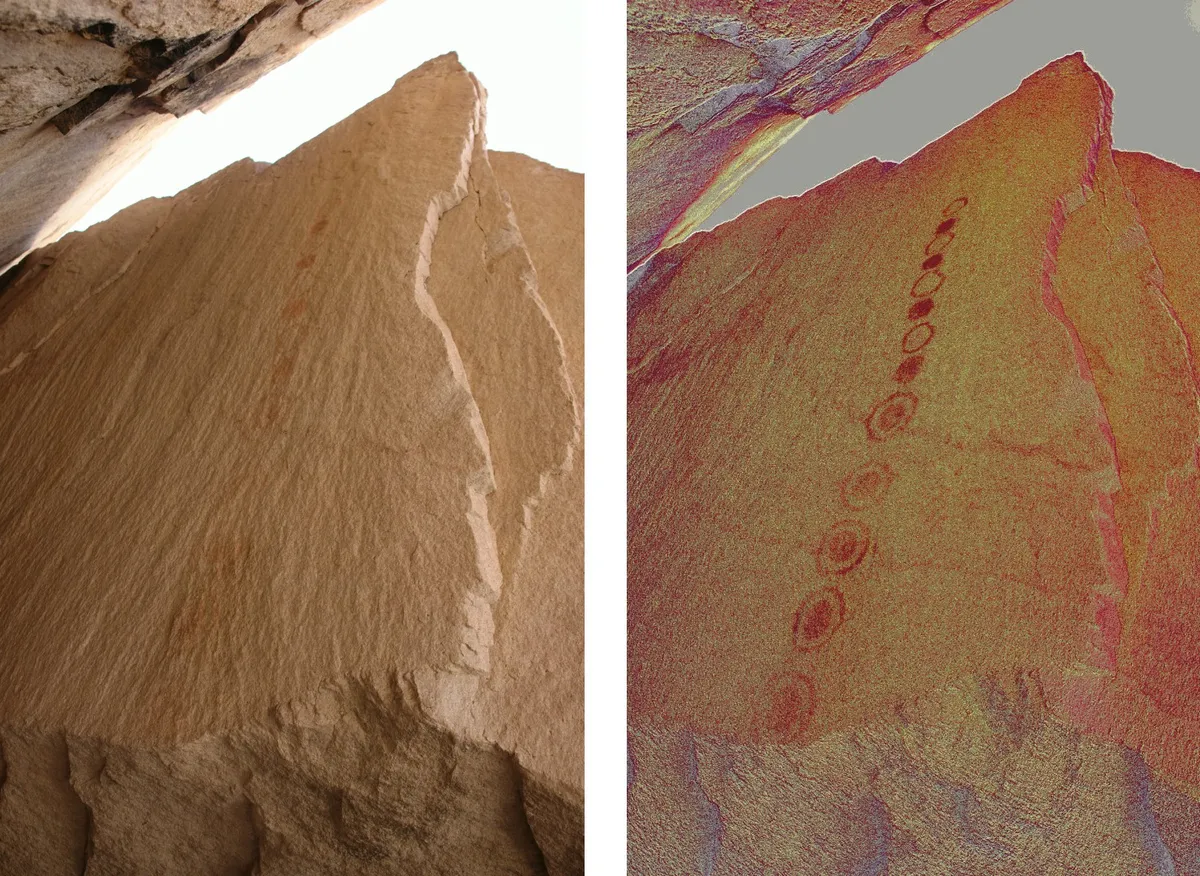
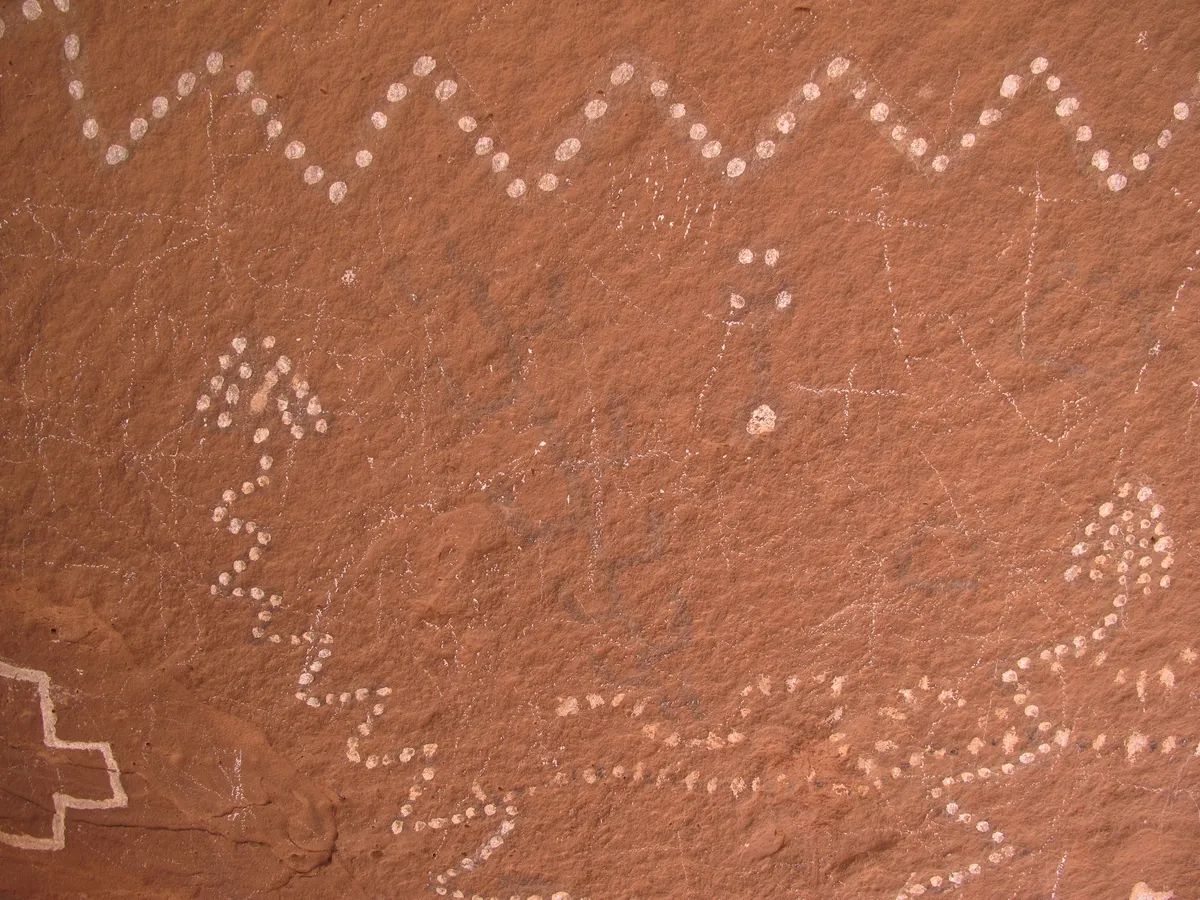

It's astonishing when you think about it: a serious piece of NASA color science that you might have expected would only ever exist in scientific papers has ended up as an affordable app that anyone can point at pretty much anything and get interesting results.
Dstretch has since uncovered around 200 faded paintings at Angkor Wat, previously unknown figures at a Norwegian rock art site, and pictures of bats and pigs in ancient Egyptian tombs.
And the important thing is, none of that required any new photos to be taken – just smarter processing of images that already existed.

