If you're looking for the best camera deals across the internet, we are constantly searching the world wide web for the best savings possible. Many of the main retailers offer great discounts and some are releasing daily deals, so check back here regularly for the best prices!
Whether you want to upgrade to one of the best mirrorless cameras, invest in a brand new camera phone or you're looking for a shiny new telephoto lens, we'll be rounding up the best camera deals here to help you find the best products.
These best deals are not just on cameras, though – lenses, lighting, drones, bags, laptops, camera phones, printers, tripods, telescopes, binoculars, webcam, and storage are included too – meaning these camera deals have something for everyone, and for all budgets.
Our top deal picks:
Why you can trust Digital Camera World Our expert reviewers spend hours testing and comparing products and services so you can choose the best for you. Find out how we test.
Top retailers
Top US retailers:
Amazon: Cheap prices on camera gear
Adorama: Big discounts on cameras and tech
Apple: Save on your new iPhone or iPad
Walmart: DSLR, Mirrorless & action cameras
B&H Photo Video: Deals on camera brands
Best Buy: Save on TVs, laptops, appliances
Canon USA: Buy direct to save money
Dell: Discounts on laptops and PCs
GoPro: Early deals on Hero 12 Black
HP: Save on laptops, desktops, monitors
Lenovo: Huge savings on laptops
Microsoft Store: Get powerful PCs & laptops
Mixbook: Cheap photo books & calendars
Samsung: Hard drives, SD cards, and more
Best camera deals
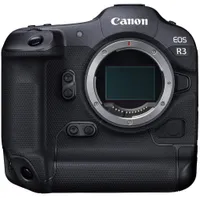
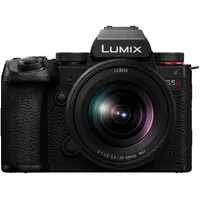
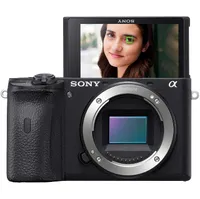
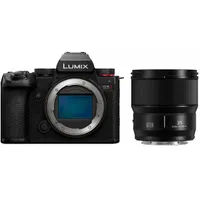
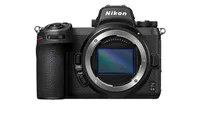
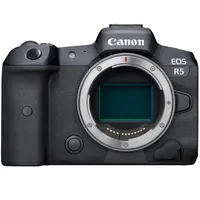
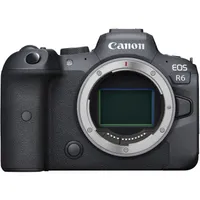
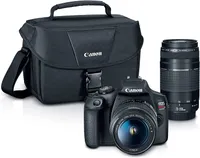
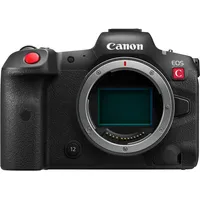
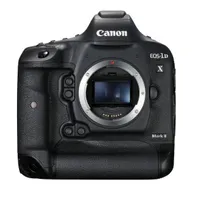
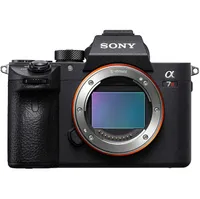
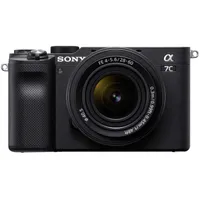
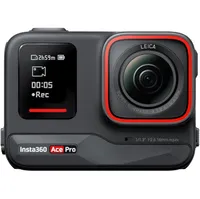
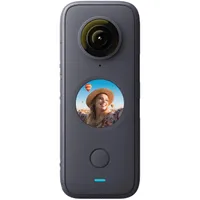
Best Action Camera deals
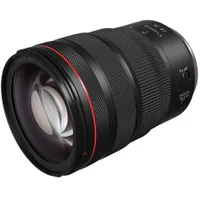
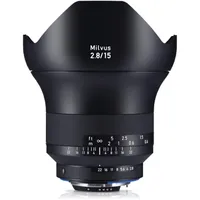
Best Lens deals
Amazon Spring Deal Days: Best security deals
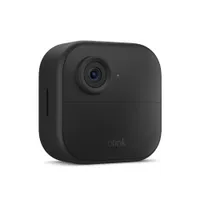
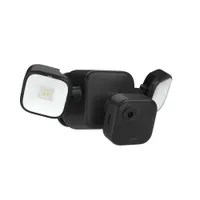
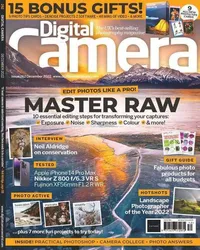
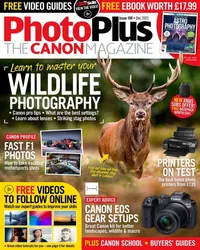
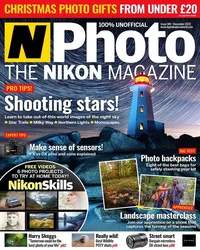
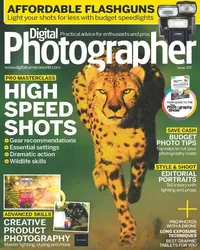
Photo magazine subs deals