
Canon has announced a raft of firmware updates for its Cinema EOS series of cameras for filmmaking, adding new functionality and compatibility as well as general operability improvements.
The cameras getting the updates are the Canon EOS C80 (1.0.7.1), EOS C400 (1.0.7.1), EOS C50 (1.0.5.1), EOS C70 (1.1.4.1) and the Canon EOS R5 C (1.1.3.1).
The C80 and C400 are getting a new ‘Cinema Exposure’ mode. This is designed to improve highlight performance when shooting above base ISO levels (up to two stops) and streamlines the menus for log shooting. The intention, according to Canon, is to provide users with as much shooting ease and flexibility as possible in challenging shooting environments.
All cameras are gaining compatibility with the CN30x40 IAS J R1/P1 lens, a powerful 30x zoom in RF and PL mounts with a built-in 1.5x teleextender. The mirrorless EOS R5C – a camera that some users wondered if Canon had given up on – is also gaining a few new features, as well as some bug fixes.
There was a little strangeness around the rollout of some of this firmware, with the European versions being released a month in advance, but Canon says this was simply an operational error and not to read anything into it – YouTuber Ordinary Filmmaker has a good rundown if you’re interested.
Let’s take a closer look at what each of these cameras are getting…
EOS C80

Canon EOS C80 – Version 1.0.7.1
UK: More information & download link
US: More information & download link
1. Adds a new [Capture Mode], enabling selection of the new [Cinema Exposure] feature in addition to the existing [Custom Picture].
Enables adjustment of the dynamic range balance (allocation between highlight and shadow ranges) based on ISO sensitivity in [Cinema Exposure].
2. Adds compatibility with the "CINE-SERVO" cinema lenses "CN30×40 IAS J/R1" (RF mount) and "CN30×40 IAS J/P1" (PL mount).
3. Adds [S&F External Audio Output] during Slow & Fast Motion recording. When this audio option is set to On, it allows audio output via external outputs (SDI/HDMI/headphones).
4. Improves operational stability.
EOS C400

Canon EOS C400 – Version 1.0.7.1
UK: More information & download link
US: More information & download link
1. Adds a new [Capture Mode], enabling selection of the new [Cinema Exposure] feature in addition to the existing [Custom Picture].
Enables adjustment of the dynamic range balance (allocation between highlight and shadow ranges) based on ISO sensitivity in [Cinema Exposure].
2. Adds compatibility with the "CINE-SERVO" cinema lenses "CN30×40 IAS J/R1" (RF mount) and "CN30×40 IAS J/P1" (PL mount).
3. Adds [Auto Exp. Ramping Comp.] (Auto Exposure Ramping Compensation) to [Camera Settings].
Applying in-camera gain compensation according to the zoom position, maintains image brightness.
Compatible lenses:
- CN7×17 KAS S/E1
- CN10×25 IAS S/E1
- CN20×50 IAS H/E1
- CN8×15 IAS S/E1
- CN7×17 KAS T/R1
- CN5×11 IAS T/R1
- CN30×40 IAS J/R1
4. Adds [S&F External Audio Output] during Slow & Fast Motion recording. When this audio option is set to On, it allows audio output via external outputs (SDI/HDMI/headphones).
EOS C50

Canon EOS C50 – Version 1.0.5.1
UK: More information & download link
US: More information & download link
1. Adds compatibility with the "CINE-SERVO" cinema lenses "CN30×40 IAS J/R1" (RF mount) and "CN30×40 IAS J/P1" (PL mount).
2. Improves operational stability.
EOS C70
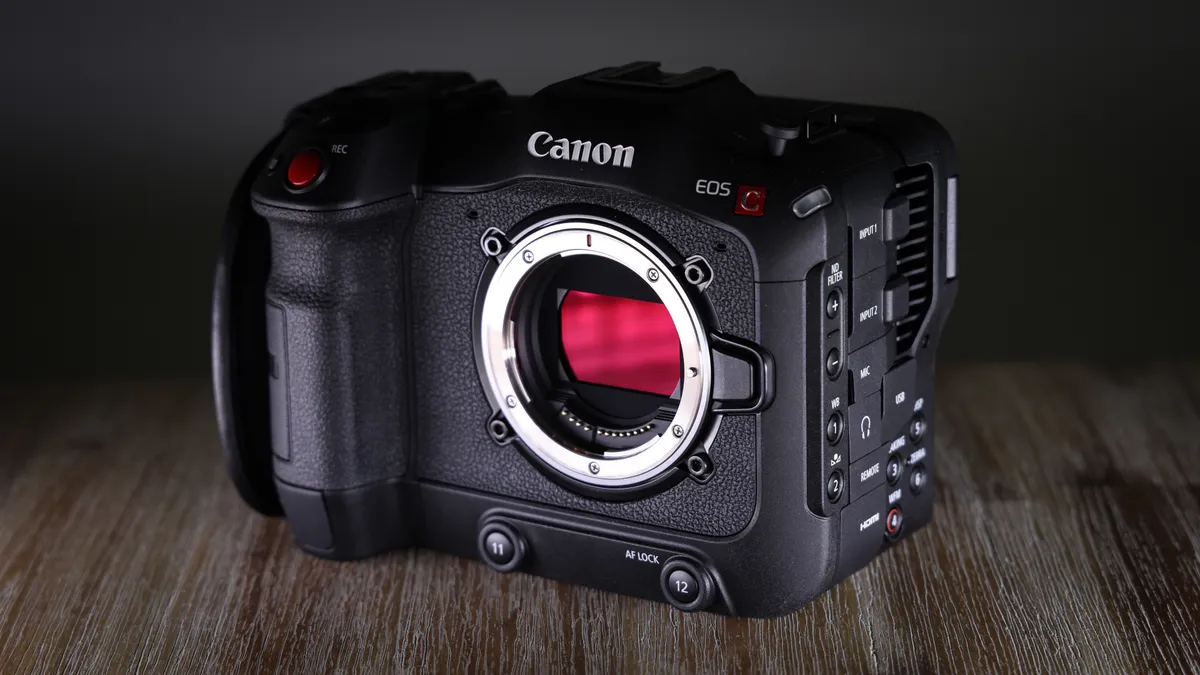
Canon EOS C70 – Version 1.1.4.1
UK: More information & download link
US: More information & download link
1. Adds compatibility with the "CINE-SERVO" cinema lenses "CN30×40 IAS J/R1" (RF mount) and "CN30×40 IAS J/P1" (PL mount).
When connected to external devices using the XC protocol, if the T value is 10 or greater, only the integer part is displayed on the external devices.
2. Fixes an issue that may interfere with the camera's ability to connect to an FTP server.
3. Improves operational stability.
EOS R5 C
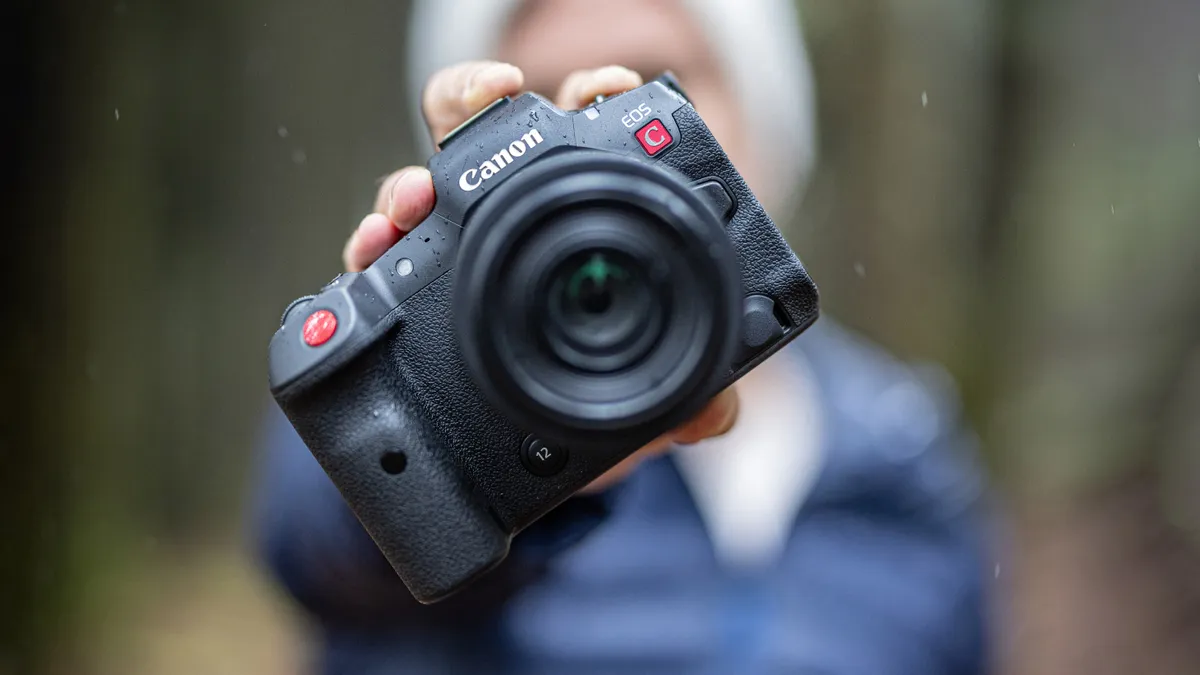
Canon EOS R5 C – Version 1.1.3.1
UK: More information & download link
US: More information & download link
1. Adds compatibility with the "CINE-SERVO" cinema lenses "CN30×40 IAS J/R1" (RF mount) and "CN30×40 IAS J/P1" (PL mount).
2. Changes the color of the level indicator when the orientation of the camera is level.
3. Enables the playback of RAW clips in Media mode with Lens Corrections settings, such as Distortion Aberration Correction.
4. Fixes an issue that may interfere with the camera's ability to connect to an FTP server.
5. Fixes an issue that may cause the camera to not be recognized when connected to a smartphone via USB.
6. Improves operational stability.
You might also like…
Take a look at the best Canon cameras along with the best Canon RF lenses and the best Canon EF lenses.

