





It looks like the newly announced Sony A7 V does not currently support a number of third-party lenses, prompting many to ask whether this is a move by Sony – similar to Canon and Nikon – to lock out non-first-party optics.
Popular YouTuber, cheeky chappy and my fellow Asian camera critic, Kai Wong, posted his review of the A7 V. All was going as you'd expect, up until the point where he tried putting non-Sony lenses on the camera.
"The Laowa 200mm f/2 AF sometimes took shots, but something seemed a bit off," said Kai, after a semi-successful attempt to photograph planes flying overhead. When his colleague tried taking shots with the lens, the camera did not fire at all.
"I don't know why," said Kai, positing that perhaps it's "not final firmware, maybe," citing the caveat often given by manufacturers when supplying pre-release products to the press for testing. You can watch the video below (it's cued up to jump straight to the lens section):
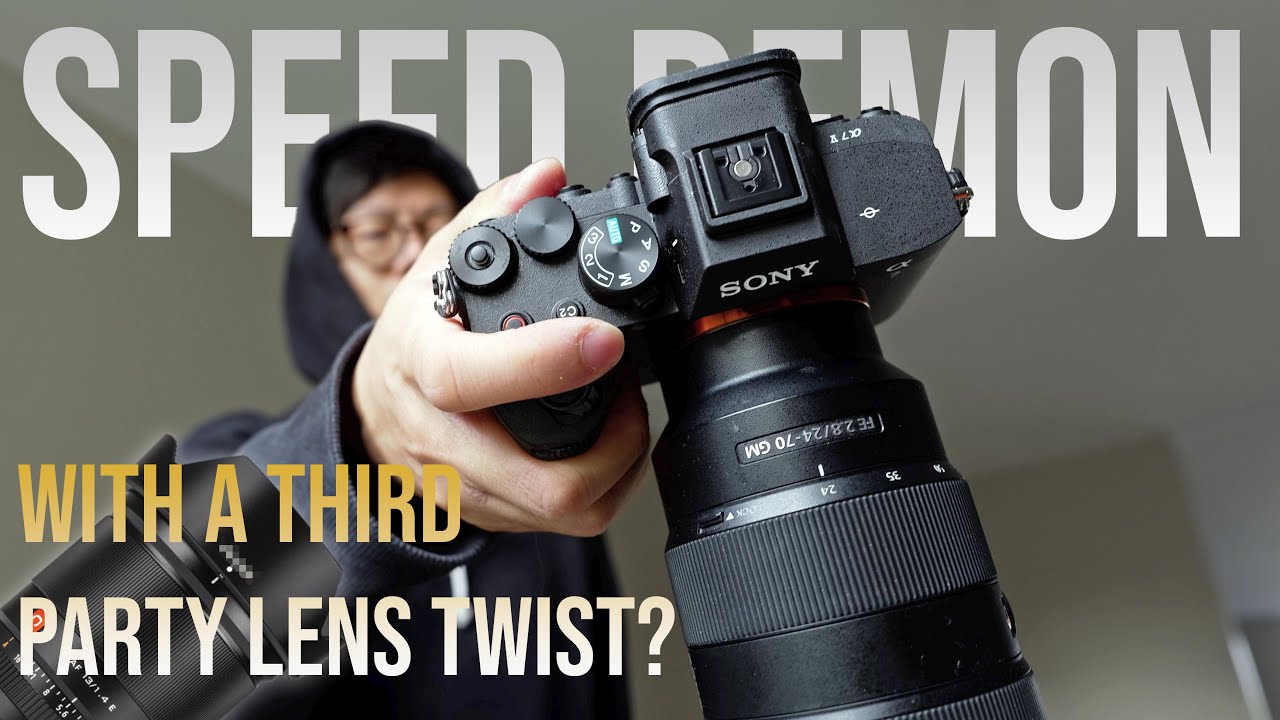
ABOVE: Watch Kai try, and fail, to use third-party lenses on the A7 V
In all, Kai and his crew tested five lenses – all autofocus, all third-party Chinese brands: the Laowa 200mm f/2, Viltrox 14mm f/4 Air, Viltrox 40mm f/2.5, TTArtisan 40mm f/2 and Sirui 40mm T1.8 Anamorphic.
My colleague Gareth, who wrote our own Sony A7 V review, was able to confirm that Sigma lenses appear to work just fine on the camera – which was also confirmed by other camera journalists.
"I don't have any Sigma, Tamron or Tokina in E-mount," said Kai. "I presume that these will be fine. Andy Westlake from Amateur Photographer has used a Sigma on the A7 V."
The joke among Kai and his gang, and among the wider photo community, quickly became that Sony had "done a Canon" by restricting Chinese-made autofocus lenses from its ecosystem.
Kai asked Sony about the issue directly: "Probably have to wait to see how this plays out. It is very weird but I specifically asked Sony about this issue and all they said to me was 'We do not guarantee third-party compatibility.' So, like, it’s either someone else has to try it or we have to wait until they start shipping!"
So what is going on?
One of the best things about Sony's E-mount is its open nature. With Sony being the first full-frame mirrorless manufacturer 15 years ago, with only a few native lenses upon launch, it made the canny decision to keep the mount open to third parties in order to speed up the maturation process of the mount.
Ever since then, the vast selection of lenses has been one of the key selling points of Sony cameras. To suddenly impede that in any way would be a truly bizarre move. I also asked Sony about the issue and received the response as Kai: "Sony doesn’t guarantee third-party compatibility."
Rather than Sony locking down its mount, it's far more likely that this is, in fact, a firmware issue. It's not uncommon for new cameras to require lenses, apps and accessories to be updated to ensure compatibility – in some cases, this is even true of lenses made by the same brand.
Indeed, this may not even be an issue limited to the A7 V; there are similar issues affecting the Sony A7 IV, too.
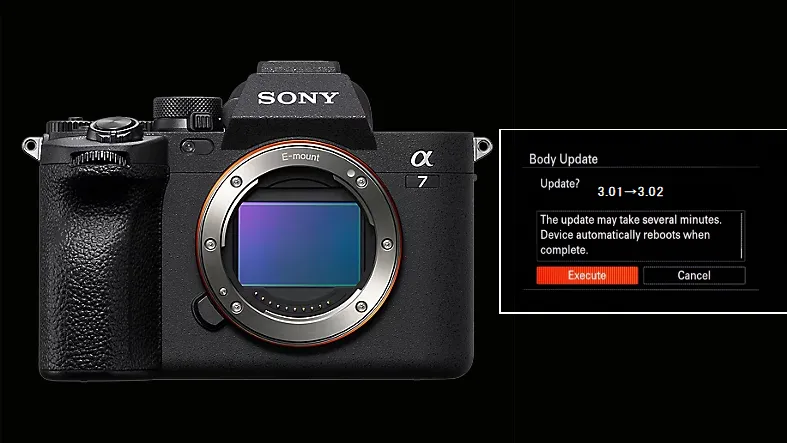
"I've been having the same problem with my A7 IV after updating to V5 firmware," commented user @denvera1g1 on Kai's video.
"Several of my 3rd party lenses would either focus, but not take a picture(even if I had it in manual focus) OR the camera would say 'unsupported accessory' and then shut down. Other times it would work absolutely fine without changing a thing.
"This was mostly solved after… [firmware] 5.01 and updating the firmware on the lenses."
Firmware has become an increasingly hot topic in the camera industry, both in terms of causing and solving problems. My colleague Mike and I devoted a whole segment on a recent episode of our podcast, Bokeh Face, debating the pros and cons of firmware updates – I've teed up the discussion in the video below if you're interested:
For now, the situation remains a mystery. The Phoblographer was able to confirm that a trio of Viltrox lenses – the Viltrox 85mm f/2.8 Evo, 135mm f/1.8 Lab and AF 28mm f/4.5 FE – are "working consistently and without issue".
As camera samples continue to make their way around the reviewer and YouTuber community, I'm sure there will be more reviews and videos that test the compatibility of more third-party lenses.
I would be astonished if this is more than a simple firmware issue – and it may well be that it's the camera, not the lenses, that needs to be addressed. Indeed, if The Phoblographer's sample body is anything to go by, it may already have been.
It all serves as a useful reminder: when you're buying the latest camera, lens, flash or other accessory with electronic contacts, there may be initial compatibility issues. It doesn't necessarily mean that anything is wrong – or that the brand has deliberately locked the platform down.
You might also like…
Check out our Sony A7 V vs A7 IV comparison and see how the new body stacks up against the best Sony cameras across the range.

