Digital Camera World Verdict
The MacBook Pro M5 14-inch is perfectly portable and seriously powerful. It hits all the right notes for photographers who find themselves working here, there, and everywhere. The design might not have deviated much in the last few generations, but it's a true classic, and Apple has stuck with it. The only downside is that a laptop of this quality costs a lot of money, and that restricts it pretty exclusively to professionals.
Reasons to buy
- +
Performance powerhouse
- +
High resolution & bright display
- +
Compact and well built
Reasons to avoid
- -
No design upgrades
- -
Camera notch is still present
- -
Some specs are very expensive
Why you can trust Digital Camera World Our expert reviewers spend hours testing and comparing products and services so you can choose the best for you. Find out how we test.
Anyone looking for one of the best laptops for video editing or photography workflows needs to look no further than the Apple MacBook Pro. That is assuming you don't need or want a Windows laptop and are not on a super tight budget. The MacBook Pro isn't cheap, but with its industry-leading hardware and build quality, it's sure to pay for itself over its lifetime.
Now shipping with the M5 chip, the MacBook Pro features a 10-core CPU alongside a 10-core GPU. This can be paired with up to 32GB of RAM and 4TB of storage. It's a true powerhouse that is built for creative professionals who need a portable laptop that will also deliver incredible performance.
If the standard M5 chip isn't sufficient for your needs, then Apple offers two upgrades, either to an M5 Pro chip or an M5 Max chip. With these, you'll get 16 cores and more power than most creatives need. When we reviewed the Apple MacBook Pro 14 (M5 Max), we questioned whether it was possible to buy a laptop that’s too powerful. For most, the standard M5 model balances performance and value perfectly.
Specifications
CPU |
Apple M5 (10 core) |
NPU |
Apple Neural Engine |
Graphics |
Integrated, 10 cores |
Memory |
32GB |
Storage |
1TB |
Screen |
14.2-inch Liquid Retina XDR, 3024 × 1964 px, up to 120Hz, 1,600 nits |
Ports |
3x Thunderbolt 5, 1x HDMI 2.1, 1x SDXC, 1x 3.5mm audio, Magsafe charging |
Connectivity |
Wi-Fi 7, Bluetooth 6 |
Size |
155 x 313 x 221 mm |
Weight |
1.6 kg |
Price & Availability
The 32GB RAM version of the MacBook Pro (M5) that I tested costs $2,399 (£2,399 / AU$3,799). If this is more than your budget allows, then your only option for reducing the price, other than downgrading to a MacBook Air or MacBook Neo, is to reduce the RAM to 16GB. If you do that, you'll only need to part ways with $1,999 (£1,999 / AU$3,199).
The only silver lining in terms of price is that it's nowhere near as expensive as the MacBook Pro with an M5 Max (18-core) CPU. For that, you'll need a small mortgage because it costs $5,699 (£5,699 / AU$8,949).
Design
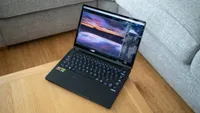
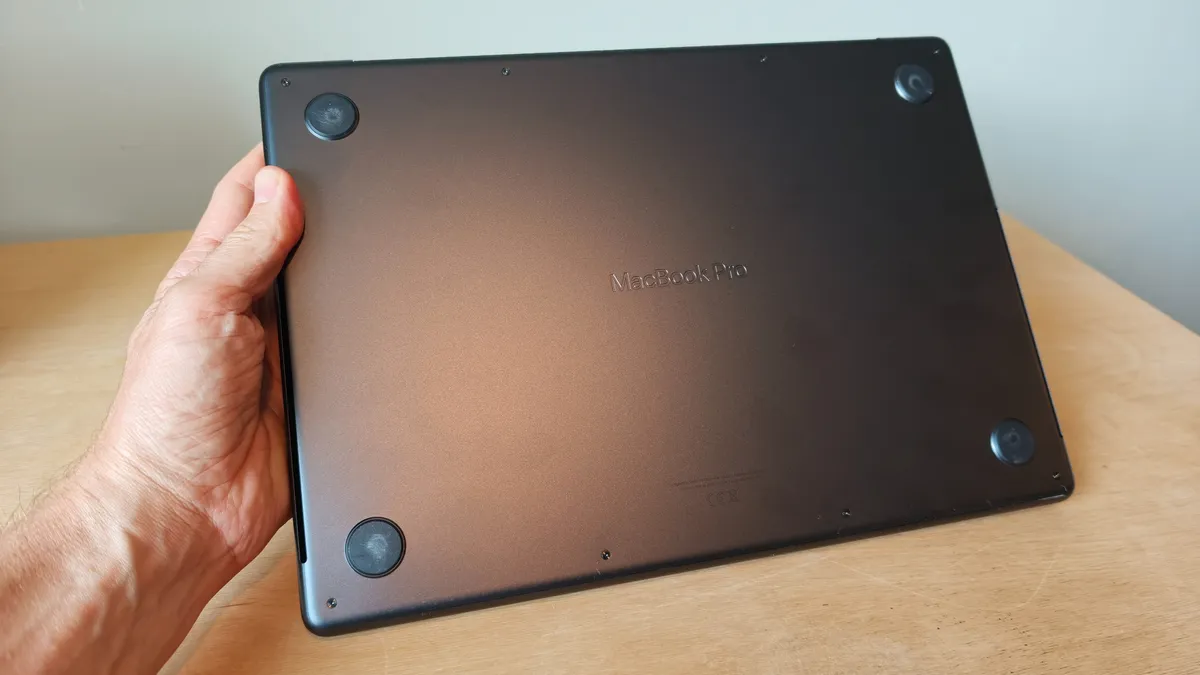
I spend most of my time working on the Apple MacBook M2 Pro 14-inch (2023), and you'd be hard-pressed to tell the difference between that and the latest M5 model released in 2025. In fact, it's the exact same chassis, and Apple obviously feels like they've nailed it with this line of laptops.
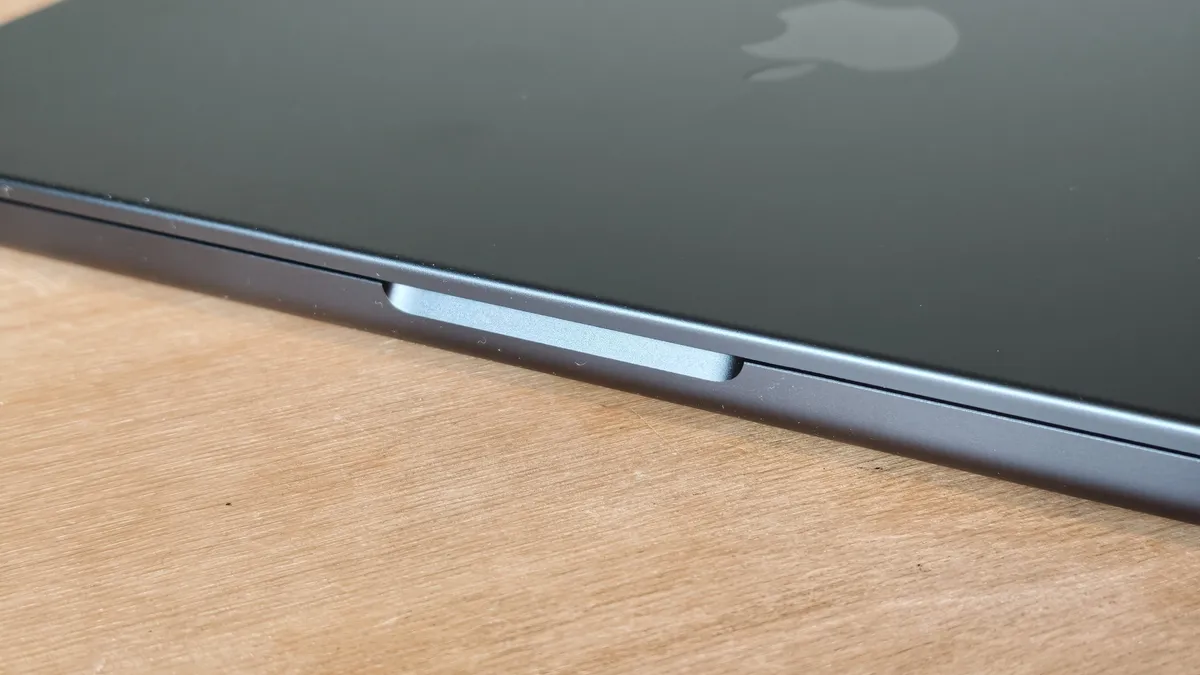
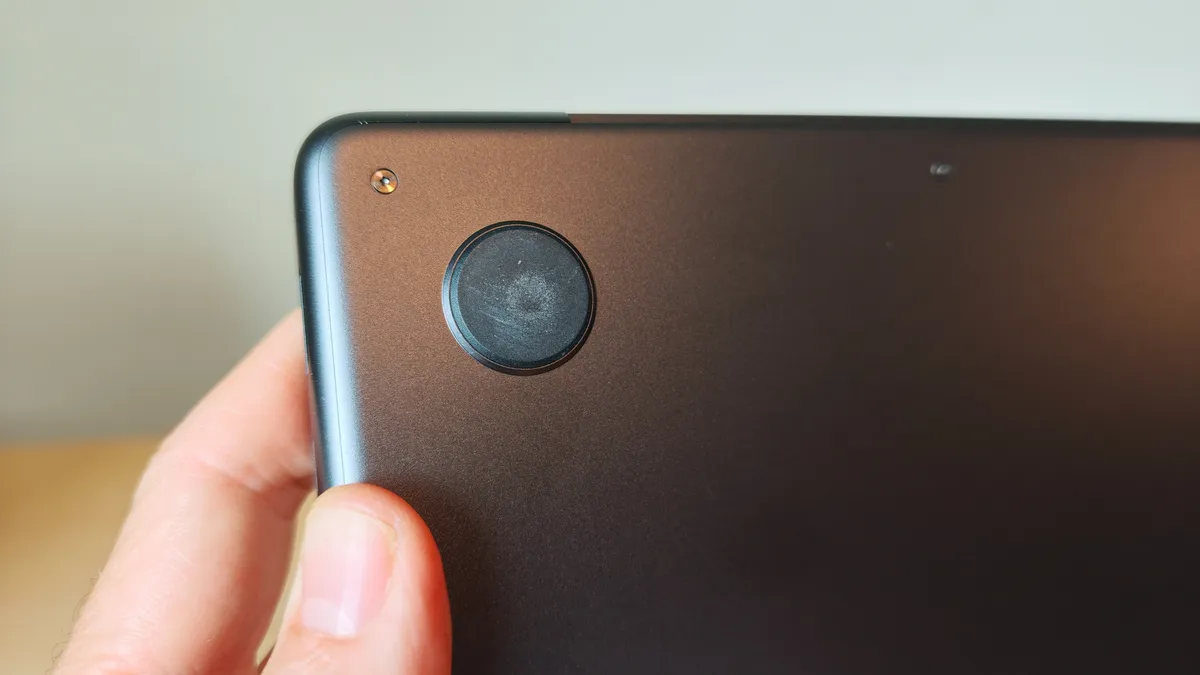
The lack of any design iteration is not necessarily a problem because there are very few flaws that I've found in the materials, aesthetic, or build quality. The bottom line is that it is well made, beautifully compact, and solid as a rock. It measures 155 x 313 x 221 mm and weighs 1.6kg, which makes it light enough to throw in a bag and transport on location or have with you if you're working remotely. It's available in either Space Black or Silver colors.



The display is a gorgeous 14.2-inch Liquid Retina XDR display with a huge 3,024 x 1,964 pixel resolution. It's bright, vibrant, clear, and absolutely what any photographer or videographer requires when working with visual media. One small change from its predecessor (M4, 2024) is that the display is now capable of boosting the mini LED backlight, which delivers better performance when used in bright surroundings. Another win for on-location workers.

More importantly, especially for usability, is the new optional nano-textured glass, which delivers a smooth matt finish, which all but eliminates sharp reflections. Unfortunately the downside is that it picks up more fingerprints and is more difficult to wipe clean.
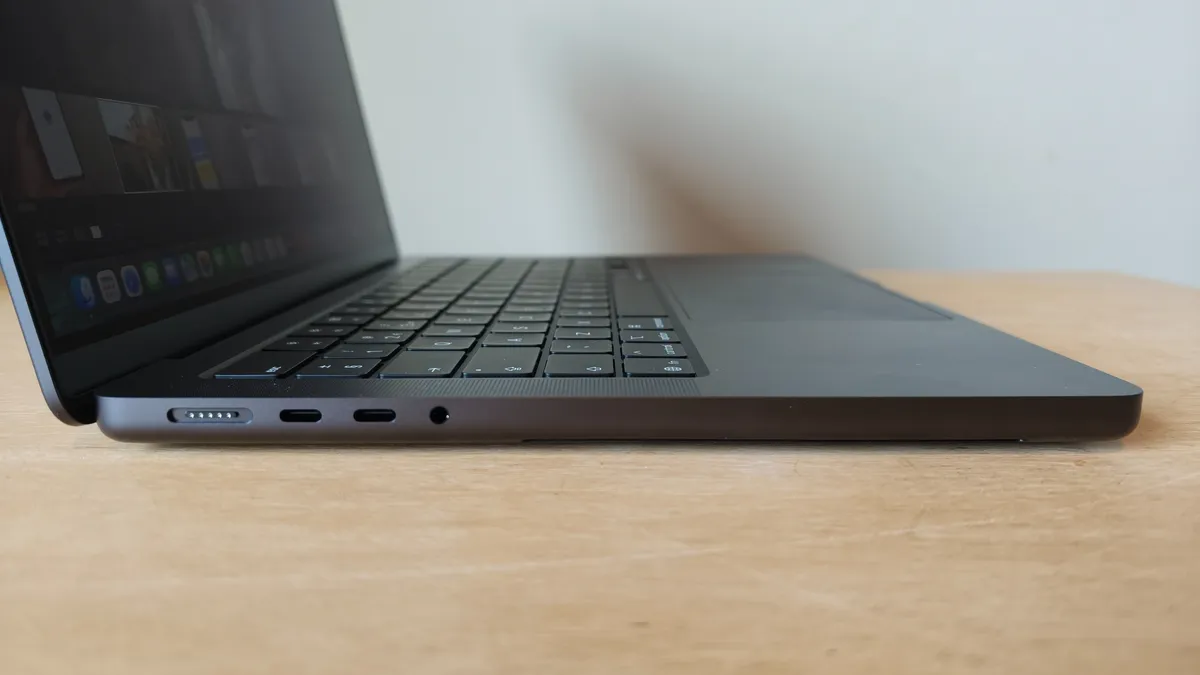
The backlit keyboard continues to perform well with a small enough travel between keys while maintaining a good overall key size. There's no dedicated numpad here, though, but for a compact, portable laptop, that's no surprise. More impressive than the keyboard is the large and responsive trackpad. With so many other manufacturers limiting their trackpads to around 80% clickability, it's a breath of fresh air that the trackpad found on the MacBook Pro has a 100% clickable area.
The webcam (Center Stage camera) takes pride of place at the top of the display and, despite its small size, seems to still require a large notch cutout of around 35mm width. Considering the impact on menus, I'm surprised Apple hasn't tried to reduce this.
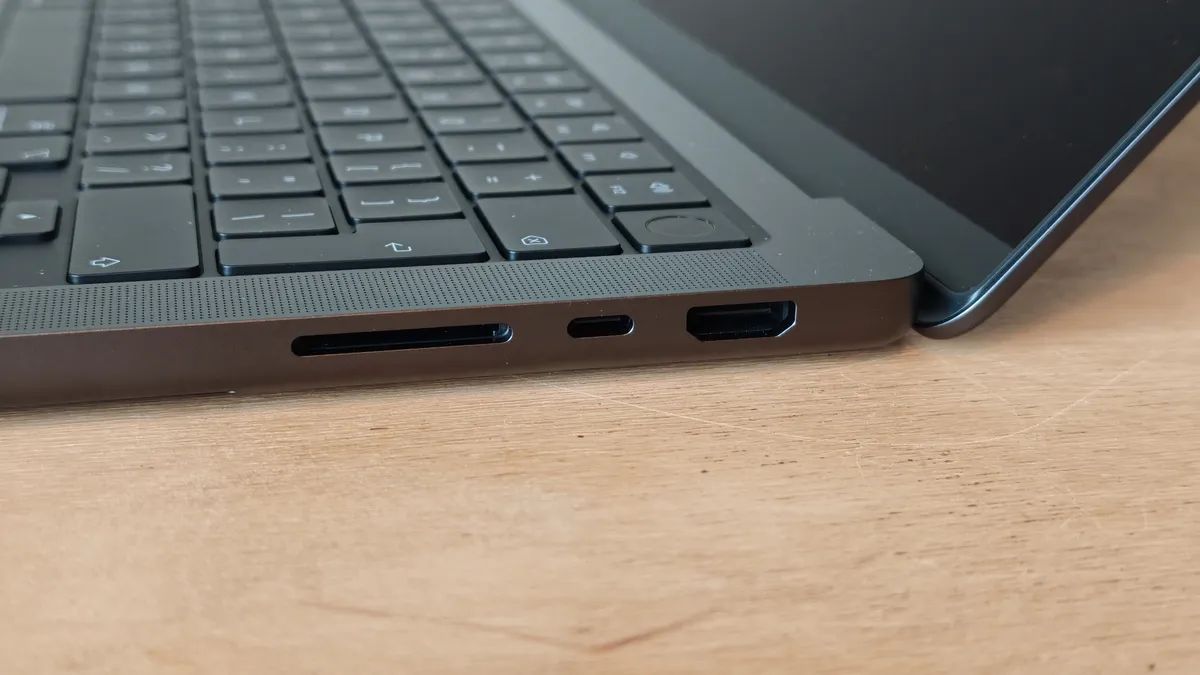
In terms of ports, you'll find all the familiar favorites with Magsafe charging and three Thunderbolt 5 ports. Apple has chosen to retain the single HDMI 2.1 port for connecting to an external display. There's also an SDXC port, which is essential for a lot of photographers' workflows. The presence of these ports means that the laptop is thicker than the MacBook Air, for example, but that's the trade-off.

Performance
The MacBook Pro is built to deliver outstanding performance across creative applications and AI workflows. I used it for photo and video editing as well as a little 3D rendering. In all areas, it performed brilliantly, predictably, and without fuss. It didn't get warm or generate any annoying level of fan noise, and there wasn't even a hint of software looking like it was struggling.
Editing photos in Lightroom and Photoshop went without a hitch. I was able to view and edit large libraries of photos and apply varied and complex edits across these batches. Generative AI in Photoshop was also quick and painless. All of these are backed up in the Geekbench CPU scores of 3,728 for single-core and 18,397 for multi-core. And for GPU-related tasks such as handling RAW files and applying filters to photos and videos, the Geekbench GPU OpenCL score came out at 46.833.
These are very impressive numbers, which demonstrate the MacBook Pro M5's ability to handle a wide range of creative tasks with consummate ease. This continued with video editing in Premiere Pro. With it, I was able to effortlessly edit a video and apply complex color grades.

If you're also planning on using the laptop for 3D rendering, then the M5 chip is going to struggle a little compared to the very best GPU technology that NVIDIA offers, but if you only adopt this workflow from time to time, then you won't have any issues. The CPU single-thread score was 734, and the multi-thread score was 4,485.
As you would expect, the laptop was nippy across web browsing, video viewing, streaming of content, and a whole host of other everyday applications. It is a supremely reliable and powerful laptop that will not let you down. It also boasts an impressive all-day battery life—literally 24 hours—and can achieve a 0 to 50% recharge in just 30 minutes.
Overall, I found that the M5 chip outperformed both the Apple M4 Max chip and the Apple M3 Ultra chip, so if you're planning on investing in a previous-generation MacBook, then it might be worth considering that the base-level chip in the latest MacBook Pro may outperform 'superior' chips in older laptops.

Verdict
Apple has made very few changes to the design of the MacBook Pro M5 14-inch compared to its predecessor, but the latest model is still one of the very best laptops for creatives. With the powerful 10-core M5 chip, the laptop devours most tasks, including photo and video editing, 3D rendering, and audio production. This proved true in both our benchmark tests and in practice.
Aside from performance, the MacBook Pro 14-inch is the ideal size for on-location photographers or professionals who work in a variety of different locations. The Liquid Retina XDR display, with its 3,024 x 1,964 pixel resolution and up to 1,600 nits of peak brightness, is one of the laptop's best features. It's large enough for most workflows and is bright, vibrant, and clear.
At some point the MacBook Pro will be updated to an M6 chip, which will bring even more power, probably in the realm of the current M5 Pro chip, but for now the M5 version is more than most creatives will need.
Features ★★★★½ |
Software features abound with a new Liquid Glass interface that looks fresh and performs well. |
Row 0 - Cell 2 |
Design ★★★★½ |
The laptop continues to be beautifully designed with excellent build quality. It also features a solid set of ports for creatives. |
Row 1 - Cell 2 |
Performance ★★★★½ |
Outstanding performance across the board, and very few people will need the superior M5 Pro or M5 Max chips. |
Row 2 - Cell 2 |
Value ★★★★☆ |
It's expensive, but when you look at the spec, you can understand why. It's for professionals, and it's priced accordingly. |
Row 3 - Cell 2 |
Overall |
★★★★½ |
Row 4 - Cell 2 |
Alternatives