Digital Camera World Verdict
The Huion Pad 12 is an innovative portable pen display that opens up the usability of a pen display hugely. Not least because of the fact that you can use it anywhere without the need for a computer. The 12.2-inch 2K+ screen provides both a great working area for drawing, etc., and a screen for viewing content. At $499 / £449, it’s undoubtedly still an investment, but since the Pad 12 is a pen display, a 12.2-inch Android tablet and a digital notepad all rolled into one, it’s actually pretty good value when you think about it. Plus, it performs all of these tasks well.
Reasons to buy
- +
Highly portable
- +
Great size and resolution
- +
Android tablet and pen display
Reasons to avoid
- -
More for drawing than photo editing
- -
Learning curve for drawing and note apps
- -
No physical pen display controls
Why you can trust Digital Camera World Our expert reviewers spend hours testing and comparing products and services so you can choose the best for you. Find out how we test.
I began using Huion tablets many years ago, and have reviewed quite a few of the Chinese company’s small, medium and large pen displays. For those unfamiliar, a pen display is basically a graphics tablet with a built-in screen that lets you draw and work directly on images. The Huion Kamvas Pad 12 is their first standalone drawing device, usable anywhere without a computer.
The Huion Kamvas Pad 12 takes the pen display concept further: instead of needing a computer running drawing or photo-editing software, the Pad 12 is an all-in-one Android 16 tablet and pen display. This makes the device twice as useful; you can use it as a tablet or a pen display, drawing or photo editing one minute and watching your favourite streaming service the next.
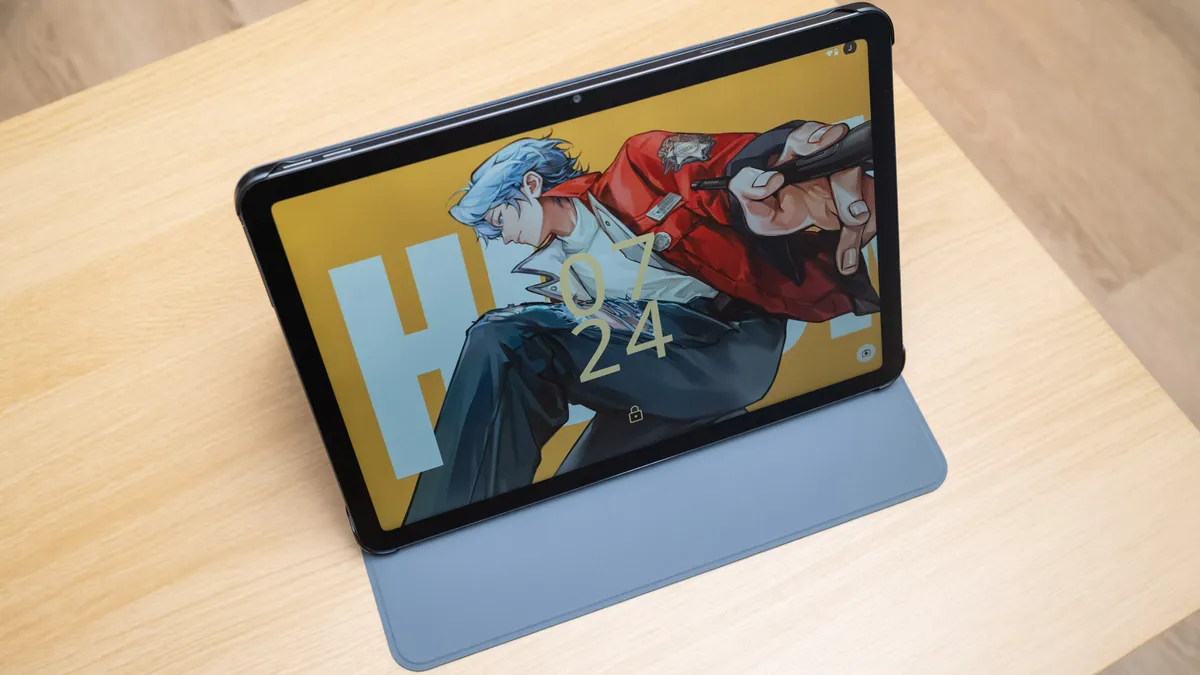
The Pad 12 looks and feels like a regular tablet, with a generous 12.2-inch screen and a 3:2 aspect ratio that makes the drawing surface larger. This in turn gives you a larger screen for enjoying your favourite apps from the Google Play Store.
The Canvas Glass 3.0 screen has a soft matt finish with a paper-like feel, which is designed for drawing with the battery-free pen, but the screen is vibrant enough for standard tablet use. The screen displays 99% of sRGB, so while it’s not one of Huion’s top performers in terms of color gamut, it is factory calibrated so color is as reliable as it could be.
Huion Kamvas Pad 12: Specifications
Resolution |
2K+ (2400x1600px) |
Brightness |
350 nit |
Colour gamut |
99% sRGB |
Display colors |
16.7m (8-bit) |
Pen sensitivity |
16,384 levels |
Operating system |
Android 16 |
Dimensions |
11.08 x 7.70 x 0.31in / 281.5 x 195.5 x 7.8mm |
Weight |
23.46oz / 665g |
Huion Kamvas Pad 12: Price
The Kamvas Pad 12 costs $499 / £449, which at first glance seems expensive, and this was my initial thought. Then I thought: sure, it is a standard tablet and a fully functioning pen display, but it also has the Huion Note app for making notes, so it’s essentially a digital notebook, too. These devices can cost as much as or more than the Huion Pad 12.
Huion Kamvas Pad 12: Design & Handling
The Huion Pad 12 is marketed to mobile artists and creatives, creative beginners, students, and tablet users. So, as you might expect with such a broad target market, the Pad 12 is a sleek device that’s well built and looks and feels like a quality device.
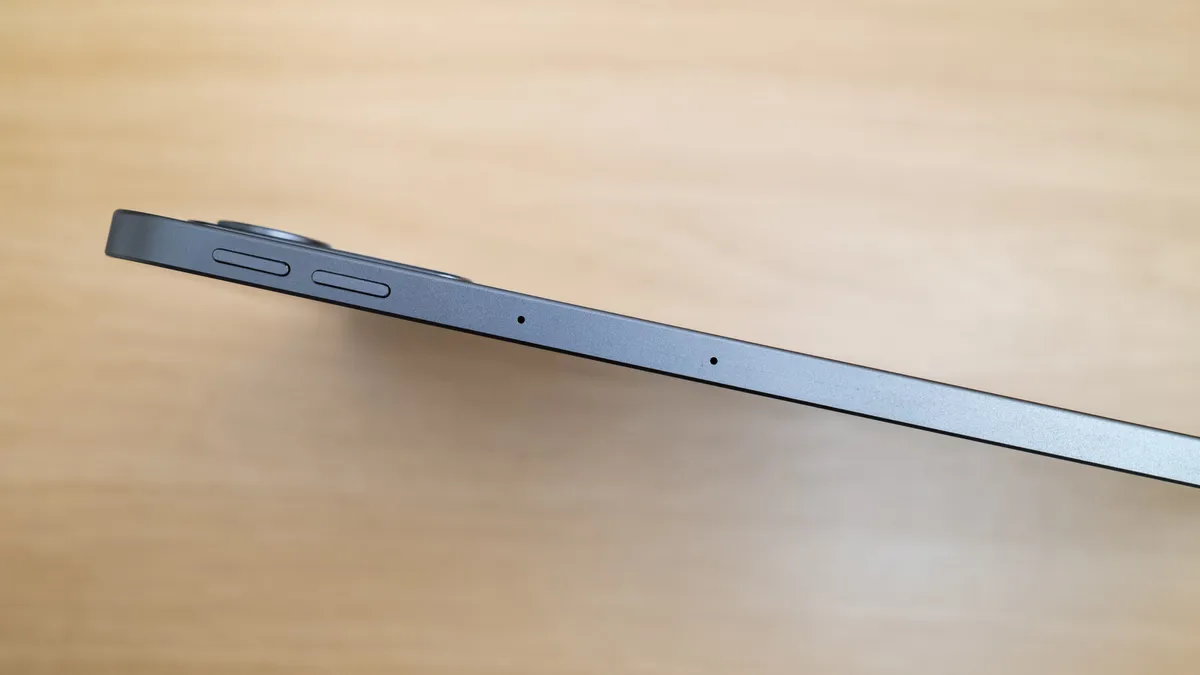
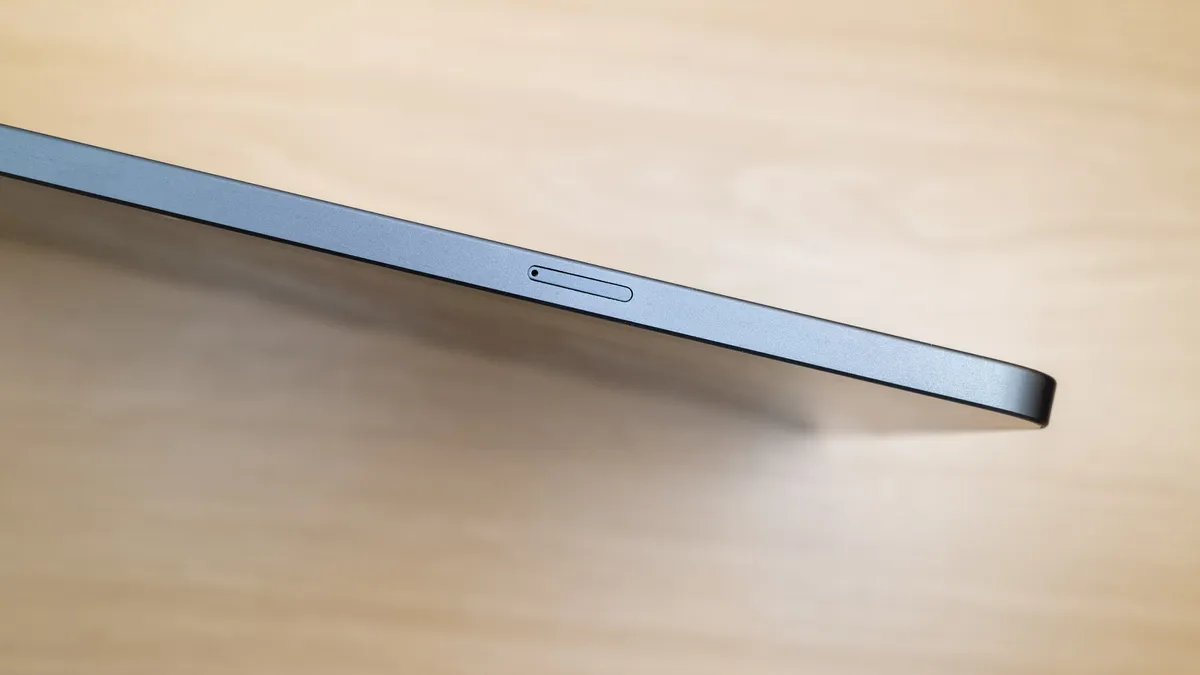
The Pad 12 is 11.08 x 7.70 x 0.31in / 281.5 x 195.5 x 7.8mm, with a weight of 23.46oz / 665g. So, although it’s a sleek tablet with a thickness of 0.31 in / 7.8mm, the large 12.2-inch screen makes other dimensions larger than the average tablet and also heavier.
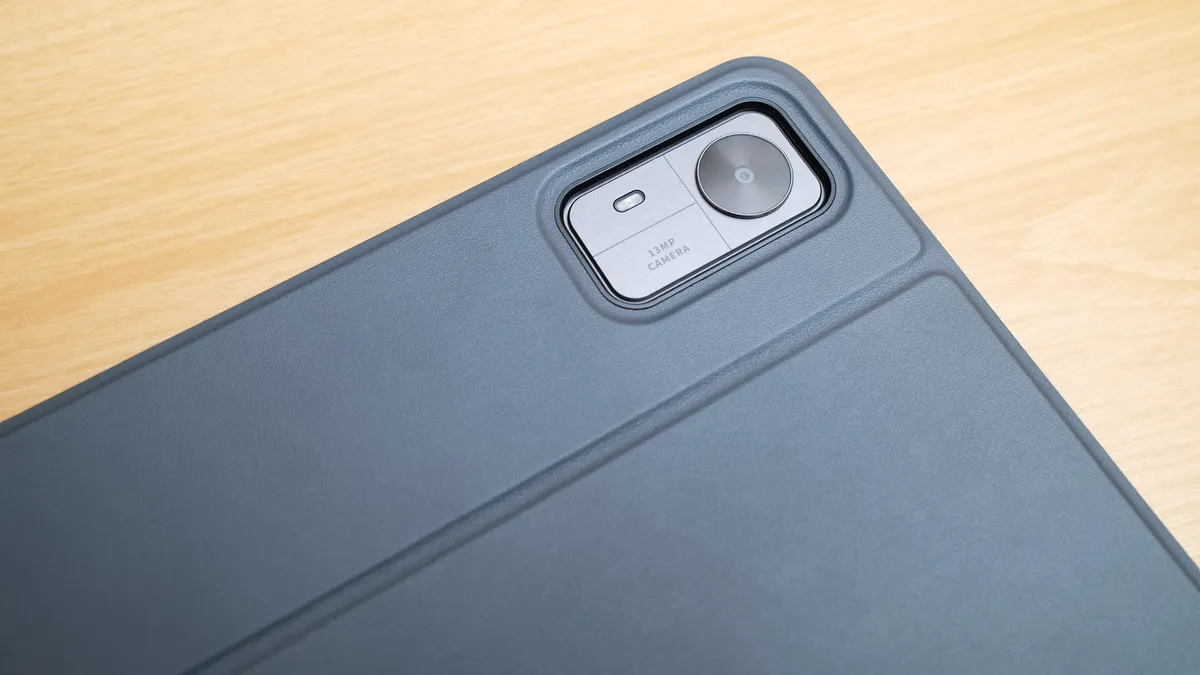
That said, the Pad 12 is comfortable to hold, and it also comes with a portable case that can act as a stand. If you’d prefer a more robust stand for drawing, you can purchase the metal Foldable Stand ST300 separately. The included case will be sufficient for many people and is a useful addition to the kit alongside the PW600C battery-free pen.
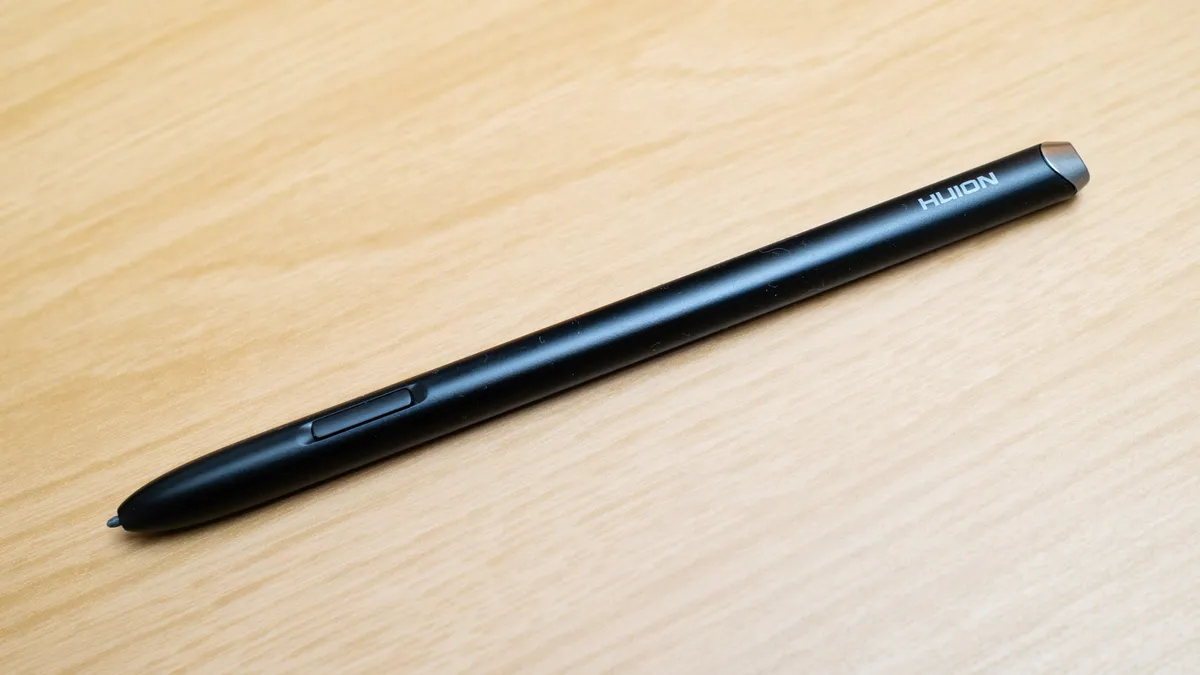
The PW600C battery-free pen is lightweight and comfortable to hold, and neatly attaches magnetically to the top of the Pad 12 when not in use. The pen offers ±60° tilt support and 16,384 levels of pressure sensitivity with 2g of activation force, so you can even make extremely light pen strokes.
Being an Android tablet, albeit one with a twist, there are no physical customizable buttons or dials like those you find on traditional pen displays. Any kind of pen and brush controls are accessed within the user interface; plus, you can customize settings such as cursor calibration, cursor style and pressure settings, among others.
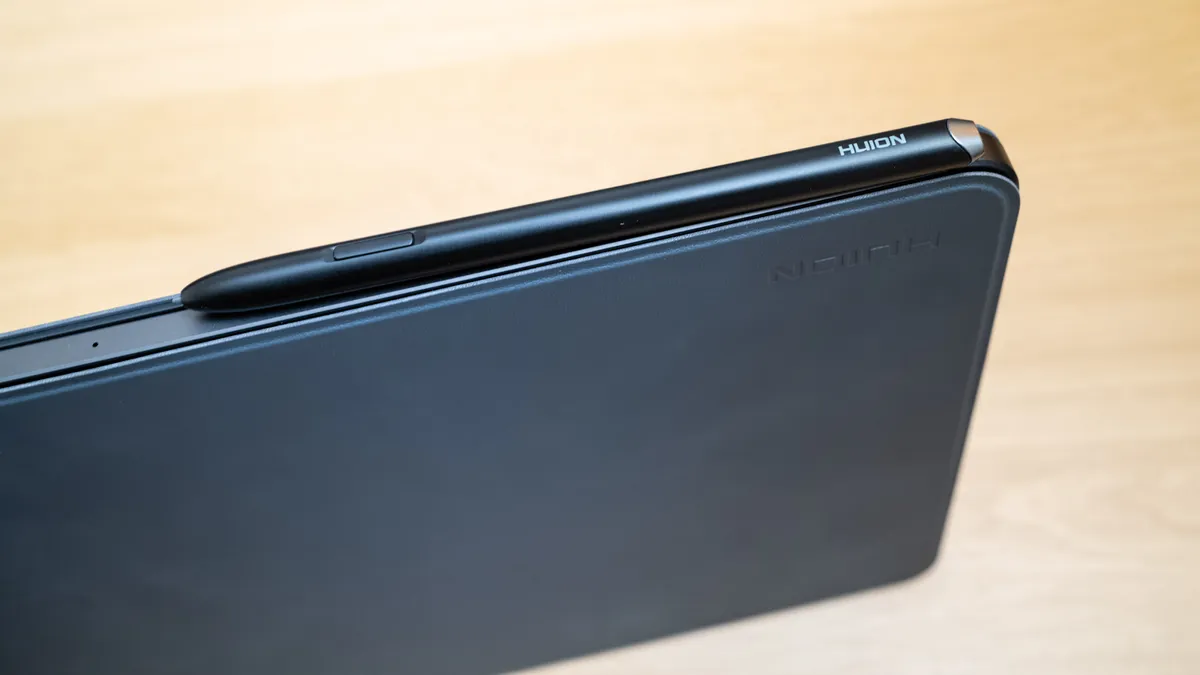
The screen, as is often the case with tablets and pen displays, is the highlight of the show here. This is also what differentiates the Pad 12 from standard tablets because of its matte rather than gloss finish. The screen uses Canvas Glass 3.0, which is softly textured with a paper-like feel. It does feel a bit like paper, but it’s undoubtedly smoother and offers less resistance than a pen or pencil on paper.
Huion, unsurprisingly, advises against using a screen protector because it would undermine the anti-glare etching. There is some flex in the screen that you don’t typically experience with standard tablets, but this is minimal and presumably because of the pressure sensitivity of the screen when the pen is used for drawing.


Huion Kamvas Pad 12: Performance
To get started, let’s cover the drawing experience since this is one of the most important aspects of a pen display alongside the quality of the screen itself. The Kamvas Pad 12 battery-free pen is a less bulky design compared to the pen that comes with some traditional pen Displays, but it’s comfortable to hold and fits the design of the tablet.
The tablet features Huion's self-developed flagship MCU HV2000 chip, while the pen also uses an HV200 chip. The aim here is to increase precision and to enhance pen pressure. The tablet uses a MediaTek Genio 720 octa-core mobile platform; this is made up of two Cortex-A78 cores providing up to 2.6 GHz, and six Cortex-A55 efficiency cores.
The drawing experience, whether painting or using photo apps, is precise with no jitter, lag or parallax between the pen and screen. What can be annoying is that sometimes, when the pen is hovered just above the screen, it can register on the Pad 12 and leave marks in drawing apps or move sliders in photo editing software such as Lightroom Mobile.
The Kamvas Pad 12 comes with HiPaint, Clip Studio Paint, ibisPaint X, MediBang Paint, and Huion Note pre-installed, allowing you to draw or take notes straightaway. HiPaint comes with a lifetime license, while MediBang Paint and ibis Paint X have a 3-month free trial membership that must be activated. You can, of course, use any other Android drawing apps you prefer.

For photographers, Lightroom Mobile and Photoshop Mobile will be your go-to options in many cases, although you can also use Snapseed, which remains a great mobile photo editing app. The Kamvas Pad 12 does work well for photo editing, and even with just 8GB of RAM, I was able to smoothly process 24MP Raw files. For me, the whole premise of the Pad 12, being an Android tablet with pen display functionality, makes it best for drawing on the move and taking notes, although it is just fine for photo editing.
Being an Android 16 tablet alongside being a pen display really opens up the use cases for the Kamvas Pad 12. While most pen displays need to be attached to a computer and powered from the mains, the Pad 12 is fully portable and can be used for creativity as well as for consuming entertainment. The 12.2-inch screen is a fantastic size for watching on-demand content, etc.
Moving on to the screen, the 12.2-inch IPS panel offers a resolution of 2400x1600px with a pixel density of 236ppi, while the aspect ratio is 3:2. The screen is reasonably bright at 350 nits, but at this level it’s much more suited to use indoors or in the shade rather than in direct sunlight.
The screen also also offers a 1000:1 contrast ratio, produces 8-bit color (16.7 million colors) and covers 99% of sRGB and is factory calibrated. Huion claims the screen is designed so it doesn’t pick up finger marks, but it does, although these can only be seen on black and other darker tones. For input accuracy, it offers a 90Hz refresh rate, which is intended to reduce latency when writing and drawing, as well as 10-point capacitive touch so you can draw with your fingers, too.
Tablet operation was smooth during testing, but this was with few extra apps installed and for a few weeks. The Pad 12 also has 8GB of RAM, as previously mentioned, alongside 256GB of on-board storage with the ability to install up to 1TB microSD cards to expand storage.

Huion Kamvas Pad 12: Verdict
The Huion Pad 12 is an innovative portable pen display that opens up the usability of a pen display hugely. Not least because of the fact that you can use it anywhere without the need for a computer. The 12.2-inch 2K+ screen provides both a great working area for drawing, etc., and a screen for viewing content.
Unlike most pen displays that can be used equally well for digital drawing and photo editing, the fact that the Pad 12 runs on Android means that the apps available for photo editing are less fully featured than the full versions of Photoshop and Lightroom. To be fair though, you can get Photoshop and Lightroom Mobile, as well as the popular Snapseed editing app.
At $499 / £449, it’s undoubtedly still an investment, but since the Pad 12 is a pen display, 12.2-inch tablet and a digital notepad all rolled into one, it’s actually pretty good value when you think about it. Plus, it performs all of these tasks well.
Features ★★★★☆ |
Being an Andoird tablet as well as a pen display makes the Pad 12 incredibly versatile. |
Design ★★★★☆ |
Sleek design with a great screen for drawing with the battery-free pen. |
Performance ★★★★☆ |
Performs well overall but it's not perfect. |
Value ★★★★☆ |
The Pad 12 is ultimately good value, but it's not inexpensive either. |
✅ Buy this if...
- If you would liketo draw, take notes and photo edit on the move.
- If you would like a versatile multi-use device.
🚫 Don't buy this if...
- If you don't need a pen display for use anywhere.
- If you need a larger pen display that connects to a computer.
Alternatives