

Digital Camera World Verdict
This optional 300mm teleconverter lens designed exclusively for Oppo's flagship Find X9 Ultra was never meant to sell in large numbers. Rather, it's a statement of intent from Oppo, to show off the brand's commitment to no-compromise camera phone imaging. The lens also explicitly highlights the relative complacency in camera hardware development from the likes of Apple and Samsung. But this teleconverter lens isn't just a marketing exercise - it's beautifully crafted and performs brilliantly. If you want to get the very best from the Find X9 Ultra, and turn heads in the process, it's worth every penny.
Reasons to buy
- +
Excellent image quality
- +
Stellar build
- +
Quality mounting system
Reasons to avoid
- -
Limited availability
- -
Only compatible with Find X9 Ultra
- -
Can't use other camera modules while the lens is attached
Why you can trust Digital Camera World Our expert reviewers spend hours testing and comparing products and services so you can choose the best for you. Find out how we test.
For years camera phones struggled to match 'proper' standalone cameras for zoom reach, but now telephoto and periscope telephoto modules are standard in flagship phones and increasingly common in mid-range models. Consequently many phones now have enough focal range for a majority of shooting scenarios. On-sensor cropping and AI zoom up to 120x zoom is also possible with some flagship phones, providing you're happy for your shots to be more of an interpretation than a faithful representation of your subject.
Oppo Find X9 Ultra vs. Hasselblad X2D II - can a camera phone out-shoot a $7,800, 100MP medium format goliath?
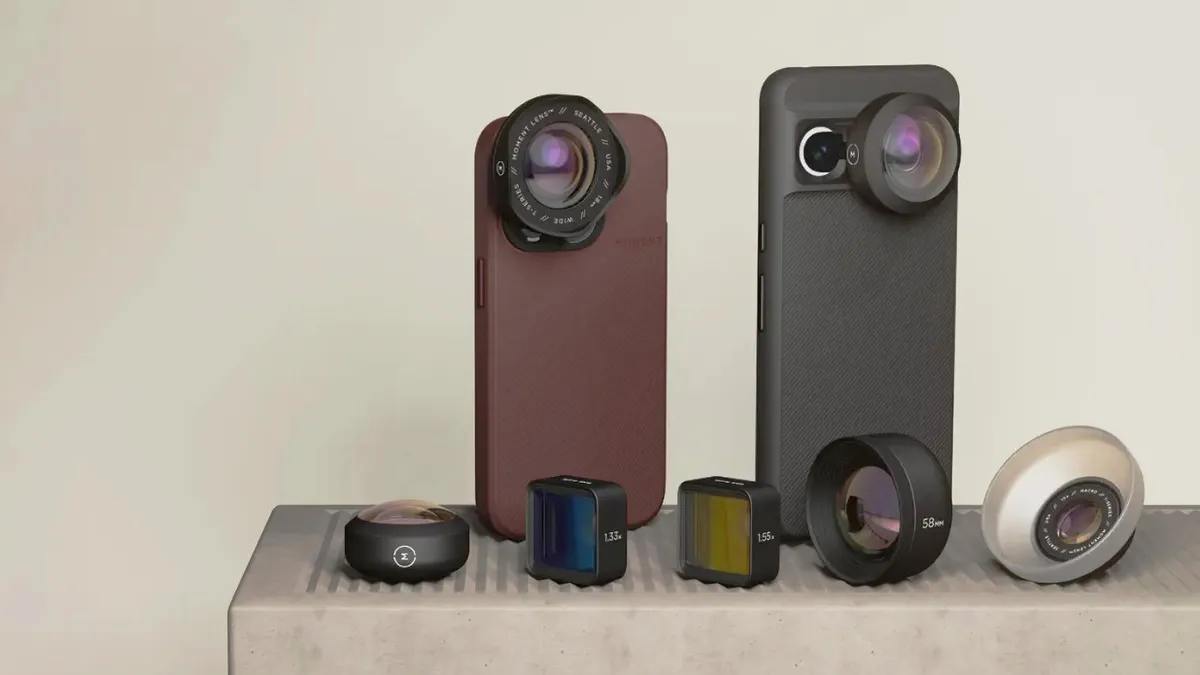
But what if you don't want to rely on AI and its potential processing pitfalls for telephoto shots from a camera phone? Clip-on lenses from brands like Moment and Apexel can optically increase the focal length of a phone's primary camera, and there are cheaper alternatives from marketplace retailers. The downsides of aftermarket clip-on lenses is restricted phone compatibility (many are only available for iPhone), and questionable image quality.

In the last few years two of the most innovative camera phone brands have launched flagship handsets available with separate, bespoke telephoto lenses. Vivo partnered with Zeiss to produce a dedicated 200mm teleconverter lens for the X200 Ultra, and it now offers a 400mm lens for the X300 Ultra. Not to be outdone, Oppo launched a Hasselblad Teleconverter adapter lens alongside its Find X9 Pro, and its most recent teleconverter lens is a 300mm Hasselblad-branded optic designed exclusively for its current flagship phone, the Find X9 Ultra.
To get your hands on the 300mm teleconverter, you'll need to buy the Oppo Hasselblad Earth Explorer Kit. This contains the teleconverter, along with the bespoke phone case to which the lens mounts, as well as a tripod collar for the lens, plus other small accessories.
Pricing and availability
If there's one downside of the Oppo Hasselblad Earth Explorer Kit, it's not easy to get hold of. It's only available in select Asian and European regions, and won't be sold in North America. In the UK it's priced at £499, which is strong money for such a niche accessory, but the price reflects the no-compromise build and performance. This is also a product that will never sell in large numbers, so can't benefit from economies of scale.
Build and handling

I've always thought of clip-on phone lenses as tacky plastic affairs, but the Oppo Hasselblad 300mm Explorer Teleconverter (to give it its full name) is quite the opposite. It's a beautifully crafted, metal-barrelled lens that feels reassuringly weighty, tipping the scales at just over 400g with the included detachable tripod mount fitted. The lens is styled to look like a slimline Hasselblad XCD optic, and combined with the stellar build quality the lens really does feel worthy of the Hasselblad branding.

To attach the lens to the Find X9 Ultra, you first need to first need to fit the Oppo Hasselblad Explorer case to the phone. This is included with the lens and features a bayonet thread that encircles the phone's camera island. A separate circular metal plate can then be twisted onto the thread and it’s this that contains the necessary bayonet mount to which the teleconverter lens can be attached.

This teleconverter is positioned in front of the phone's 3x telephoto module, rather than the phone's primary camera, but this arrangement means the teleconverter can be smaller than it would be if it was designed to be used in conjunction with the phone's primary (1x) camera. And thanks to the sensor in the Find X9 Ultra's 3x module being almost as large as that in the 1x module, there's no noticeable difference in image quality.

The lens attaches to the bayonet just as smoothly as any other interchangeable camera lens mount I've used from the likes of Canon or Nikon, and once the lens is fitted, there's very little wobble or flex between phone and lens - not bad considering the supporting case is only clipped onto the phone.

The case doesn't just function as a lens mount; it also contains a physical two-stage shutter button with half-press to focus, and a zoom rocker enabling seamless focal length adjustment with the Find X9 Ultra's built-in cameras and the teleconverter lens. The physical controls connect to the camera app via Bluetooth, and power for this comes from a battery built in to the case's hand grip (which must be charged separately to the phone). Sadly, unlike Vivo's X200 and X300 camera cases, the battery in the Oppo case can't be used to boost the phone's own battery capacity - a missed opportunity.

To actually shoot with the teleconverter lens, you first need to select the phone's dedicated Hasselblad Teleconverter shooting mode. If you only select the 3x camera module while the teleconverter is fitted, the image frame will be inverted by 180 degrees. Though the phone's other three camera modules aren't directly covered up by the teleconverter lens, you will still need to detach the lens in order to use them, as the lens itself significantly encroaches into their fields of view.

The 300mm focal length equates to 13x optical zoom as standard, or as much as 43.4x zoom (1000mm) when combined with on-sensor cropping. There's even a 60x (1380mm) mode, but this requires AI processing, which in my opinion partially negates the 'purity' of having the teleconverter's proper optical zoom.
Sample images


Lab results
Given the lens’s quality build, and the Find X9 Ultra's top-class image processing, I wasn't particularly surprised that the teleconverter lens produced some stunning photos. However I was keen to see how much of this stellar image quality was down to the phone's processing, and whether that might be compensating for any optical shortcomings in the lens itself.
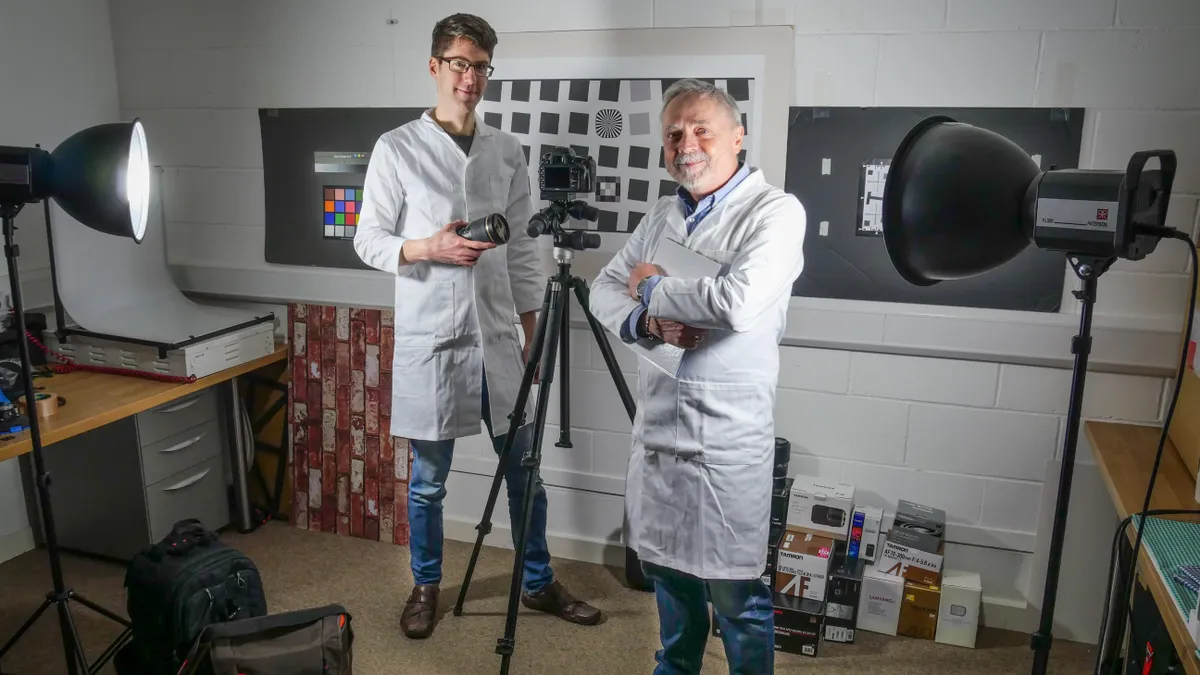
Fortunately at Digital Camera World we have a dedicated laboratory for testing the optical quality of camera lenses, but until now we haven't tested a teleconverter lens for a phone. To ensure a level playing field we need to shoot our lab test images in Raw, however the Hasselblad Teleconverter shooting mode only records JPEGs. To capture Raw stills with the Find X9 Ultra, you must use the phone’s Hasselblad Master Mode, which isn’t directly compatible with the teleconverter. To get around this, I used Master Mode to gain access to Raw capture, manually selected the 3x telephoto camera module in order to shoot through the teleconverter lens. This workaround meant our test images were inverted, but that's an easy fix in post-production.

To better quantify the teleconverter’s image sharpness and levels of fringing, I've compared its lab results to several other 300mm prime lenses designed for full-frame DSLR cameras, as well as two more modern zoom lenses for mirrorless cameras that cover 300mm in their focal range. Sure, the Oppo lens is obviously not a direct rival for any of these lenses, but the purpose here is merely to see if a (relatively) small camera phone teleconverter is able to even come close to the optical quality of a ‘proper’ camera lens. The Oppo lens has a fixed f/2.2 focal length, so I've selected the aperture from each comparison lens that yielded the highest sharpness score, to make things as tough as possible for the Oppo lens.
Sharpness:
(line widths/picture height)

I was fully expecting the Oppo lens to at best deliver mediocre sharpness without the help of JPEG processing, but I was shocked to see that its sharpness scores are actually up there with those from far larger and more expensive optics. The Oppo lens manages to beat Nikon's AF-S 300mm f/4E lens for center sharpness - a lens that when new cost around $2000. That's now an old, discontinued lens, but the Oppo lens still performs well when compared to the much more modern Tamron 70-300mm Di III RXD set to 300mm.
Fringing:
(values closer to zero indicate less fringing)

As for chromatic aberration, the Oppo lens is the clear winner in the group, as it produces no noticeable fringing in any part of the image frame. This will be in part due to the lens’s fixed aperture, which enables it to be more easily tuned to produce the lowest possible fringing. However, there could also be a chance the Find X9 Ultra is baking in some aberration correction to its Raw files. While I've attempted to make this comparison as fair as possible, a camera phone simply doesn't have the same granular image quality settings as a dedicated mirrorless camera to disable things like aberration correction, so we simply don't know whether the lens is benefitting from software enhancement in this area.
Verdict
Oppo is trying hard to gain greater brand recognition in the west, and strapping a big-ass lens to the front of its latest flagship phone is a sure-fire way to turn heads. But until now I'd assumed lenses like this were more of a marketing stunt than a genuinely useful hardware upgrade. However, after extensively testing the Oppo Hasselblad 300mm Explorer Teleconverter, I'm happy to report that this is no gimmick: it's a seriously impressive piece of kit with build quality and optical performance worthy of the prestigious Hasselblad name.
As good as the teleconverter is, it's not an everyday tool, but then it's not designed to be. The Find X9 Ultra alone is easily able to capture 99%+ of your photographic requirements: the teleconverter is for special occasions - concerts, sporting events, etc - when you want to record and archive memories without resorting to AI zoom, which often makes a mess of replicating faces. And in doing so, it further closes what was already a very slim gap between the capability of a flagship phone and a standalone mirrorless camera.
The teleconverter also serves to highlight how lazy the likes of Samsung and Apple have become with the camera hardware in their flagship phones. Samsung, for instance, has recycled its 200MP primary camera sensor since the Galaxy S23 Ultra, relying primarily on AI to differentiate each subsequent generation of S Ultra phone. Meanwhile, Oppo has been incorporating larger sensors, telephoto modules with longer focal lengths, and is now upping the ante with bespoke camera grips and teleconverter lenses.
We rate the Find X9 Ultra as "the most versatile and photography-focused camera phone around" in our list of the best camera phones currently on the market, and this is thanks in no small part to innovations like the superb Hasselblad 300mm Explorer Teleconverter.

