




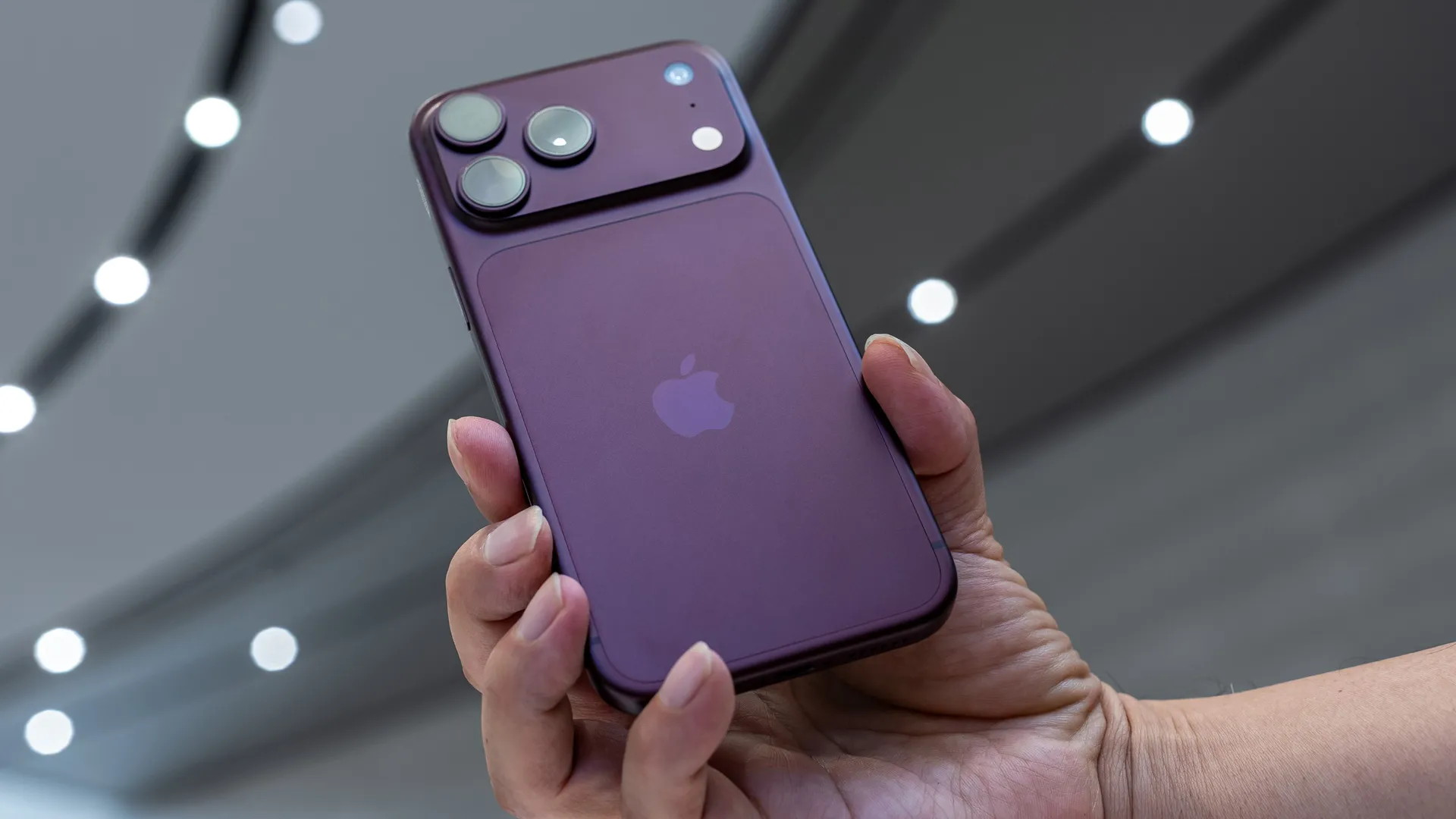
Apple has finally brought variable aperture to its iPhone cameras – and that alongside its first folding device. But as a photographer, the reason I want an iPhone 18 Pro is actually much simpler: an anti-AI tool called reference image.
The rise of AI has introduced tools to drastically alter images without any complex technical know-how. But the iPhone 18 Pro and Pro Max’s have a hardware-level ability to save an untouched, unprocessed image as a reference image.
On a device running iOS 27, that reference image can be accessed in the Photos app with a tap. This not only allows viewers to see whether or not the photograph was altered in any way, but also displays an image without the camera’s usual processing algorithms that tweak things like colors and contrast.
That means that a reference image may not have the pretty colors of the final image, but it serves as a record of what the scene looked like and whether or not any tools were used to alter the image.

Reference image works in two phases. First, the sensor captures what Apple calls a “secure digital negative.” That image needs the barest amount of processing in order to become a viewable image, so in the second part of the process, Apple uses Private Cloud Compute and demosaics, tone maps, and compresses the image.
A reference image works on a hardware level – the iPhone camera sensor captures the reference image and saves it with the standard photo type. During manufacturing, both the camera sensor and processor are given a unique identifier. This allows reference images to be validated by confirming that the photo was taken with a sensor and matching processor.
That does, unfortunately, mean that a reference image needs an internet connection to verify that those keys match with Private Cloud Compute. Apple says that it doesn’t have access to those reference images and doesn’t use those images for AI training, but if you are in a spot without internet, the reference image won’t be available until you’ve restored the connection.

Apple says that hardware solutions are less susceptible to compromise. But that also means it requires the new iPhone 18 Pro and Pro Max camera’s sensor to work, so this isn’t a feature that Apple is going to bring to older devices through an iOS update.
Reference image is an opt-in feature – users have to go into the Settings app, navigate to the Camera section, select Reference Image, and then follow Apple’s instructions for setup.
Once that setup is complete, iPhone users can turn reference mode on and off directly inside the Camera app. This is important, as the added data means photos taken in this mode will take up more space on the device.
In the Photos app, the photograph can then be compared to the original reference image by tapping “reference” at the top of the photo to develop the reference image – which requires an internet connection. Once developed, tapping the reference icon will allow you to compare the image with the original reference data.
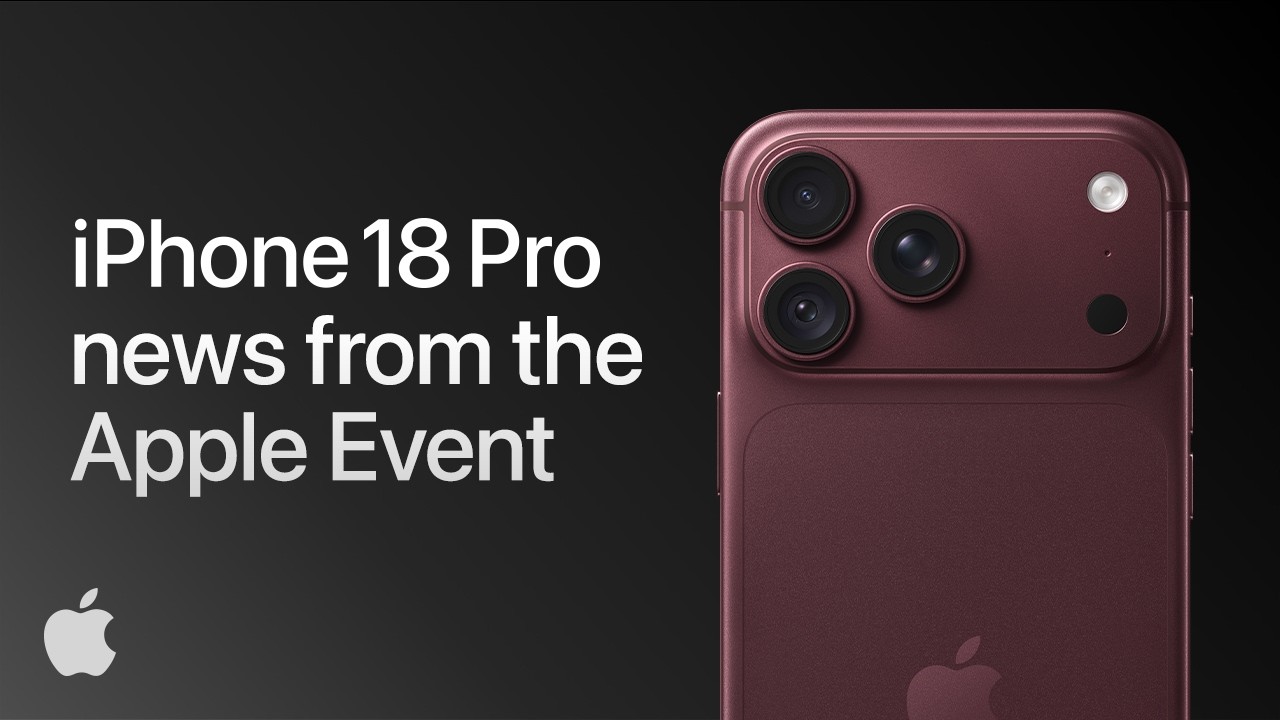
While building authenticity directly into the hardware at the time the photo is captured can be more secure, there’s still one significant downside to the new reference image – a device running iOS27 or later is needed to view those images, meaning an Android user can’t check the authenticity unless a supported app comes out in the future.
Users can also choose whether or not to share the reference image data inside the camera settings.
While cross-platform compatibility is going to be a must for a truly verifiable image, I’m glad to see Apple taking steps towards transparency about how much a photograph has been altered. I love that the approach is not only hardware-based, but that you can see the actual reference image – because edits like applying a filter shouldn’t have the same warning flags as using AI to add a generated object or remove something from the image.
Am I going to buy a new iPhone just because there’s an anti-AI photo tool built in? Well, no, but I’m glad to see Apple putting resources into the growing issue of AI slop.
You may also like
Take a look at the best camera phones. Or read about what the iPhone 18 Pro's new variable aperture means.

