





Panasonic Lumix has released a free firmware update for four of its S-series lenses, including the lens that launched as the "world’s smallest and lightest full-frame compatible zoom."
The updates bring new focus-ring controls and other improvements to the L-mount zooms, covering everything from ultra-wide shooting to superzoom and telephoto photography.
The lenses include the S 14-28mm f/4-5.6 Macro, S 18-40mm f/4.5-6.3, S 28-200mm f/4-7.1 Macro O.I.S., and S 70-300mm f/4.5-5.6 Macro O.I.S., with all four receiving the same improvements in firmware Ver.2.0.
Firmware overview

Panasonic Lumix S 14-28mm f/4-5.6 Macro
Ver. 2.0 for S-R1428 – Download link for Windows and Mac
Panasonic Lumix S 18-40mm f/4.5-6.3
Ver. 2.0 for S-R1840 – Download link for Windows and Mac
Panasonic Lumix S 28-200mm f/4-7.1 Macro O.I.S.
Ver. 2.0 for R28200– Download link for Windows and Mac
Panasonic Lumix S 70-300mm f/4.5-5.6 Macro O.I.S.
Ver. 2.0 for S-R70300– Download link for Windows and Mac
Improvements
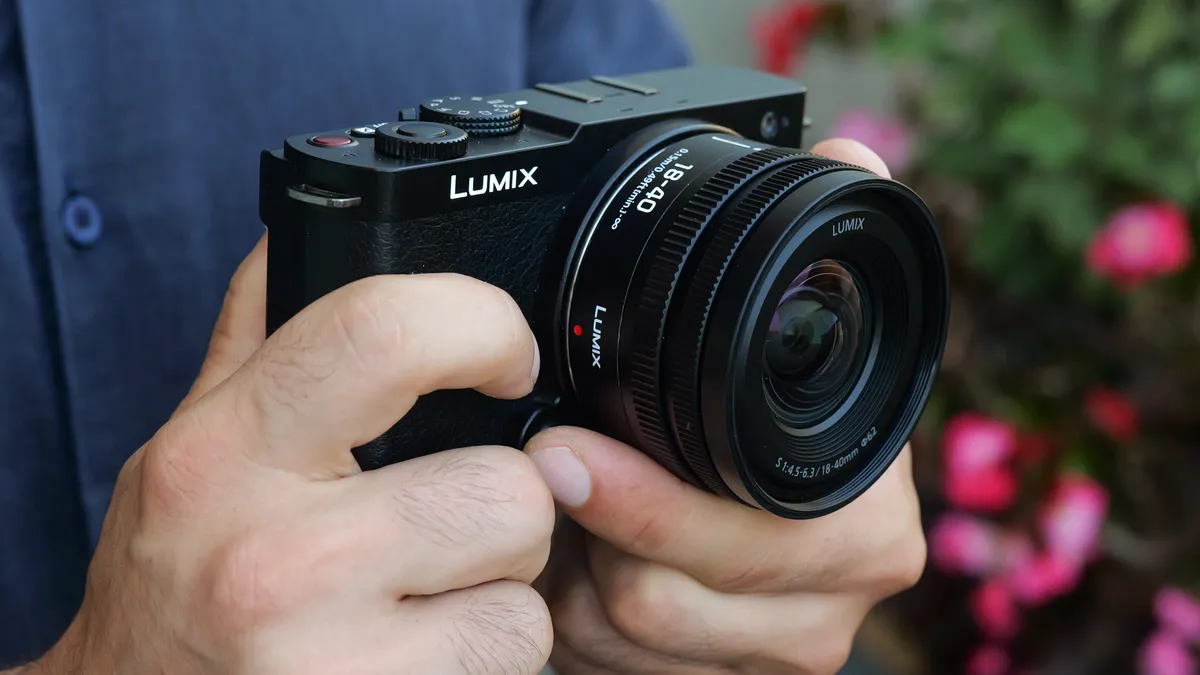
When set to AF mode, preferred functions can now be assigned to the focus ring.
- Compatible models as of Jul. 29, 2026: DC-S1RM2, DC-S1M2, DC-S1M2ES, DC-S5M2, DC-S5M2X, DC-S9
The rotation direction of the focus ring can now be selected according to your preference.
- Compatible models as of Jul. 29, 2026: DC-S1RM2, DC-S1M2, DC-S1M2ES, DC-S5M2, DC-S5M2X, DC-S9
Pro Advice

If you caught Episode 4 of Bokeh Face: Digital Camera World podcast, above, we discussed the best time to install firmware updates, why they matter, and what issues they can cause. It's a helpful listen if you're unsure when – or whenever – you should update.
It's smart to wait a week or two after release to see if any users hit snags. In the past, brands have had a few hiccups with major updates – for instance, introducing memory-setting bugs or minor interface glitches before being reissued.
You might like...
Browse the best Panasonic Lumix cameras and the best L-mount lenses.

