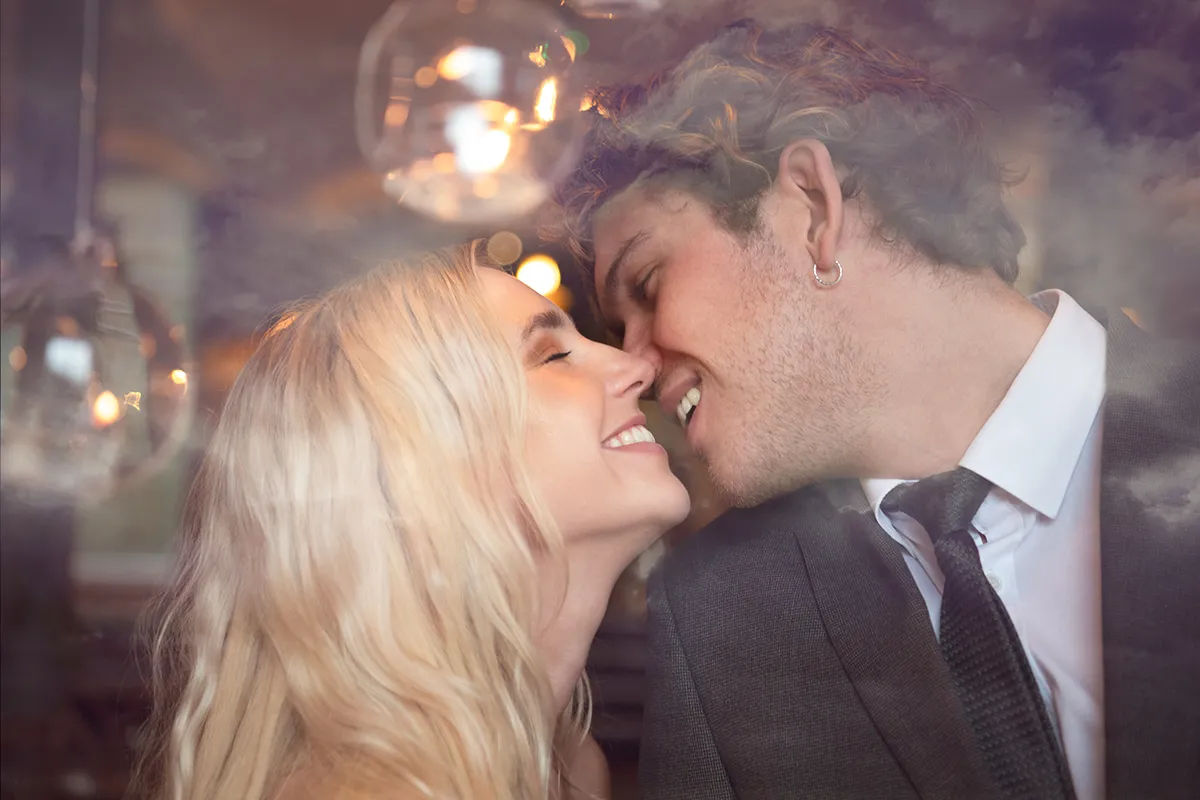
Discover the best free textures for Photoshop in our guide, which rounds up the most interesting background overlays for you to try.
• How to download Photoshop
• 100 Photoshop tips!
• 15 top Photoshop fixes
• More Photoshop tutorials
• Photoshop Elements tutorials
Free Photoshop stuff
• 55 free Photoshop brushes
• 63 free Photoshop templates
• 52 free Photoshop plug ins
• 63 free Photoshop actions
• Free textures for Photoshop
• Free frames and borders
Photoshop is one of the best tools a photographer can have at their disposal – especially in the current global climate where going out on new shoots is unlikely for the foreseeable future. Now is definitely the time to be sitting down, going through your archives and experimenting with fun new effects.
• Read more: Free Lightroom presets

One of our favorite Photoshop effects is overlaying textures on our images. It's an incredibly quick and easy way to transform a tired old image into something fresh and exciting.
It's easy to shoot your own textures, but it's even easier to download some free textures online. To help you find the right textures for your next project, we've rounded up our favorite background overlays for you to experiment with.
How to use textures in Photoshop
Textures are a fantastic way to get creative, but you might be wondering how you actually use them. Luckily, incorporating textures into your editing process is incredibly simple.
To use a texture, simply drag it onto the image you're editing in Photoshop. Then, you'll have the ability to resize your texture file so that it's covering the entirety of your background image (to ensure the best image quality for your final piece, you might want to resize the background shot so that it's smaller than the texture file).
Next, you'll need to change the Blending Mode. You might find that different modes will work better for different photos, so don't be afraid to experiment. However, we find that Screen tends to work best for most images.
You can then adjust the Opacity of your texture layer until you're happy with the results. If you find that the texture layer is obscuring your focal point too much, you can use a layer mask to lessen the impact of the texture in that area. To do that, ensure that you've got the texture layer selected in the Layers box. Then, go down to the bottom and select 'Add layer mask'. Then use the Brush tool in black with 20% Opacity and 0% hardness to gently erase the texture.
The best free textures for Photoshop
To show you just how these free textures work, we've overlaid them on the same image so you can compare the different ones available. Remember that each link has several options to browse, so don't be afraid to explore your options!

01. Sky backgrounds at Texturify

Sky textures can create beautiful effects on portraiture – and Texturify has a vast number of sky backgrounds to choose from. Whether you're after a dramatic sunset or some light fluffy clouds, you'll find what you need here. It's also worth noting that these images will also work well as sky replacements as well!
Download Sky backgrounds at Texturify
02. 24 Seamless Bokeh Textures from Brusheezy

Bokeh is an instant way to take your images to the next level – especially if they're originally shot in low light situations. Try layering different bokeh textures on top of each other to combine larger bokeh with smaller.
Download 24 Seamless Bokeh Textures
03. Cracked Ground from Free Stock Textures

Cracked dirt is a classic texture to experiment with, and we particularly love this one from Free Stock Textures. With over 3,500 downloads, it's clear that this particular background is definitely popular.
Download Cracked Ground Dry Texture from Free Stock Textures
04. Dark Blue Water Wave from Free Stock Textures

The Screen blend mode will hide the darker parts of the texture, while showing the lighter parts. That means that you want to find textures where the light parts are kept to a minimum – but bring maximum impact. This wave texture is the perfect example of that.
Download Dark Blue Water Wave from Free Stock Textures
05. Watercolor texture from Vecteezy

This watercolor texture works as the perfect natural frame for your portraiture, creating a beautiful understated effect.
Download Watercolor texture background from Vecteezy
06. Green & blue leaves from Annie Spratt

This beautiful image of dark leaves is perfect for images where you have a dark background, as it brings out the details in the texture layer while still allowing your photograph to shine.
Download Green & blue leaves from Annie Spratt on Unsplash
07. Realistic Green Leaf from Vecteezy

Nature is a rich source of inspiration for textures and background overlays. This super close-up shot of a leaf covered in water droplets would be a great addition to a portrait shot in nature pre-lockdown.
Download Realistic Green Leaf from Vecteezy
08. Purple Chrysanthemum Flowers Texture

Flowers are another great natural texture. We particularly like lots of small flowers with a dark background, but another wonderful option is a super close-up detailing the ridges of the petals.
Download Purple Chrysanthemum Flowers Texture from Free Stock Textures
09. Coniferous Autumn Forest Texture

While close-ups are a fantastic option for textures, don't be afraid to try wider landscapes as well, such as this coniferous tree landscape. As long as you have a mostly uniform pattern, you might be surprised by what works.
Download Coniferous Autumn Forest Texture from Free Stock Textures
10. Messy Grunge Surface Texture

This classic scratched surface texture is a great way to add some grit and grunge to your photos. Be aware that we inverted the colors of this to make it work, but this is as simple as Image > Adjustments > Invert in Photoshop.
Messy Grunge Surface Texture from Free Stock Textures


Read more
Best free photo editor in 2020: free software that still does a great job
Best cloud photo storage in 2020: free and paid options compared
Best free video editing software

