





Everyone’s favorite free, industry-standard video editing software has just received a major update with a raft of new features, including an AI assistant. That’s right, just days after Adobe’s big Premiere news, Blackmagic’s DaVinci Resolve has released DaVinci Resolve 21.1.
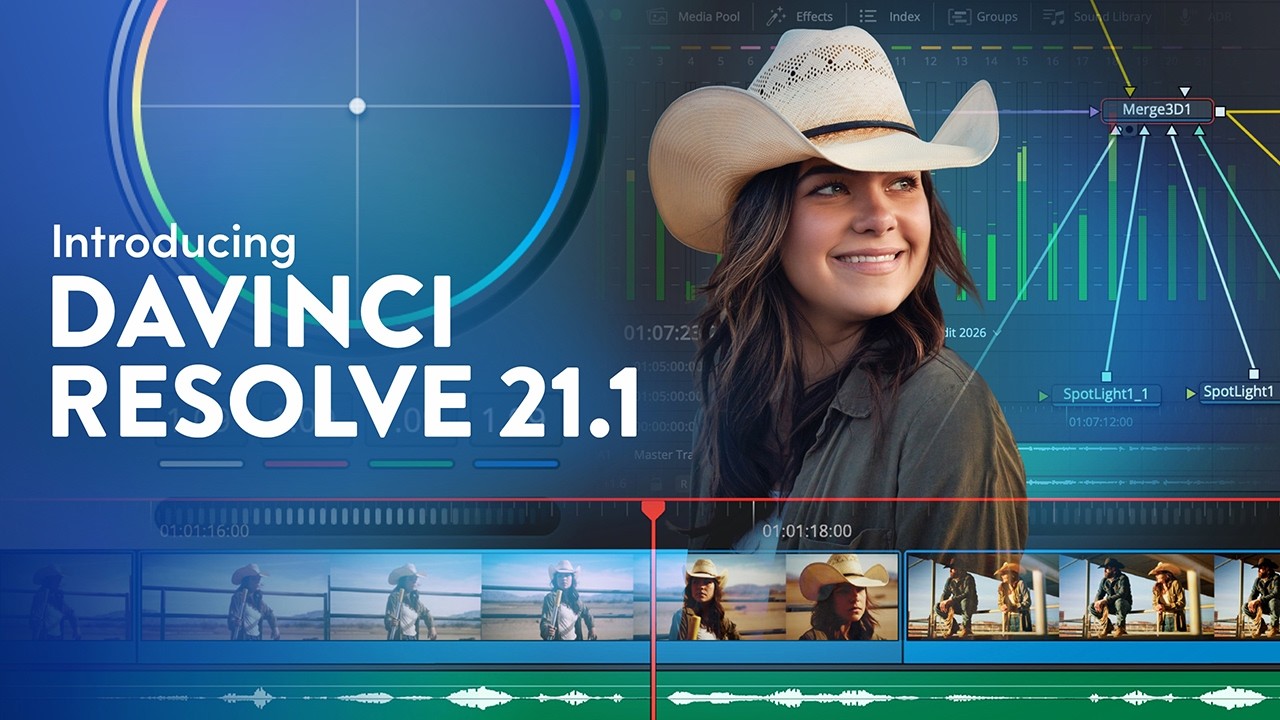
AI assistant integration
The headline feature is AI assistant integration, allowing users to access assistants from leading models such as Claude and ChatGPT Codex to give editors a helping hand. According to Blackmagic, assistants will be able to analyze projects, organize media, adjust settings and batch render, but the real plus point is that users can communicate using normal conversational prompts, which should make complicated processes much easier.
Similarly to other examples of AI Assistant integration, the technology is designed to handle more laborious tasks, such as building highlight reels from long-form content, rendering deliverables and removing unwanted clips.
Other big changes

One of the biggest new additions to DaVinci Resolve in a long time was the recent introduction of photo editing. DaVinci Resolve 21.1 bolsters the program’s stills prowess by supporting more camera formats, including the Sony A7R VI, Leica SL, and both the Fujifilm GFX and X series of cameras.
In addition, image settings on the Photo page can now be adjusted in the inspector using color panels. This includes the DaVinci Resolve Micro Color Panel. Blackmagic says that this gives “customers hands-on control for faster, more precise adjustments.” ResolveFX also boasts enhanced sky replacement capabilities for stills on the Color page.

In a bid to prevent editors from losing their place when working on multi-camera workflows, the Edit page has introduced a new timeline viewer multi-cam mode button. This allows the current clip to be displayed in the source viewer, providing “seamless angle switching,” and after editors have previewed media pool clips, the source viewer automatically returns to multi-cam mode when switching back to the timeline. It’s also now possible to split at timecode gaps, which is said to make syncing multi-camera footage faster.
Blackmagic has also rolled out an update for Blackmagic Cloud with enhancements including new Presentations features and faster bulk downloads when using Cloud Storage. DaVinci Resolve 21.1 is available right now and can be downloaded for free.
You might also like...
Into video? Check out the best cameras for video and the best hybrid cameras. Plus, take a look at the new Sony FX5.

