




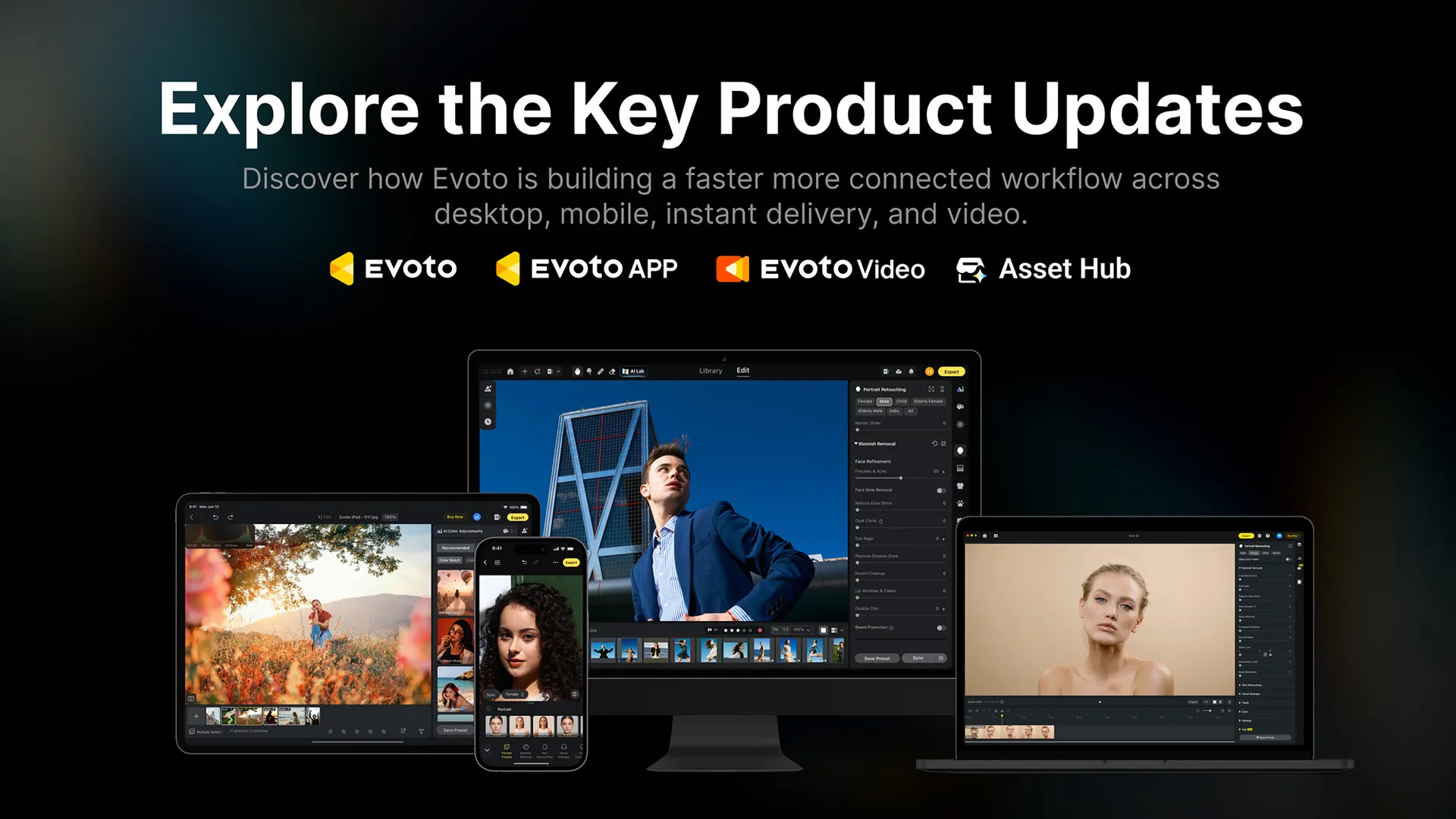
Evoto has launched the next generation of its AI-powered retouching suite. Evoto Version 8.0 is being rolled out across the photo-editing software company’s entire ecosystem and comes at a time when over 1.2-billion images have been processed via the company’s software by 1.2 million pro photographers across more than 200 countries.
But what surprised me is the implementation of a creator marketplace called Asset Hub, complete with a $500,000 rewards pool to kickstart the community. And I'm pleased to report that everything on display during the event was squarely focused on working photographers, videographers, and creatives. No AI Headshot Generator in sight. Here's what Evoto 8.0 brings to the table...
Evoto 8.0: Retouching stills
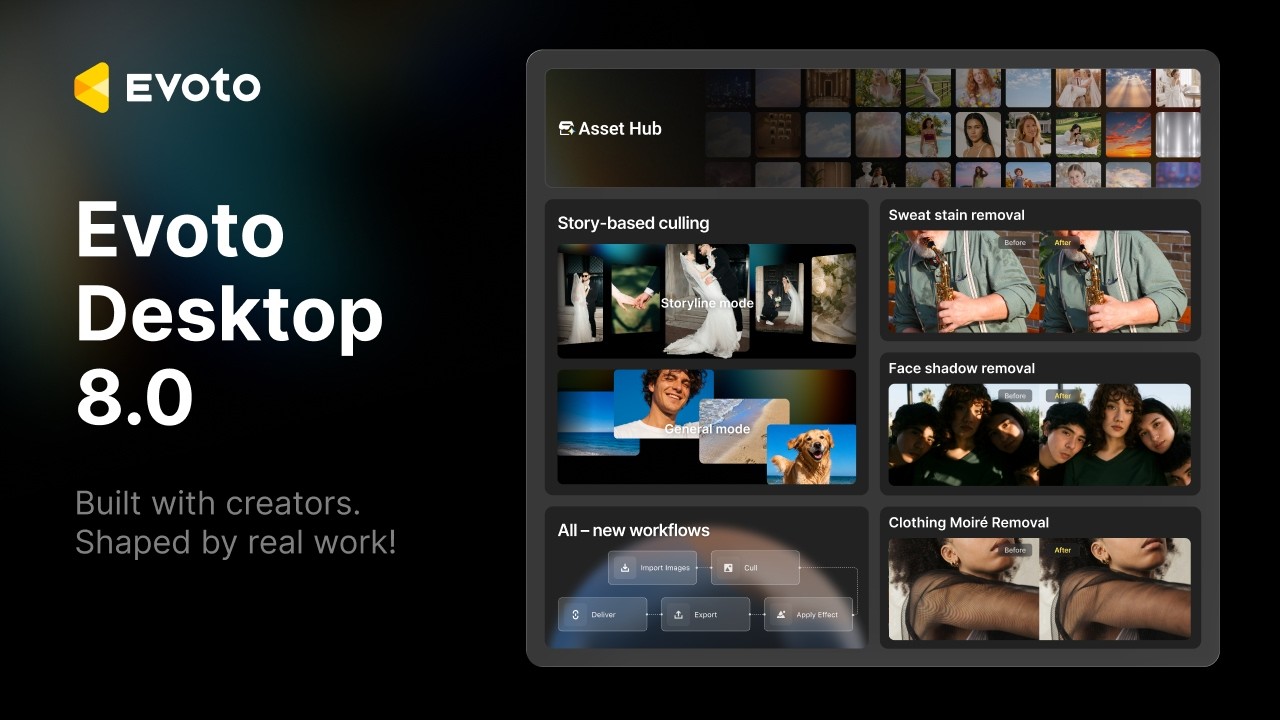
The meat of the update for photographers, of course, surrounds Evoto’s AI-powered retouching capabilities. On the subject of Evoto’s flagship desktop application, US Revenue and Marketing Director, Jay Peterson, distilled the software into four core pillars: “More precise retouching, more flexible framing, smarter culling, repeatable workflows.”
This means updates to a range of stills-based AI-powered features and not just retouching. Evoto’s Story-Based Culling puts a new spin on traditional culling workflows for events and wedding photographers. In Storyline Mode, the user chooses chapters in which the software groups photos to build a storyline of the big day. Rather than discard potentially useful outliers, they’re left unassigned for manual rejection or integration. There’s also a more traditional General Mode, which groups images visually, independently of when they were taken.
The new Workflow feature enables users to save an entire workflow to reduce repetition. From import, culling, applying effects, to export and delivery. Jay was keen to point out that this relates to the workflow process, leaving the creative decision-making to the photographer in question. There’s also SDK integration, which is designed for larger production teams trying to script workflows at scale.
And of course, the next generation of Evoto comes with enhanced AI-powered retouching, with Precision Freckles & Acne Retouching, Face Shadow Removal, Clothing Moiré Removal, Liquify Background Repair, Sweat Stain Removal, and Generative Expand. Background Extraction has been improved and now comes with an orientation-aware AI Crop.
Finally, the Home interface has been redesigned. Create Project, Tethered Shooting, Workflow, and Asset Hub are all accessible from the Home screen, along with the software’s AI assistant, Evobot.
Tether to a smart device
A boon for photographers on the move is the ability to tether to the Evoto App. So, you can capture images directly to an iOS or Android device on location. The Evoto App is also getting enhancements in the form of Hot Presets, Color Match, Motion Blur, and Relight.
Evoto 8.0: Retouching video
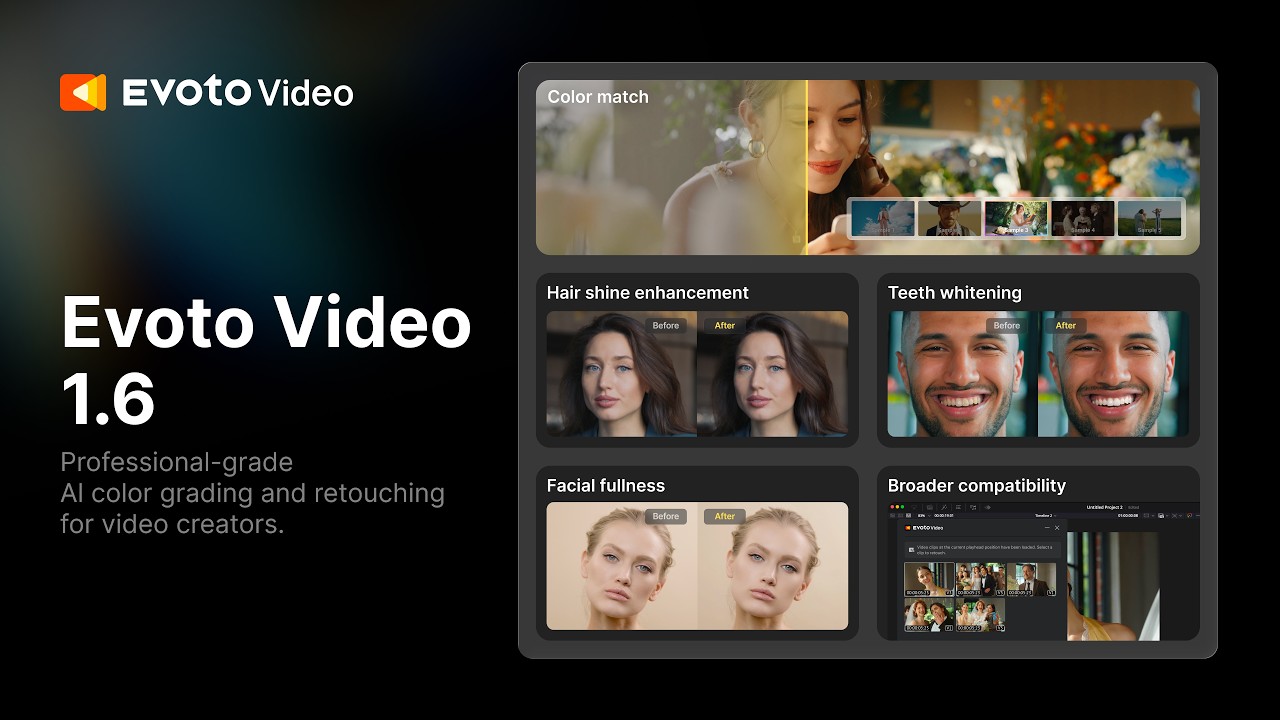
The headline update is the ability to perform portrait retouching on video footage. Evoto Video enables users to retouch footage while avoiding the laborious process of manual edits such as keyframing. Evoto is also bringing this technology to DaVinci Resolve and Adobe Premiere Pro via the In-Workflow Retouching Plugin, allowing editors to access Evoto’s video retouching from the timeline.
Hair Shine, Teeth Whitening, Facial Fullness, and Color Match are other 8.0 appointments. Hair Shine tracks strands of hair so that the shine remains consistent as the head moves. Teeth Whitening is designed to mask the teeth and apply whitening by reducing yellow hues, without washing out the teeth. Facial Fullness adds “subtle volume where it’s needed” to faces that appear slightly flat due to lighting. Color Match is an exciting prospect. You match the colors of a single reference image to a clip and then apply that look across the rest of the video.
Evoto Asset Hub
Perhaps the most surprising announcement was the creator marketplace Asset Hub. This allows photographers to purchase assets such as AI looks, backdrops, skies, and more. There are also Masters’ Signature Presets from working photographers. And users can publish and sell their own assets, too.
According to Jay: “A photographer’s style might be the reason clients book them; this gives that same style a second way to generate income.” There are no listing fees; creators keep 60% of net sales and set their own prices within set bands. The $500,000 incentive rewards those who join between now and December 31, 2026, with $50 “once their first asset gets approved and goes live”. An additional $100 will be awarded to the top 20 creators by total sales during the campaign.
You might also like...
Want more editing news? Affinity’s “biggest photography update yet” – but don’t panic, the image editor is still free! Photoshop’s AI Assistant feels made for beginners – so now the tool is coming to the newbie-friendly Photoshop Elements image editor too. Plus, I think the US$100,000-winning Grok Imagine Odyssey footage is proof that Hollywood shouldn’t feel threatened by genAI just yet.

