





Struggling to correct wonky buildings? Perhaps you want a tilt-shift look without investing in a specialist lens. Or maybe barrel distortion has stretched your subject at the corners of the frame. If any of those seem like a you problem, then DxO ViewPoint 6 might be of interest.
The Parisian-based outfit has just launched the latest incarnation of its image geometry-based photo editing software, and the headline new feature is the ability to combine geometric corrections with AI masking for precise, local edits.
Local geometric corrections

The introduction of AI masking into ReShape Fusion allows users to mask a specific object, such as a tall building, and correct its geometry independently from the rest of the photograph. Traditionally, you’d have to correct the geometry of the entire image by cropping into the frame simultaneously. The introduction of AI masking is designed to prevent that.
Users simply draw a selection box around the intended subject, and DxO ViewPoint 6 will mask it and form a mesh that the user can then manually manipulate to adjust the object's geometry. Rather than a uniform mesh across the entire frame, ViewPoint 6 creates a mesh with control points that sit directly on top of the subject in question.
ViewPoint 6 also boasts more subdivision options, allowing you to tailor the mesh to your exact needs, for example, allowing you to work with finer control points locally, surrounding only your intended subject.
It may seem obvious that this would require some form of genAI to fill in the gaps as the object is moved, but DxO is keen to point out that no AI image generation takes place, stating: “It rearranges the components of the scene the photographer captured rather than recreating them”.
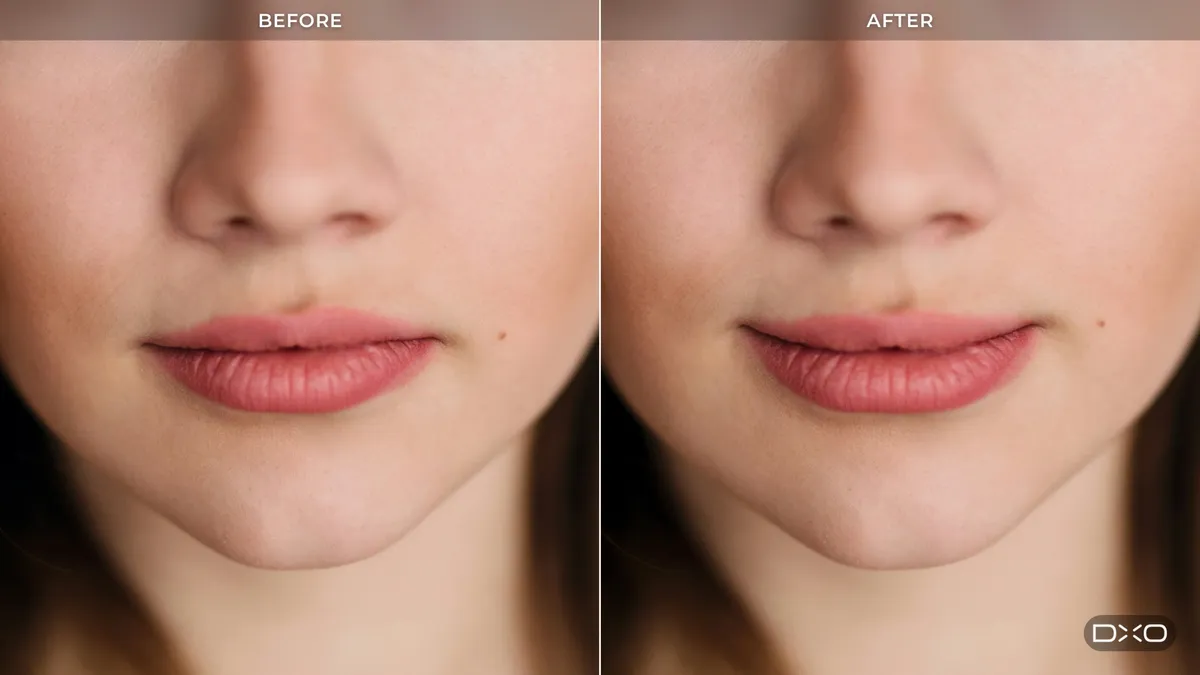
A less exciting, but no less important, new feature is DxO ViewPoint 6’s ability to open RAW files (as well as TIFF and JPEG) when used as standalone software. Rendered in DxO Wide Gamut, lens corrections are applied automatically, and adjustments are made to a sidecar file, so the integrity of the original is always preserved. The software can also be used as a plug-in alongside Adobe Photoshop and Lightroom Classic, and DxO PhotoLab 10.
What is DxO ViewPoint 6?

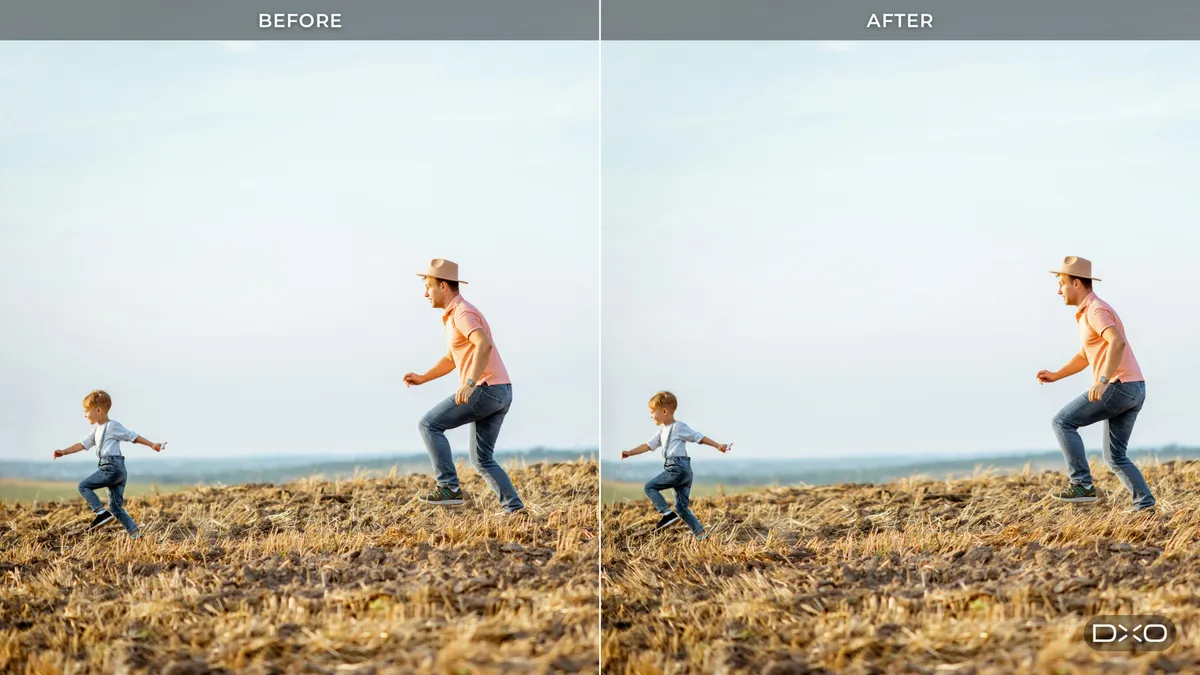


DxO ViewPoint 6 isn’t just about manually correcting the geometry of an image or subject. It allows users to fix three common barrel distortions: the curvature of straight lines, converging verticals, and stretched subjects.
In addition to ReShape Fusion, the editing outfit is famous for its DxO Modules, in-house laboratory-crafted lens-correction profiles used to automatically correct distortions in just a few clicks. Volume Deformation is designed to fix stretching at the edges of the frame, but without affecting the rest of the image, correcting only what’s needed. It also does so while maintaining image dimensions, thus preventing forced cropping.
The software also includes Horizon Correction to automatically straighten skewed horizons and Miniature Effect, which can be used to add a shallow depth of field to scenes that are far away. This can make real-life scenes look like miniatures by employing a tilt-shift effect.
DxO ViewPoint 6 is available now and priced at $129.99 / £109.99 for a new license or a reduced rate of $84.99 / £69.99 for existing customers upgrading from ViewPoint 5. You can also take advantage of a 30-day free trial.
You might also like...
The gorgeous Ricoh GR IV 30th Anniversary Edition compact camera is finally on sale – but with only 6,000 being made, you'd better be quick! Once presumed lost forever, these eerie photos show us all what horror movies were like 100 years ago. Plus, here's the latest camera news.

