





Recently, there’s been a resurgence in interest in the original Google Pixel smartphone, which was released back in 2016 with a modest single rear 12MP camera, a Sony sensor, and 32GB of base storage. However, it’s not for nostalgia or some kind of retro kick.
In an aggressive marketing bid, the search engine hegemon offered all Pixel 1 customers lifetime unlimited original-resolution, uncompressed photo and video storage. And now, people are buying up Pixel 1 phones – which you can find on eBay for under $100 (approximately £75 / AU$140) – hoping to take advantage of this deal, which Google still honors to this day.
The only caveat was, and still is, that files need to be uploaded via the Google Photos app from the Pixel 1 device, which isn’t ideal. Still, it means users can get around any current storage plan limits by first transferring files from other devices to the Pixel 1 before uploading them to the cloud.
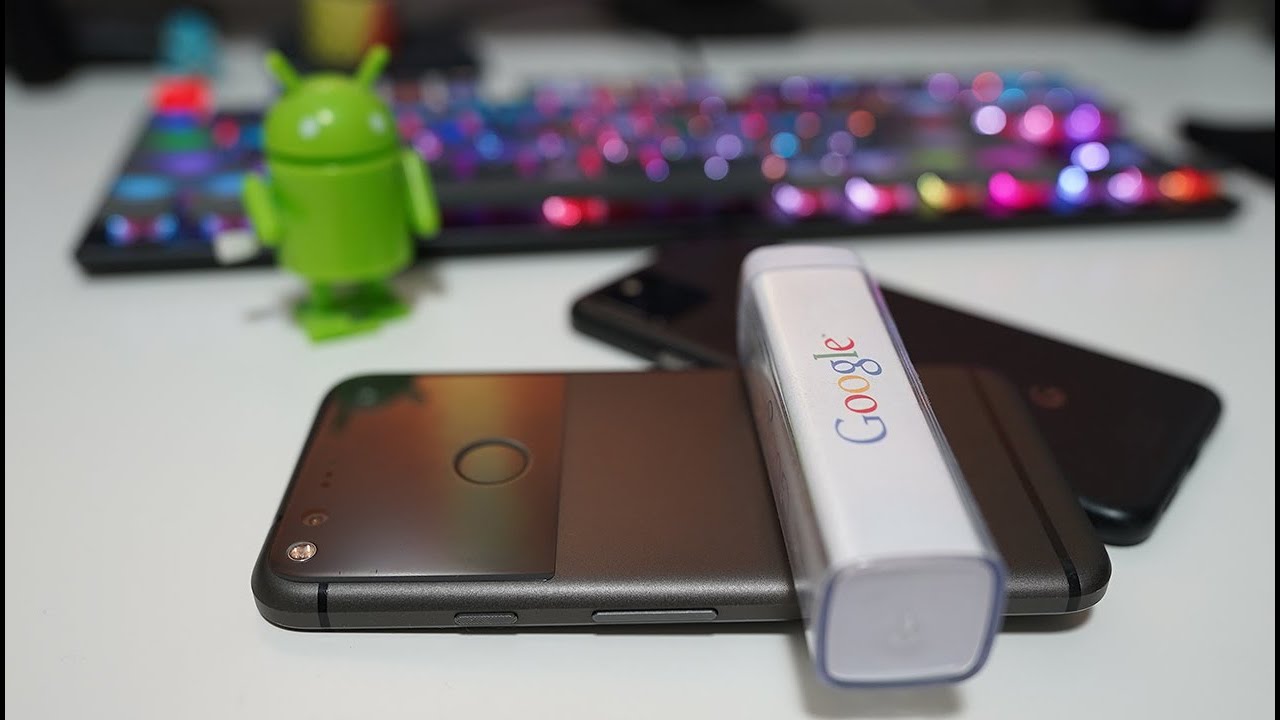
Above: this tutorial shows exactly how people are exploiting the Google Pixel 1 unlimited storage hack
It’s a seemingly fail-safe hack, too. Even though it’s been 10 years since the Pixel 1 was unveiled, if Google decided to revoke the deal, it would likely need to navigate a legal minefield of breach-of-contract clauses.
I really don't think the tech giant is worried about these storage hackers taking up too much real estate on its servers either.
While by 2023 an estimated 40 million Pixel units across all generations had sold, the company revoked the unlimited storage benefit from Generation 6 (2021) onwards. In fact, Google had already downgraded the unlimited storage deal to compressed-quality files by the release of Generation 5 the previous year.
But do I recommend exploiting this hack? Honestly, no. While it can save you money in the long run, transferring all your files to an early-generation Pixel device, either manually or via a syncing app, is a hassle. Plus, the whole scheme relies on an old smartphone that may or may not give out after long.
You might also like…
Here’s our expert pick of the best camera phones and also the best portable hard drives and SSDs.

