Ricoh Imaging has released new firmware updates for three of its latest compact cameras: the Ricoh GR IV, GR IV HDF, and the GR IV Monochrome.
The updates bring new controls and usability improvements to the GR IV and GR IV HDF, including greater control over AF (autofocus) point memory, User Modes and wireless connectivity.
The GR IV Monochrome also gets these updates, alongside a new Solarized Effect that lets photographers create surreal black-and-white images in-camera.
Ricoh GR IV / GR IV HDF

Version 1.20
Download link for Windows+Mac
Short overview: enhancements and fixes
- The “AF Point” option has been added to Customize Settings → Memory
- Added [Restore User Mode Settings] to [1] USER Mode under Menu > Customize Settings
- Added [Connection While Power Off] to the Wireless Communication Settings under Menu > Setup > [6] Communication Settings
- Added the certification mark required for use in India
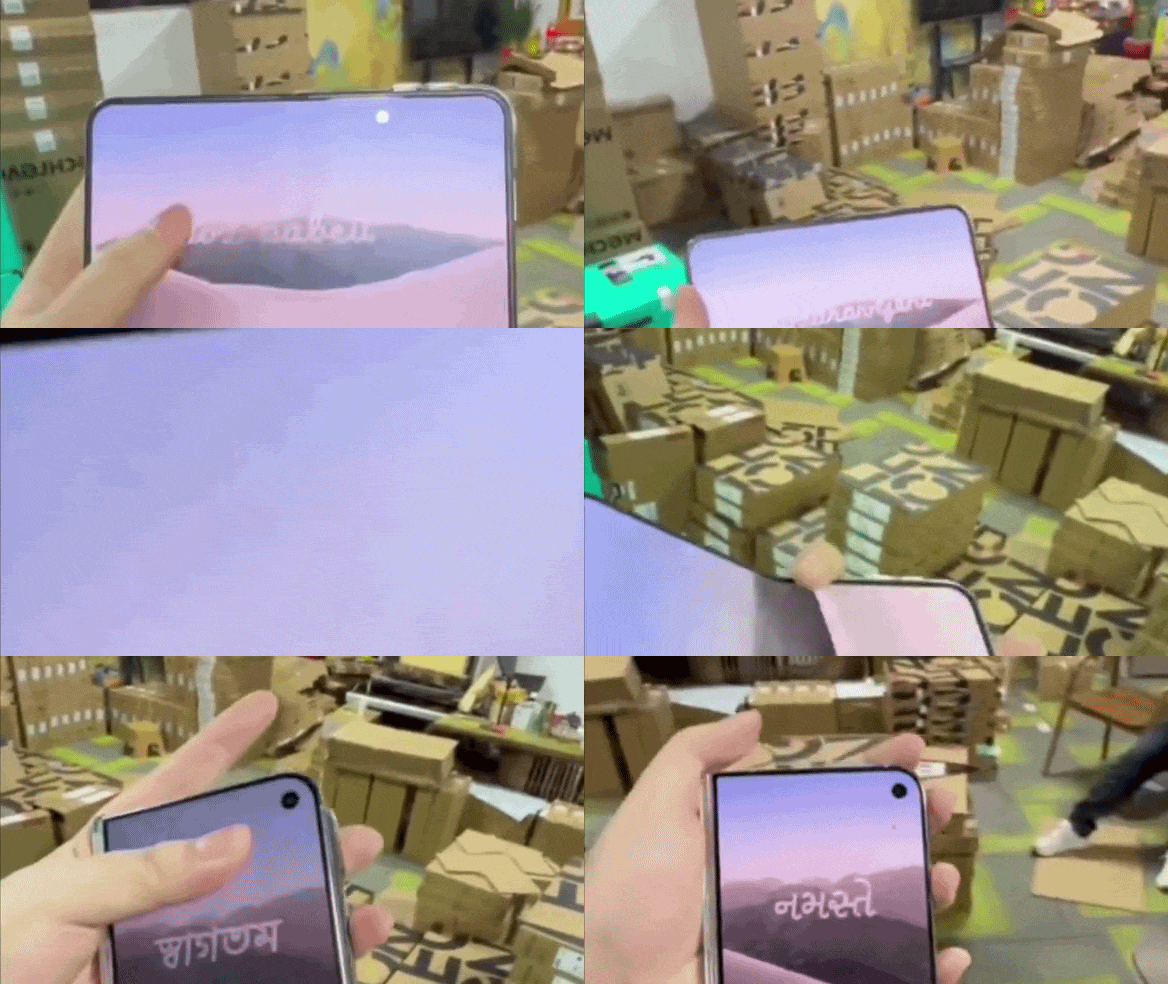
- You can now change the end screen displayed when the camera is turned off using the smart device app GR WORLD
- Improved stability for general performance
Find all info and imagery on the updates here.
Ricoh GR IV Monochrome

Version 1.10
Download link for Windows+Mac
Short overview: enhancements and fixes
- Added the [Solarized Effect] Image Control
- Added [AF Point] to [Mode Memory] under Menu > Custom Settings > [2] Operation Customization
- Added [Restore USER Mode Settings] to [1] USER Mode under Menu > Custom Settings
- Added [Connection When Power Off] to the Wireless Communication Settings under Menu > Setup > [6] Communication Settings
- Added the certification mark required for use in India
- You can now change the end screen displayed when the camera is turned off using the smart device app GR WORLD
- Improved stability for general performance
Find all info and imagery on the updates here.
Pro Advice

If you caught Episode 4 of Bokeh Face: Digital Camera World podcast, above, we discussed the best time to install firmware updates, why they matter, and what issues they can cause. It's a helpful listen if you're unsure when – or if ever – you should update.
It's smart to wait a week or two after release to see if any users hit snags. In the past, brands have had a few hiccups with major updates – for instance, introducing memory-setting bugs or minor interface glitches before being reissued.
You might like...
What are the differences between the Ricoh GR series cameras