
Faster masks, film grain special effects and refreshed captions dot the list of updates to Adobe’s most advanced video editor.
Adobe released the latest edition of Premiere, updating the popular video editor with a handful of new tools that the company says are “built around how editors actually work.”
The June 2026 update adds new features and minor tweaks across the popular video editor, while Adobe’s After Effects also gains a handful of new features.
Adobe Premiere's summer update brings a handful of new tools without dramatically changing the way that editors work inside the software's beloved workspace, starting with the option to build in natural textures from the timeline.
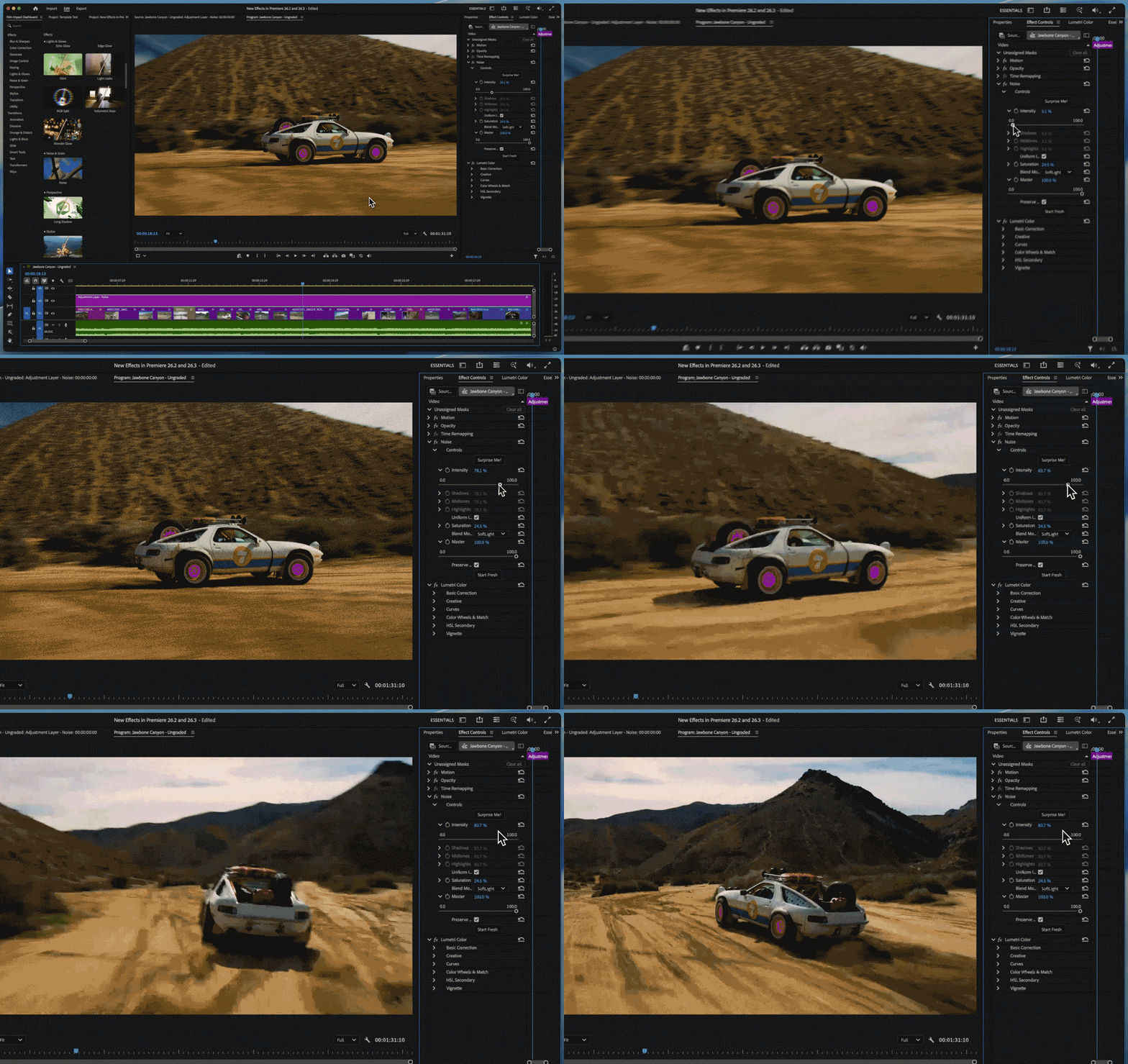
A new Noise FX tool enables creators to add a film-like grain to footage. Located inside the Effect Controls panel, the tool can dial in grain with an intensity slider, along with functions for working the effect into the shadows, midtones and highlights.
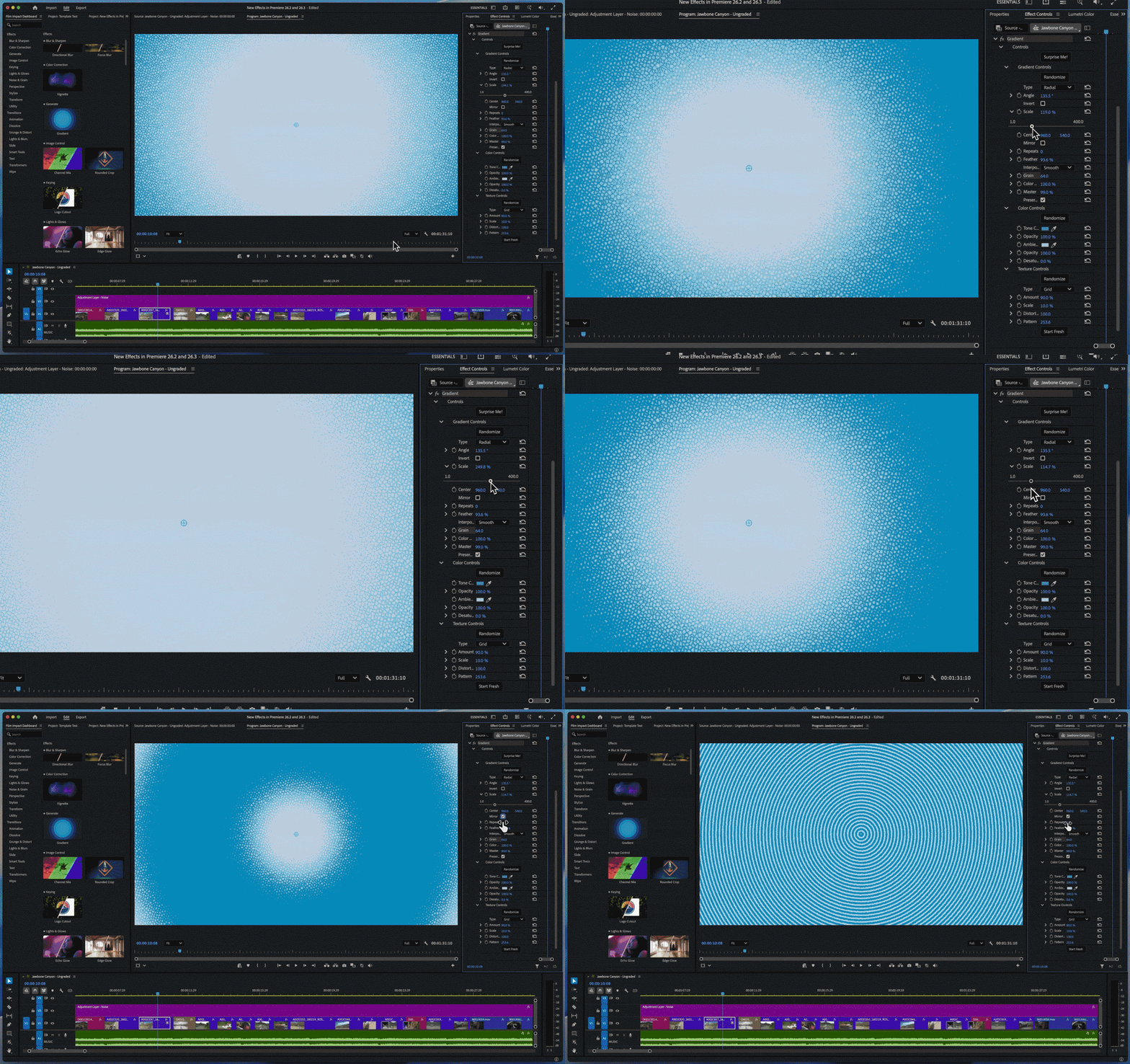
Also in the Effect Controls panel, editors can now work with gradients, including a list of tools to feather, mirror, repeat and make other adjustments. Channel Blur is another new effect arriving in the update.
Video editors also now have the option to use single-word captioning, which shows one word at a time. Like the other June updates, the new captions are designed to fit in with existing tools and arrive by selecting the Single Word layout in the existing caption process.
Adobe says that Object Masks have been refined to improve both speed and accuracy. Masks can also now be regenerated without starting over if the connection to the media is lost.
The update also introduces some new panels and tools. Stock can now be licensed without leaving Premiere inside the new Stock Panel Checkout. Meanwhile, Adobe says the new Sequence Index Panel is designed for long-form editing with more controls.
A new A/V Display Mode will show the video and audio waveforms both in the Source Monitor for easier navigation. Meanwhile, video editors can mute all the existing clips with a press of the global audio mute button.
Markers – Premiere’s way to flag a certain part of the video for easy recall – are also now searchable by color and name.
Adobe also added a 3D Spinback and Slide option into the transition options.
The new Premiere tools come alongside a refresh to After Effects, which adds four AI-powered selection tools to replace the Roto Brush. A new list of tools also come to 3D effect editors, while imported SVG files are now editable inside After Effects.
The updates are rolling out now.
You may also like...
Take a look at the best video editors for creators. best video editor

