





Canon's Dual Pixel 3D has formally been announced – and it's an amazing piece of software that enables you to take 3D photographs with a standard Canon camera. You don't need any of the VR fisheye lenses or anything else; the software uses the Dual Pixel photosites, built into standard EOS sensors, to spatially map a third dimension onto your two-dimensional photographs.
I first saw this technology back at CP+ 2025, where it was being demonstrated with an EOS R5 a slightly spooky doll against a white background. Then I saw it again this year at CP+ 2026, where it had been used to photograph dogs, cats, owls and hedgehogs using the R5 Mark II and R6 Mark II.
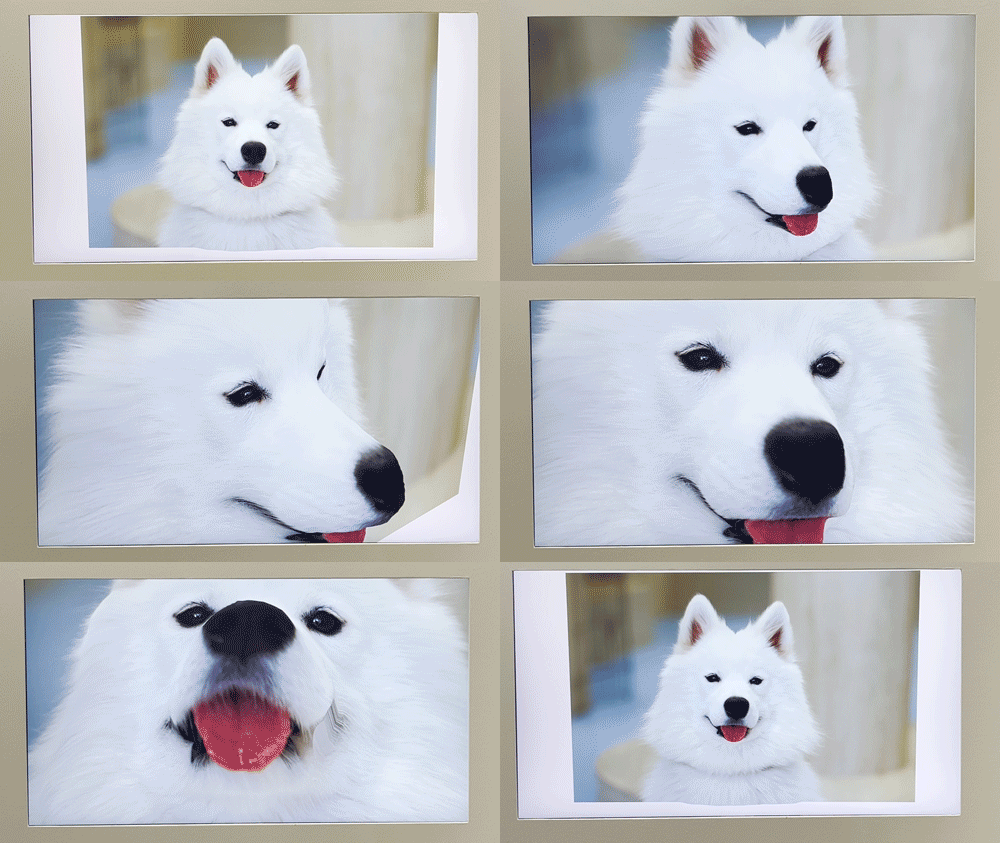
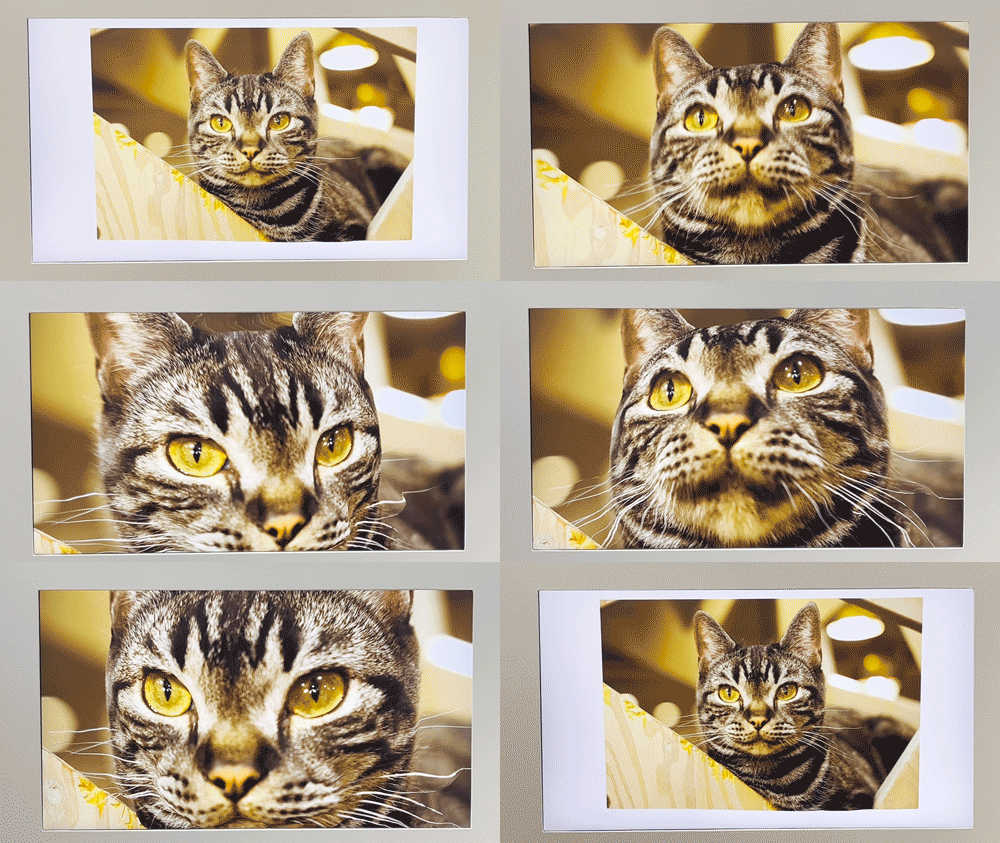
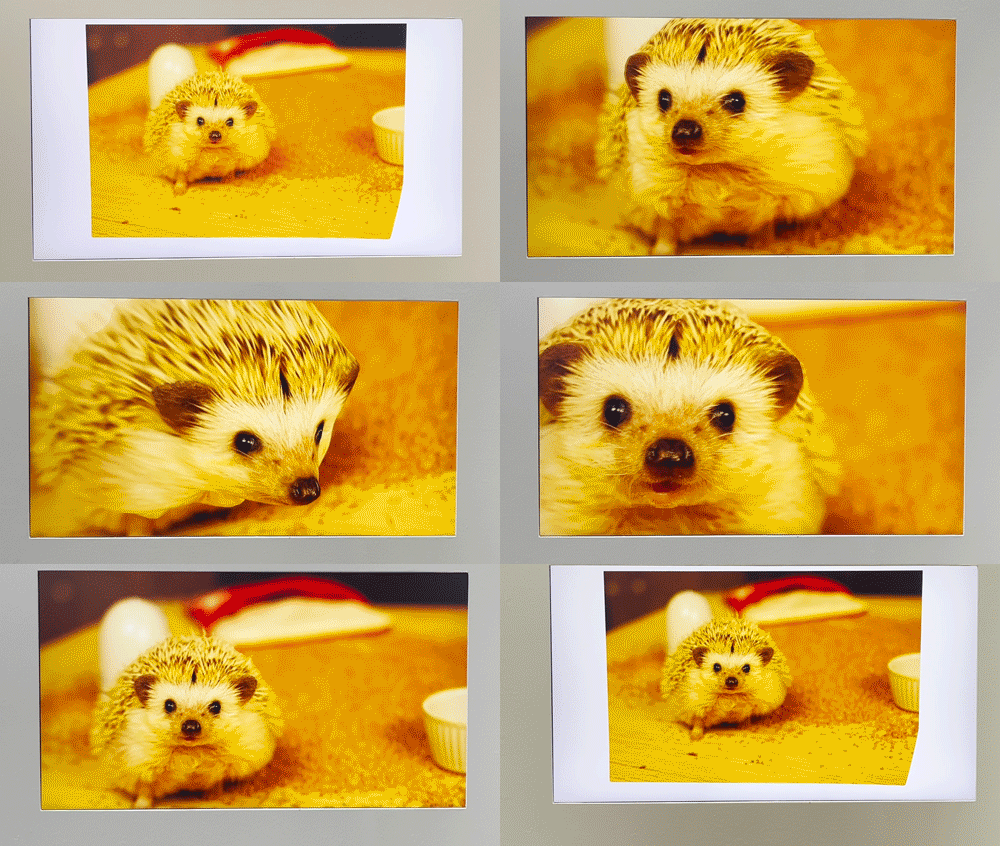
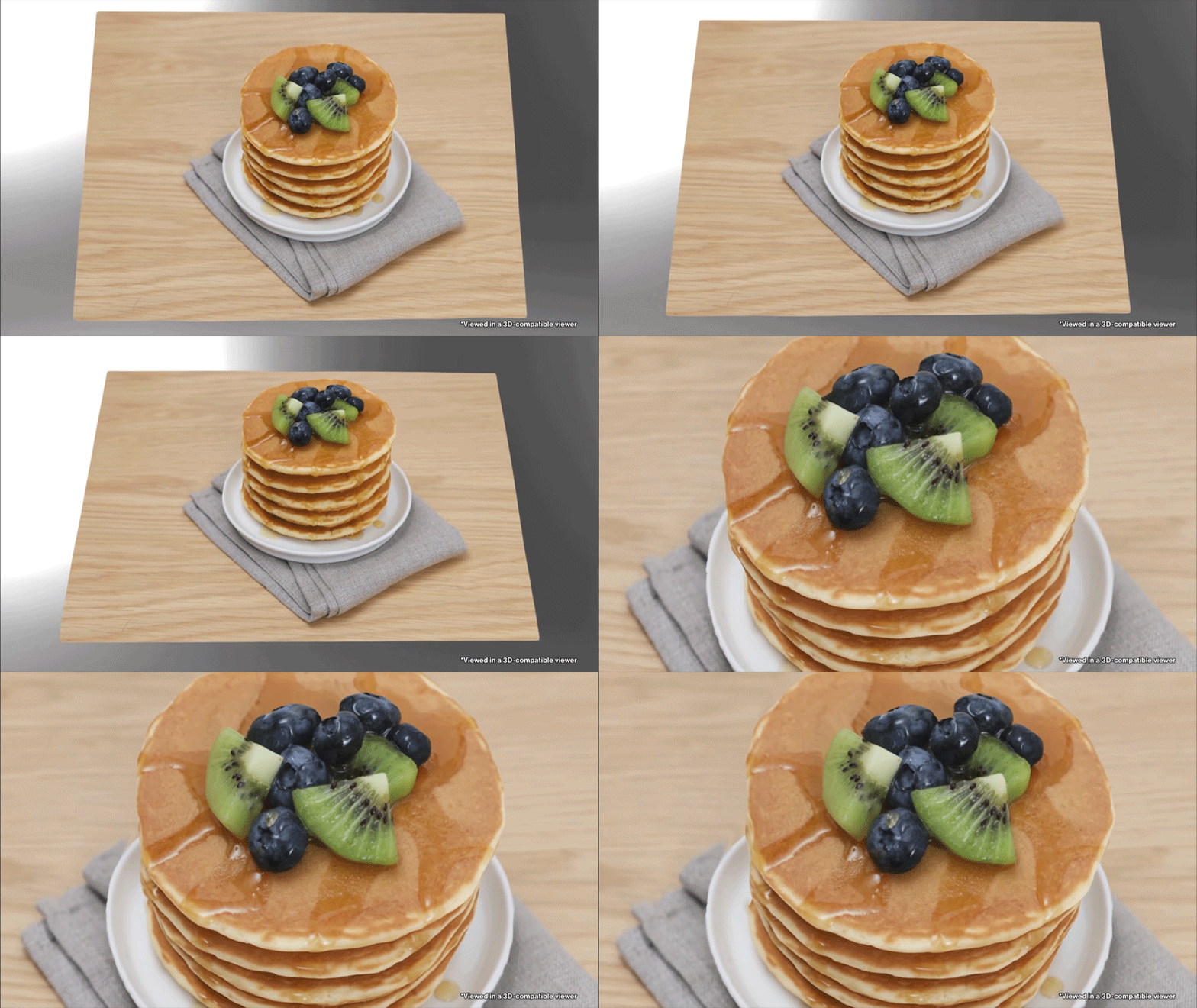
Now the tech has been revealed in its final form, with Canon using a selection of food and floral photography to showcase what it's capable of. This was perhaps always the best use for Dual Pixel 3D, as it feels tailor-made for things like ecommerce applications, but obviously we're at the ground floor of what can be done with it – and industrious photographers will no doubt put it to all sorts of unexpected use.
The full list of compatible cameras and lenses has also been unveiled, spanning everything from brand-new bodies like the Canon EOS R8 Mark II to older entry-level models like the EOS R10, and L-series glass like the RF 24-70mm f/2.8 L IS USM to the bargain RF 50mm f/1.8 STM.

So how exactly does the tech work? I asked a Canon engineer in while I was in Japan, who was showing me the tech on the OG R5. "This Canon camera has a Dual Pixel sensor. That means two photodiodes in one pixel.
"Currently, we are using that for the autofocus. However, we can use that pixel to [produce] 3D. So we can take a photo as RAW data – we call it DPRAW, the extension is .CR3 – and then we made special application software for 3D."
ABOVE: Canon's full suite of 3D tech, shown at CP+ earlier this year
The algorithm converts your two-dimensional photograph into OBJ or GLB formats, or even an MP4 video if you don't want to mess around with an interface (whether its 3D glasses or a simple mouse or touchpad) to turn and manipulate your image.
And it really does only need a camera! "Yes, you just need [the] application software. We also sell Dual Fisheye [lenses], but you have to pay more. But this is regular [camera and lens]. Many solutions, so you can try [the app] and then move to Fisheye [if you like the technology]."
Cameras |
Lenses |
EOS R5 Mark II |
RF 24-70mm f/2.8 L IS USM |
EOS R5 |
RF 24-50mm f/4.5-6.3 IS STM |
EOS R6 Mark II |
RF 24-105mm f/4 L IS USM |
EOS R6 |
RF 24-105mm f/4-7.1 IS STM |
EOS R7 |
RF 35mm f/1.8 Macro IS STM |
EOS R8 Mark II |
RF 50mm f/1.8 STM |
EOS R8 |
RF 70-200mm f/2.8 L IS USM |
EOS R10 |
RF 70-200mm f/4 L IS USM |
| Row 9 - Cell 0 | RF 85mm f/2 Macro IS STM |
| Row 10 - Cell 0 | RF 100mm f/2.8 L Macro IS USM |
| Row 11 - Cell 0 | RF-S 18-45mm f/4.5-6.3 IS STM |
| Row 12 - Cell 0 | RF-S 18-150mm f/3.5-6.3 IS STM |
There are some limitations to the tech, such as too much bokeh (background blur) and blind spots created by shooting too close. So Canon has a number of recommendations, such as shooting at f/5.6 or wider with at a distance of 5-10 times the focal length.
The Dual Pixel 3D software will be available from October 08 and is currently Windows-only, requiring Windows 11 64-bit 24H2 or later.
You can find out more at the official Canon USA page with more examples, instructions and settings at the Canon Japan page.
You might also like…
Take a look at the best Canon cameras, along with the best Canon RF lenses – but if you want to use Dual Pixel 3D, make sure to double-check the compatibility table above!

