
Dual drone cooling
Getting a drone to hover over you to keep you cool sounds risky, but YouTuber @FlyWithAdrien is one of many who claims to have done it successfully. As the drone expert – with experience flying all the major drones on the market – I can't help but offer my thoughts on some of the viral videos of people cooling themselves with flying fans.
I'll get to the best in one second, but first I'll start with the most drones at once!
This effort from @imransaleemvlogs seems a bit risky to my mind. This drone enthusiast, or drone fan, has cooled himself with a ducted (cinewhoop) drone from the DJI Avata series, and another with completely exposed propeller blades.
Perhaps he's added that blanket to protect himself, but that seems to detract a little from the benefit of the drones?
The DJI Avata 2 or DJI Avata 360 would be the safest and most powerful of the two in this pairing, but the irritation might be that the batteries would run out at different times – and there would be a lot of getting up to deal with the drones, even if they safely navigated themselves to a nearby automatic landing site.
The smaller DJI Mini 4K would at least hover longer, for about 25 minutes before landing itself as the battery was nearing exhaustion.
Best choice
Life hackIf you can't find a fan anywhere in stock in the UK buy a drone and have your own personal fan follow you aroundYou're welcome pic.twitter.com/vJn4v0IopsJune 25, 2026
If you're feeling warm, there is no reason to wait. I'll start with the best!
The DJI Neo is a great choice because it's not that expensive, has a safety cage, but it offers "follow-me" style tracking.
That means it can fly nice and near you, so you can feel the air movement from the propellers just like fans, and the drone will automatically follow you if you move.
Big drone
🥵 German heatwave hackIn Germany, they've come up with a creative way to cool down a little — using drones 👇 https://t.co/QlX9VerSsv pic.twitter.com/u1p2I9Ur7JJune 29, 2026
These guys are using a mix of big drones and small, but no prop guards. One big advantage of the larger drones – like the DJI Mavic 4 Pro – is that it has big batteries offering a long flight or hover time. Handy if you want to chill out for longer without swapping batteries (or, worse, waiting for them to charge!).
It also has safety sensors, but so do many drones – and, honestly, not all work that well indoors. Caution might be the way forward!
Is this fake?
From a simple light bulb socket to a powerful drone-style ceiling fan in seconds! 3 speed settings, adjustable light colors, and zero hassle to install😳🥹🥰 pic.twitter.com/24CrDvICb9June 29, 2026
This definitely looks fake – I mean, where do those motors and propellers hide – but it has been doing the rounds as well. Drone-inspired design and AI video, I'd say. Perhaps look further up for something actually achievable, though!
Big drone indoors
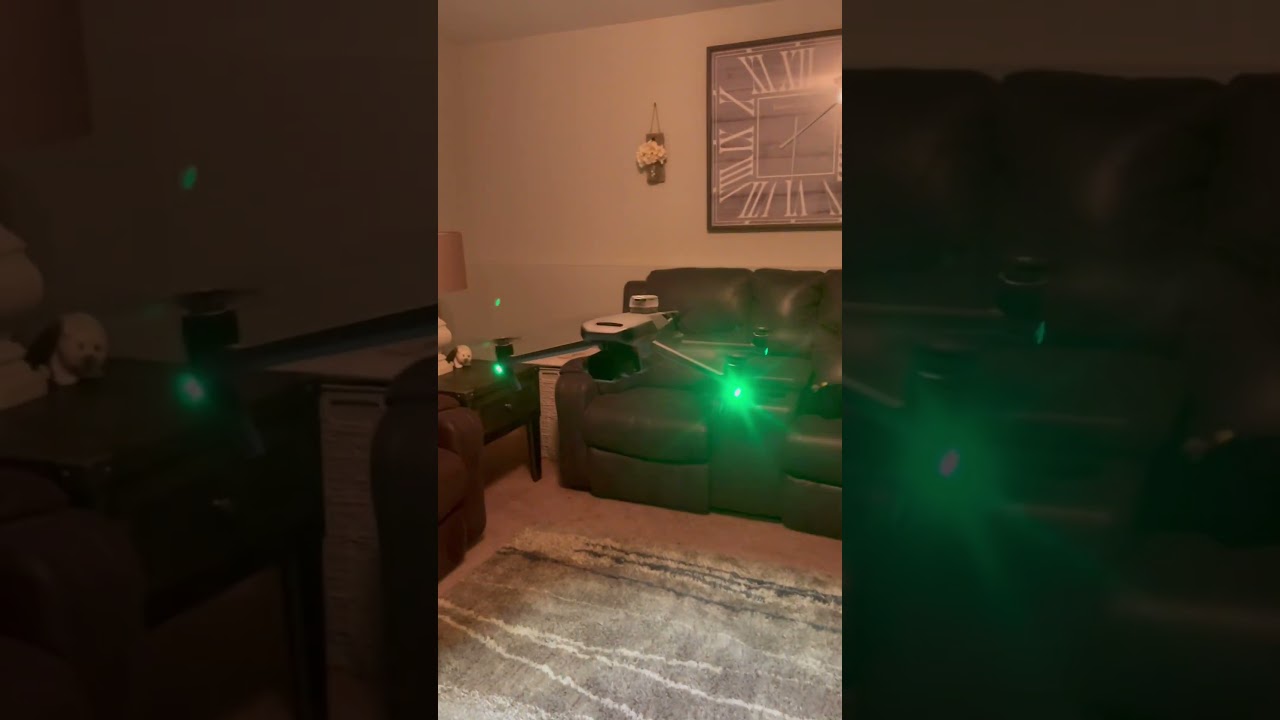
In this clip, we don't exactly see Adrien McGill risking getting under the drone himself, but then he has to walk around it to capture video.
I would, again, offer caution that bigger drones designed for longer flight times are heavy, and if anything were to go wrong, they can cause more damage to you or your possessions.
Machine cooling
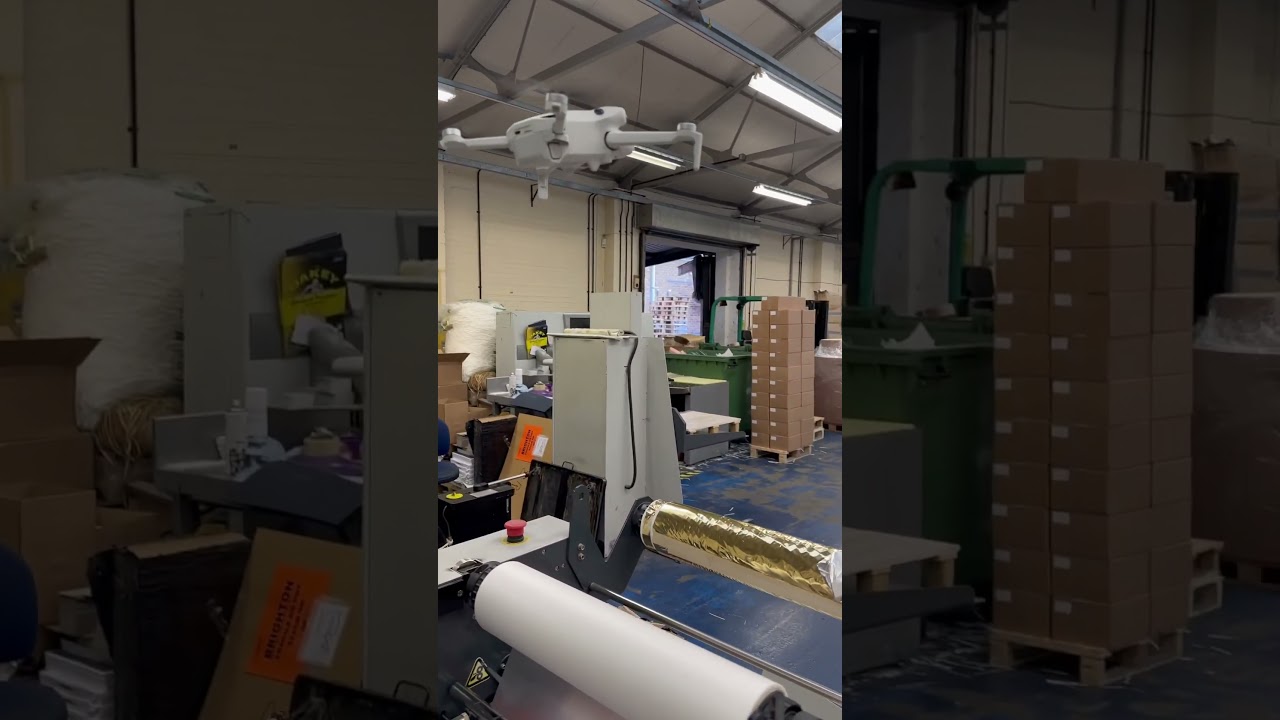
The DJI Mini 4 Pro is being used here indoors to keep machines cool. I'd not suggest this is the best way to do so… but better than having it fail, I suppose?
We've all had tech feeling a little too warm in the summer heat – but do make sure that you know your drone's maximum operating temperature, too. Lithium batteries don't always love getting too warm, and indoor hovering will have less draft than when flying around.
Safety tips
If you really are going to try this, here is my safety advice. Protecting the propellers is essential:
- Ideally, use a drone with a ducted design (DJI Neo, Avata) or a safety cage (HoverAir).
- Alternatively, buy propeller guards. These will slightly reduce hover time from the advertised figures, but also protect anyone from the ends of the whirling propellers.
- Keep the area light – especially indoors – with a textured floor, so the drone's sensors have the best chance of 'seeing' stable objects and not drifting.
- Keep the controller near you and be ready to land and keep checking the remaining battery. Keep a few percent for the landing.
Remember, drones have other uses! If you also like a bit of photo and video, check our guides to the best beginner drone and the best camera drone.

