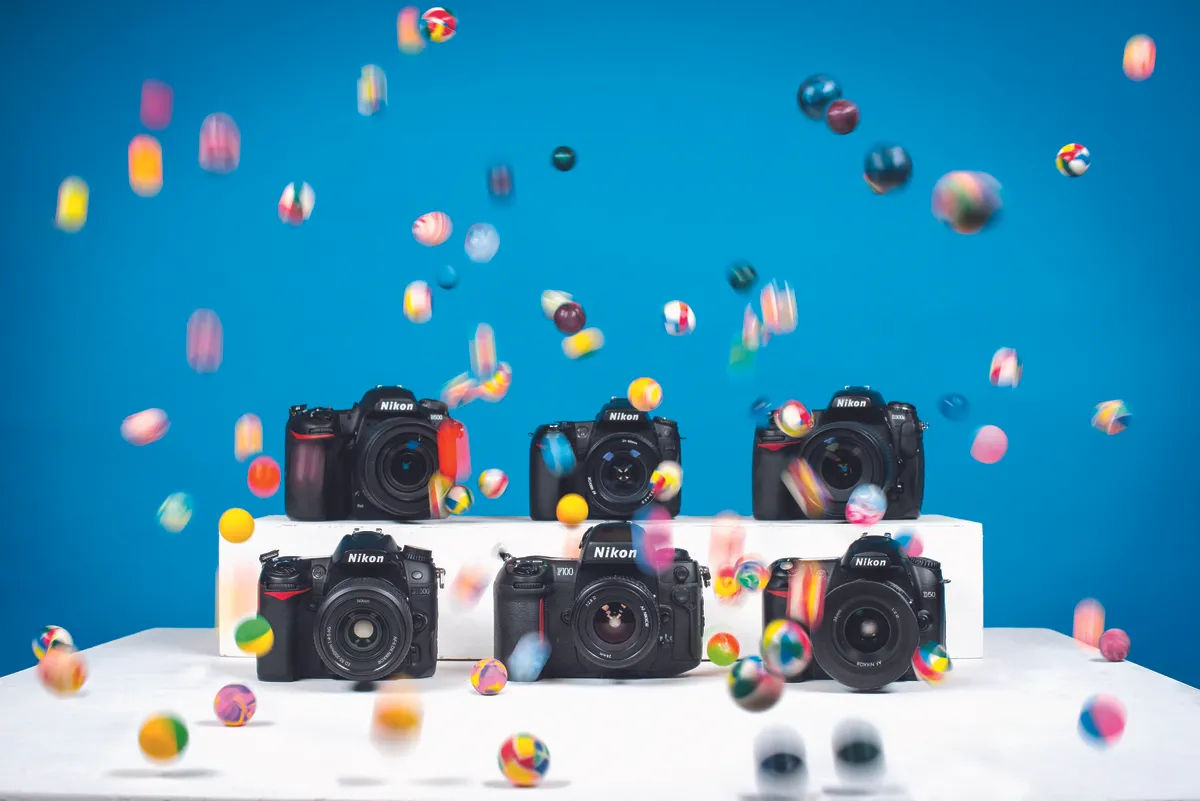
In our latest photography cheat sheet we look at some of the different ways of using shutter speed to produce different digital camera effects.
In our latest Shoot Like A Pro series post on how to use a camera, we venture beyond Program mode and your Aperture Priority setting to uncover the secrets behind using Shutter Priority mode.
Understanding shutter speed as a creative tool is essential if you want to produce images that are about movement – whether you’re freezing action, smoothing out running water or panning the camera to add motion blur.
The shutter speed often seems to take second place to more obvious creative controls such as aperture and depth of field, so we’re going to show you how important understanding shutter speed is to your creative repertoire; we’ll show you how to take control of your shutter speeds and how to turn what would have been a good shot into a great shot.
Have you ever thought about how your camera shutter actually works to regulate the brightness of your photos? Shutter speed is one of those fundamental controls on our camera that we take for granted, but knowing how it works will give you the knowledge you need to start taking pictures with more authority. Our latest photography cheat sheet illustrates how each component of your camera’s shutter works in tandem.
Panning is a great way to capture a sense of movement in your action photography, by blurring the background, but keeping the subject sharp. Panning is often thought to be quite difficult, but in reality, with sound technique and some practice you can capture motion blur quite easily. Below we’ll show you how it is done and reveal the best shutter speeds to use for different common subjects.
Do you struggle with finding the best shutter speeds when shooting unfamiliar subject matter? It can be difficult to know how to set up your camera to freeze movement, capture motion blur and other popular in-camera effects.
In the latest of our ongoing photography cheat sheet series, we’ve put together our list of what we believe are the best shutter speeds for every situation.
At a basic level, shutter speed is used to control exposure, but it can also be used as a creative tool that freezes action or adds dramatic blur to moving subjects. In this tutorial we’ll explain some of the common mistakes you might encounter while trying to achieve the five classic shutter speed effects of freezing movement, blurring action, using blur creatively, long exposures and night photography.
After we look at some of the common problems within these shutter speed ranges, we’ll suggest the best shutter speeds for you to use to achieve these effects and offer our best tips for overcoming these errors.
Like the aperture setting, the shutter speed you choose is not simply a way of controlling exposure. The speed also has a visible effect on your pictures – allowing you to control the effect of a moving camera or subject. This can ensure pin-sharp pictures, however unsteady your grip on the camera and however fast the subject is moving.
Shutter speed is the length of time that the shutter blinds in front of the camera sensor are left open. The scale used is much easier to understand than the f/stop aperture system, as exposures are measured in fractions of a second.
Got a new camera for Christmas or just upgraded? Master it quickly with our easy guide to camera settings, exposure, aperture, shutter speed, focus modes, lens choice, flash modes, image editing, printing, camera accessories, camera care, and more…
Hit the ground running with our guide to setting up your new SLR, including choosing the right exposure mode, choosing the right metering mode, setting the aperture and shutter speed, and picking the the focus and drive modes