While you still might be recovering from last year's holiday season, like it or not, the 2024 Black Friday deals event will be here before you know it. It's my job to start preparing now so I can help you find all the best offers, which is why I've created this guide with everything you need to know about this year's sale, such as the date, when sales start, and what deals you can expect.
According to Adobe Analytics, last year's Black Friday sale was bigger than ever despite economic uncertainty, with over 222.1 Billion dollars spent, a 4.9% increase compared to the previous year. This year's Black Friday date occurs on Friday, November 29, the day after Thanksgiving, and we predict it will be another record-breaking shopping event.
Based on previous years, we should start to see Black Friday deals as early as October, thanks to Amazon's 2nd Prime Day sale, which acts as a kick-off to the holiday shopping season. That means you get two months of impressive deals from retailers like Best Buy, Amazon, Walmart, Target, Home Depot, and so much more.
As a deals editor for TechRadar who's been covering Black Friday for half a decade, it's my job to help you find all the best Black Friday deals, analyzing each price and comparing offers to ensure you're buying a genuine bargain. I'll be updating this guide leading up to Black Friday so you can ensure this page is filled with all the latest Black Friday news.
Black Friday 2024: key information

When is Black Friday 2024?
Black Friday 2024 takes place on Friday, November 29. The actual date shifts, but the way of the week stays the same: it's always the Friday after Thanksgiving.
Like in years past, Black Friday deals actually start as early as October as retailers launch early sales, trying to stretch out the holiday shopping season. Amazon's October Prime Day sale is usually the kick-off to early Black Friday deals, as retailers like Walmart, Best Buy, and Target launch competing sales.
When do Black Friday deals start?
While Black Friday proper lands on November 29 this year, we should start to see deals popping up as early as October, thanks to Amazon's 2nd Prime Day sale. Based on previous years, we predict that Amazon's October Prime Day sale will take place on October 8 and 9, which means Black Friday deals should start immediately after the 48-hour sale.
While the old adage is that retailers reserve their best Black Friday deals for Black Friday proper, that hasn't been the case in recent years. We expect to see record-low prices on some of this year's best-selling tech, home items, and appliances released throughout October and November, and you'll be able to shop all the best early deals in this guide. I'll be tracking all the early sales launching in the lead-up to Black Friday, listing all the best offers and comparing prices so you can make sure you're buying a genuine bargain.
What Black Friday deals can you expect?
Black Friday is the biggest shopping event of the year, thanks to such a wide variety of items on sale from hundreds of online retailers. Some of the best Black Friday deals are on tech products, with electronics leading the way for the biggest consumer spending, according to Adobe Analytics. This is due to pricey items like TVs, laptops, headphones, smartwatches, and gaming consoles getting discounted to record-low prices that you won't find outside of Black Friday. Apple devices are also extremely popular during Black Friday with fresh discounts on brand-new 2024 gadgets, and best-ever offers on older model products. Other popular categories include clothing, furniture, home appliances, and toys.
As a deals editor who's been covering Black Friday for over half a decade, the most popular Black Friday deals I see every year are cheap big-screen 4K TVs and OLED displays, robot vacuums, Amazon's smart home devices, AirPods, air fryers and gaming consoles. I expect we'll see the same mix of products on sale at this year's Black Friday deals event, and I'll be covering all the best offers in this guide.
Black Friday 2022: our buying advice
Where to find the best Black Friday deals?
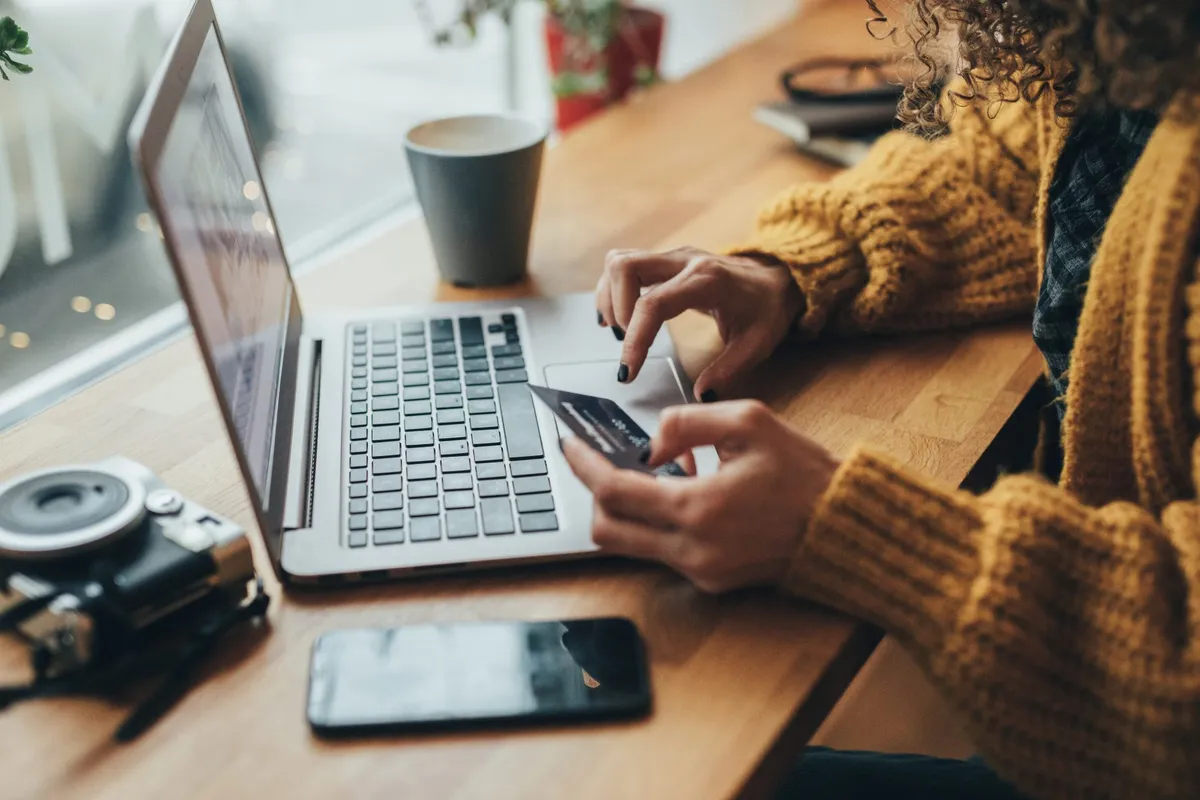
Most online retailers offer Black Friday deals, but it's our job to sort through the thousands of offers to find the very best bargains from the bunch. You'll typically find the best Black Friday deals from big-name retailers like Walmart, Best Buy, and Target, with Amazon leading the pack.
Amazon is a Black Friday favorite, not only because they typically offer the most competitive prices, but they also offer the biggest change of products. Whether you're looking for tech items like laptops, TVs, or AirPods or searching for discounts on clothing, kitchen appliances, or toys - Amazon is likely to offer Black Friday deals on the product you're after.
Other retailers that offer impressive Black Friday deals include Best Buy, Walmart, Target, Dell, Home Depot, Lowe's, and Wayfair. It can be overwhelming with so many retailers and promotions, but that's where our deal expertise comes in. We go through every retailer to pick out the very best Black Friday deals so you can make sure you're getting the lowest price available. If you're looking to shop for bargains right now, I've listed the most popular online retailers below, with current offers.
Amazon: daily deals on tech, home items, clothing, and more
Best Buy: savings on 4K TVs, laptops, and headphones
Dell: save on best-selling Inspiron and XPS laptops
Home Depot: save on tools, appliances, furniture, and more
Kohl's: save on clothing, shoes, and accessories for the whole family
Lowe's: appliance deals from Samsung, Whirlpool and LG
Target: save on furniture, tech, and clothing for the whole family
Walmart: save on TVs, laptops, kitchen appliances, and more
Why is it called Black Friday
Let’s take a history lesson to find how why they call it Black Friday: the first known mention of Black Friday related to this shopping experience was in November 1951, when the journal Factory Management and Maintenance used it to describe people calling in sick the day after Thanksgiving so they could have an extra day off work.
At the same time, US police were using the phrases “Black Friday” and “Black Saturday” to describe the horrendous traffic that occurred at the beginning of the pre-Christmas shopping season.
In 1961, the local government moved to change the shopping season to “Big Friday” and “Big Saturday,” but it never caught on. The notion that it was the time when retailers moved 'back into the black' was seen far later and clearly an attempt to bring positivity to the term.
Last year's best Black Friday deals
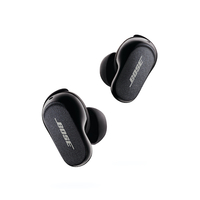
You can see last year's best Black Friday deals, which give us a good idea of what will be on sale at the 2024 event. You'll find the top deals on TVs, laptops, Apple devices, appliances, vacuums, and mattresses from brands like Samsung, LG, Roomba, Keurig, Ninja, and Bose.
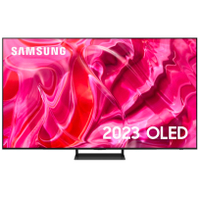
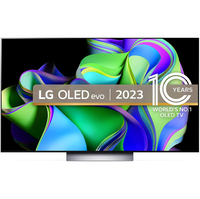
Black Friday deals: TVs


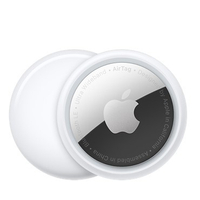
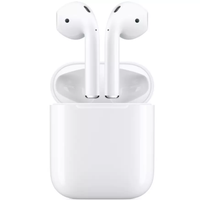
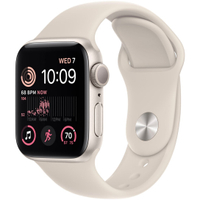
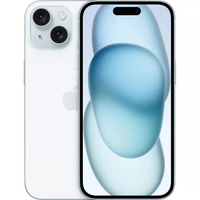
Black Friday deals: Apple devices
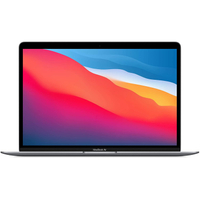
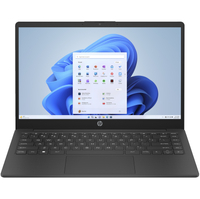
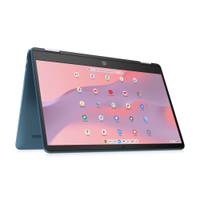
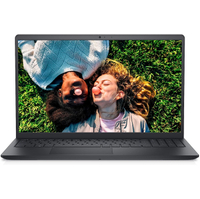
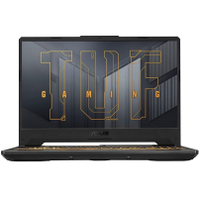
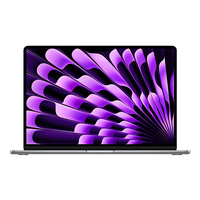
Black Friday deals: Computing
Black Friday deals: Smart home


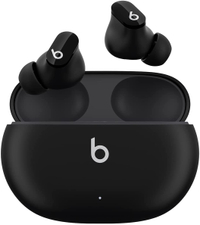
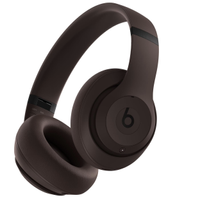
Black Friday deals: headphones
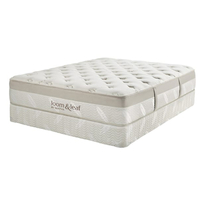
Black Friday deals: Mattresses

Black Friday deals: Appliances