Latest News

Four Japanese tech giants working on 6G achieved 100Gb/s transmissions in the 100GHz and 300GHz bands
Four Japanese tech giants working on 6G achieved 100Gb/s transmissions in the 100GHz and 300GHz bands.
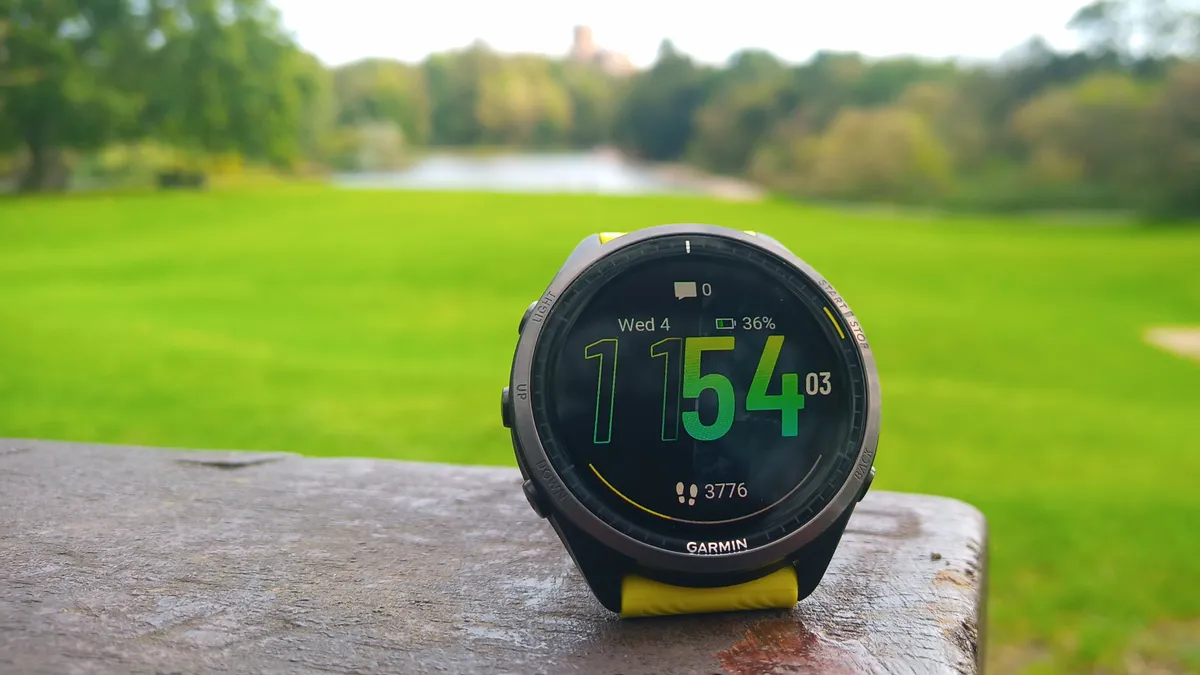
A big Garmin Forerunner update is on the way – here are 5 new features we're excited about
Garmin has announced a new update for a number of models in its Forerunner line – these are the five key features to expect.
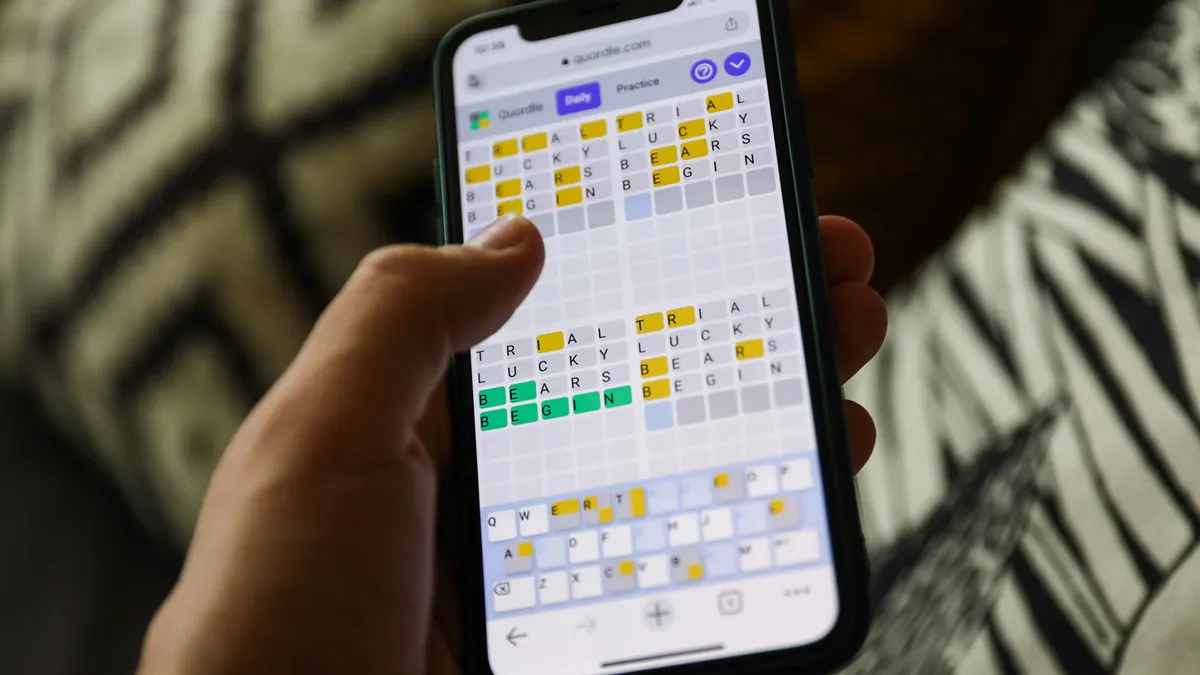
Quordle today – hints and answers for Tuesday, April 16 (game #813)
Looking for Quordle clues? We can help. Plus get the answers to Quordle today and past solutions.
NYT Strands today — hints, answers and spangram for Tuesday, April 16 (game #44)
Looking for NYT Strands answers and hints? Here's all you need to know to solve today's game, including the Spangram.

NYT Wordle today — answer and hints for game #1,032, Tuesday, April 16
Looking for Wordle hints? We can help. Plus get the answers to Wordle today and yesterday.
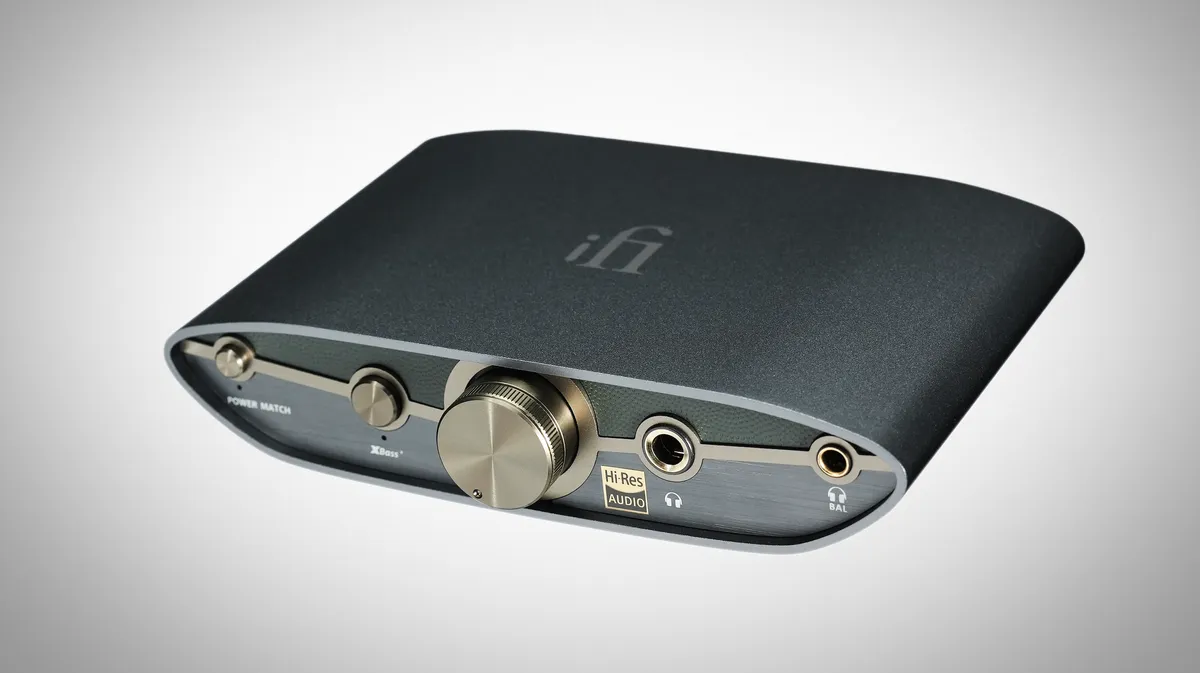
iFi's third-gen 'affordable' Zen DAC is in – and it's got a phono stage pal too
Take note, the new Zen DAC 3 comes with a $70 price hike over the original.
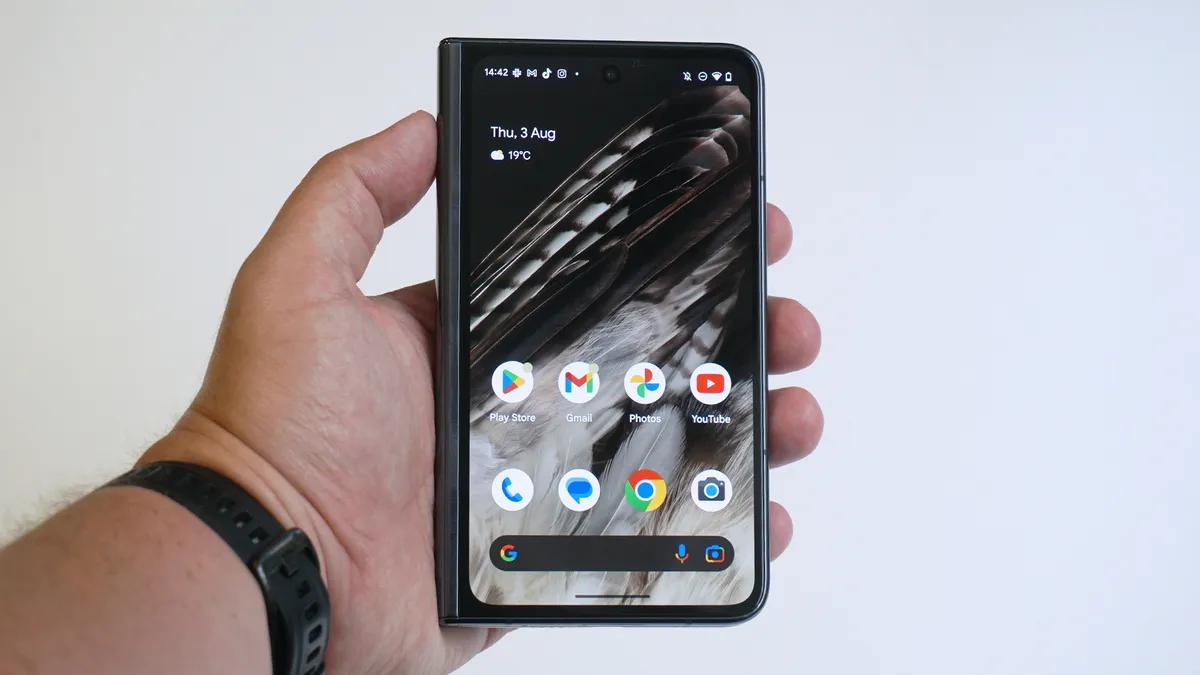
Google's next foldable could be the Pixel 9 Pro Fold and finally get flagship specs
A new leak suggest all four models of the Pixel 9 series will share a similar chipset which could be the Tensor G4.
A new Gmail feature could soon make it way easier to manage your subscriptions
Gmail's future update will let you see who sends you the most emails in a certain period of time and unsubscribe from them.